SwiftUI: How To Reset a Form
·1 min read·by dockui

Resetting a SwiftUI form means clearing all fields back to their initial state with 1 action.
This is extremely common in forms, wizards, settings screens, onboarding, etc.
Shortest working example
Code Snippet
import SwiftUI

struct ContentView: View {
    @State private var name = ""
    @State private var email = ""
    @State private var age = ""

    var body: some View {
        Form {
            TextField("Name", text: $name)
            TextField("Email", text: $email)
            TextField("Age", text: $age)

            Button("Reset") {
                resetForm()
            }
        }
    }

    func resetForm() {
        name = ""
        email = ""
        age = ""
    }
}
This is literally all you need.
Reusable reset function
make it clean by grouping your values in 1 place:
Code Snippet
struct UserForm {
    var name: String = ""
    var email: String = ""
    var age: String = ""
}
and then:
Code Snippet
struct ContentView: View {
    @State private var form = UserForm()

    var body: some View {
        Form {
            TextField("Name", text: $form.name)
            TextField("Email", text: $form.email)
            TextField("Age", text: $form.age)

            Button("Reset Form") {
                form = UserForm() // ← resets everything in one line
            }
        }
    }
}
this is a super clean pattern for bigger forms.
Reset after submit
common UX pattern = after user submitted → reset the form:
Code Snippet
Button("Submit") {
    submit()
    form = UserForm()
}
Animated form reset (optional)
Code Snippet
withAnimation {
    form = UserForm()
}
This gives a nice fade / slide update as fields clear.
Common mistakes
- storing text values in multiple places
- not grouping related fields in a model
- trying to mutate fields in the Form closure instead of in a function
Summary (Copy/Paste)
Code Snippet
struct UserForm {
    var name = ""
    var email = ""
    var age = ""
}

@State private var form = UserForm()

Button("Reset") {
    form = UserForm()
}
Similar Blogs
View All Articles
SwiftUI: How To Toggle a Switch Programmatically
Learn how to toggle a SwiftUI switch programmatically with @State and @Binding. Simple examples with code to trigger Toggle from buttons or other views.

How to use @AppStorage in SwiftUI
Learn how to use @AppStorage in SwiftUI to save user settings and preferences easily with UserDefaults
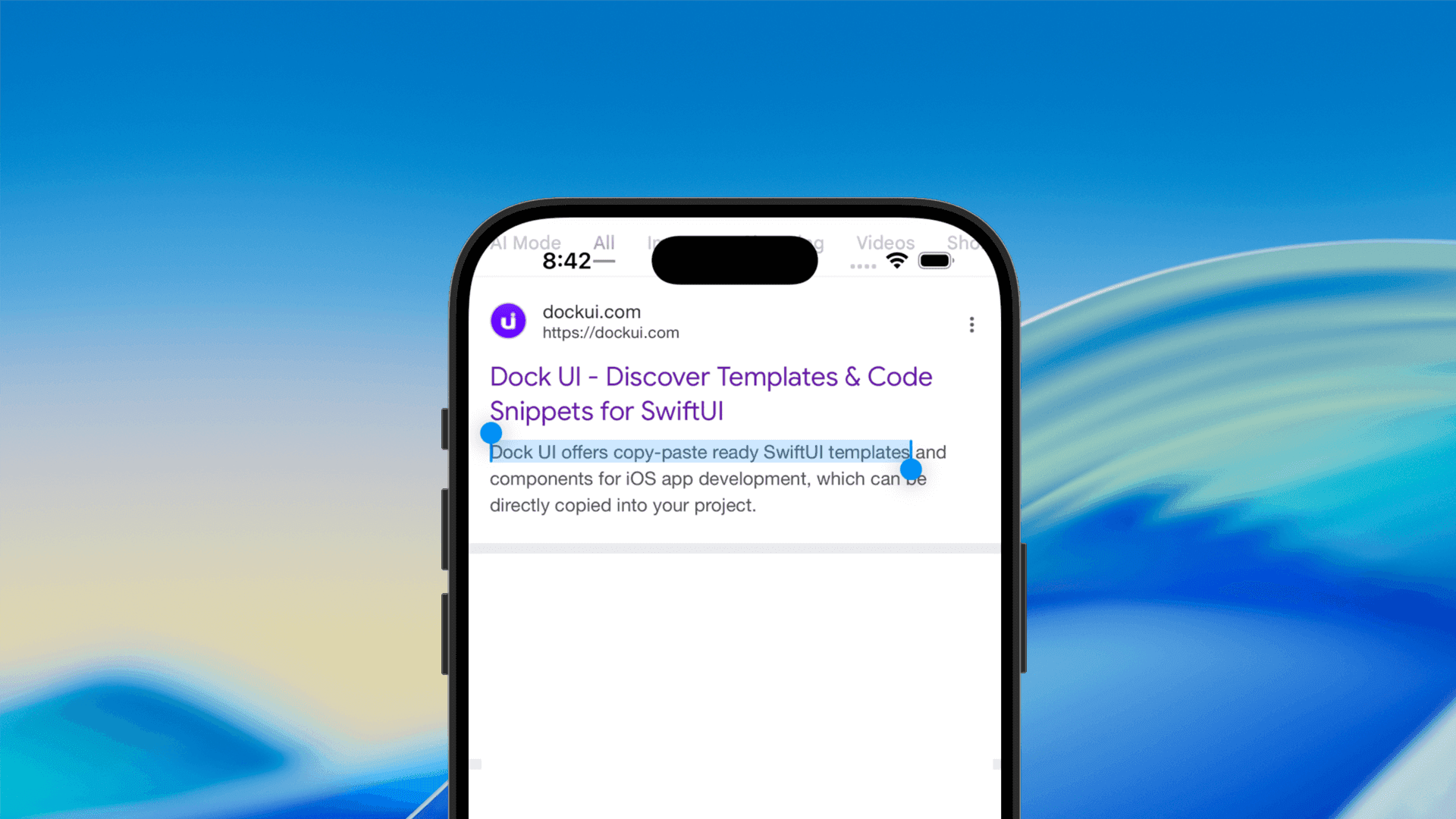
How to Make Text Selectable in SwiftUI
Learn how to make text selectable in SwiftUI using the .textSelection(.enabled) modifier. Enable text copying and selection easily in iOS 15 and later with

How to Dismiss a Sheet in SwiftUI
In this guide, you’ll learn the modern way to dismiss a sheet in SwiftUI, how it works, and how to make it fully compatible with your existing code.
Code copied to clipboard!