SwiftUI: IOS Haptic Feedback Guide 2026
·1 min read·by dockui
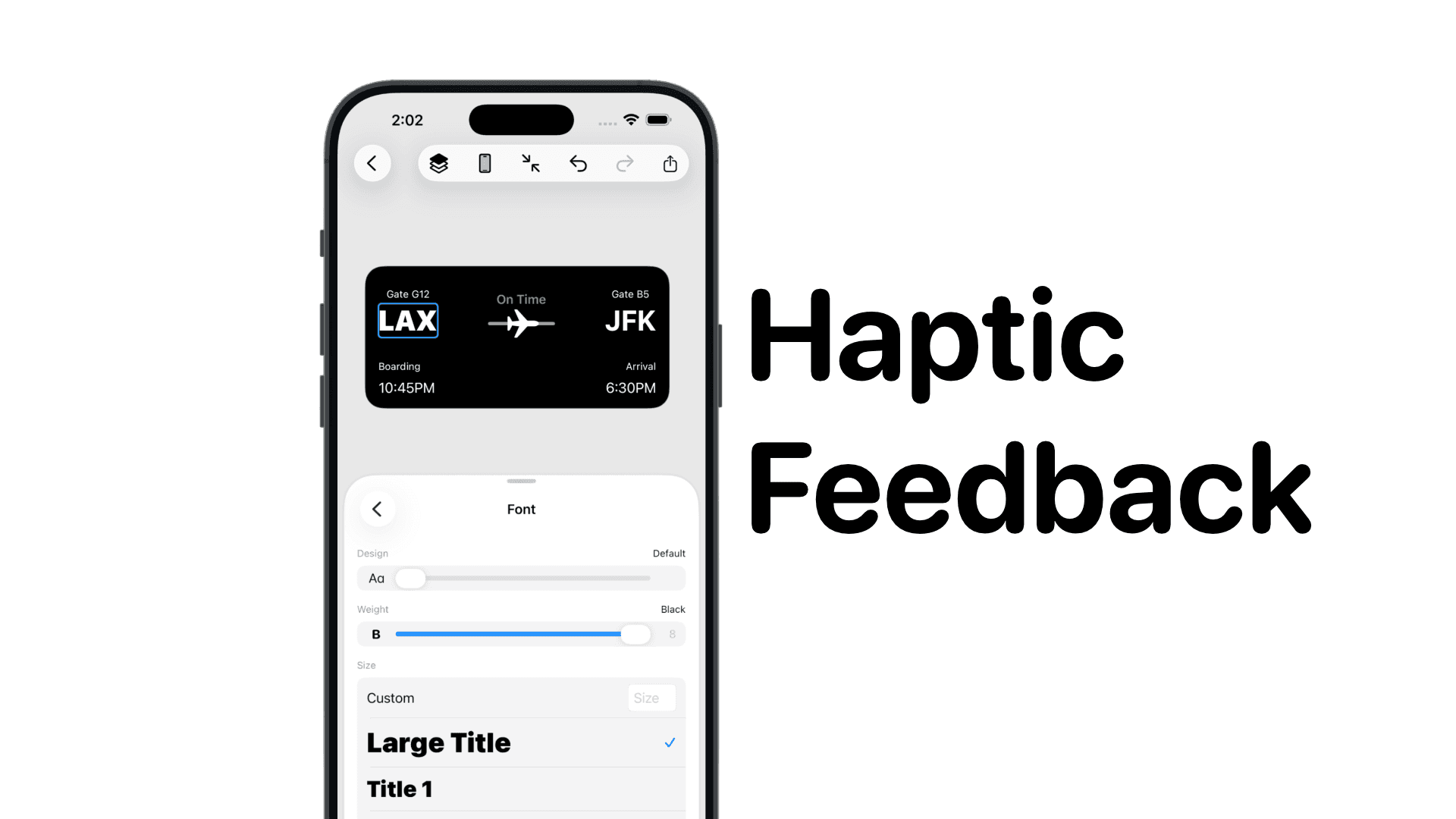
The most common UX pattern in mobile apps = haptic feedback.
In SwiftUI you can trigger vibration with one small call.
This guide shows every haptic style used in iOS apps.
The Shortest Working Example (Click To Vibrate)
Code Snippet
import SwiftUI

struct ContentView: View {
    var body: some View {
        Button("Click to Vibrate") {
            let g = UIImpactFeedbackGenerator(style: .medium)
            g.impactOccurred()
        }
    }
}
This triggers a medium vibration when the button is tapped.
Why Haptics Matter
- improves button click feedback
- makes UI feel snappy + premium
- anchors micro-interactions
- adds physical confirmation to actions
Increasingly required for native-feeling iOS apps.
Impact Haptics: soft to heavy
Code Snippet
Button("Soft Impact") {
    UIImpactFeedbackGenerator(style: .soft).impactOccurred()
}

Button("Light Impact") {
    UIImpactFeedbackGenerator(style: .light).impactOccurred()
}

Button("Medium Impact") {
    UIImpactFeedbackGenerator(style: .medium).impactOccurred()
}

Button("Rigid Impact") {
    UIImpactFeedbackGenerator(style: .rigid).impactOccurred()
}

Button("Heavy Impact") {
    UIImpactFeedbackGenerator(style: .heavy).impactOccurred()
}
These are perfect for haptic feedback patterns.
Notification Haptics: success / warning / error
Code Snippet
Button("Success") {
    UINotificationFeedbackGenerator().notificationOccurred(.success)
}

Button("Warning") {
    UINotificationFeedbackGenerator().notificationOccurred(.warning)
}

Button("Error") {
    UINotificationFeedbackGenerator().notificationOccurred(.error)
}
Use these for actions that commit something meaningful.
Selection Haptic (Picker / PickerWheel feel)
Code Snippet
Button("Selection Change") {
    UISelectionFeedbackGenerator().selectionChanged()
}
Use this when user changes a value that isn’t a commit action (like cycling options).
How To Wrap Haptics Into One Helper
Code Snippet
enum Haptic {
    static func click() {
        UIImpactFeedbackGenerator(style: .medium).impactOccurred()
    }

    static func success() {
        UINotificationFeedbackGenerator().notificationOccurred(.success)
    }

    static func error() {
        UINotificationFeedbackGenerator().notificationOccurred(.error)
    }

    static func select() {
        UISelectionFeedbackGenerator().selectionChanged()
    }
}
Usage:
Code Snippet
Button("Click to Vibrate") { Haptic.click() }Now your entire app has 1 line haptics.
Similar Blogs
View All Articles
SwiftUI: iOS Confirmation Alert (Confirm + Cancel)
SwiftUI iOS confirmation alert with Confirm and Cancel buttons. Beginners guide to building safe actions, destructive deletes, and commit dialogs.
How to optimize your SwiftUI app in 2026
Discover top strategies to optimize your SwiftUI app in 2026, enhancing performance, responsiveness, and maintainability with modern concurrency.

SwiftUI: How To Reset a Form
Learn how to reset a SwiftUI form with one line. Clear text fields instantly using @State or a form model. Simple copy/paste SwiftUI code examples.
SwiftUI: How To Toggle a Switch Programmatically
Learn how to toggle a SwiftUI switch programmatically with @State and @Binding. Simple examples with code to trigger Toggle from buttons or other views.
Code copied to clipboard!