Introducing DockUI: Your SwiftUI Companion
·1 min read·by dockui
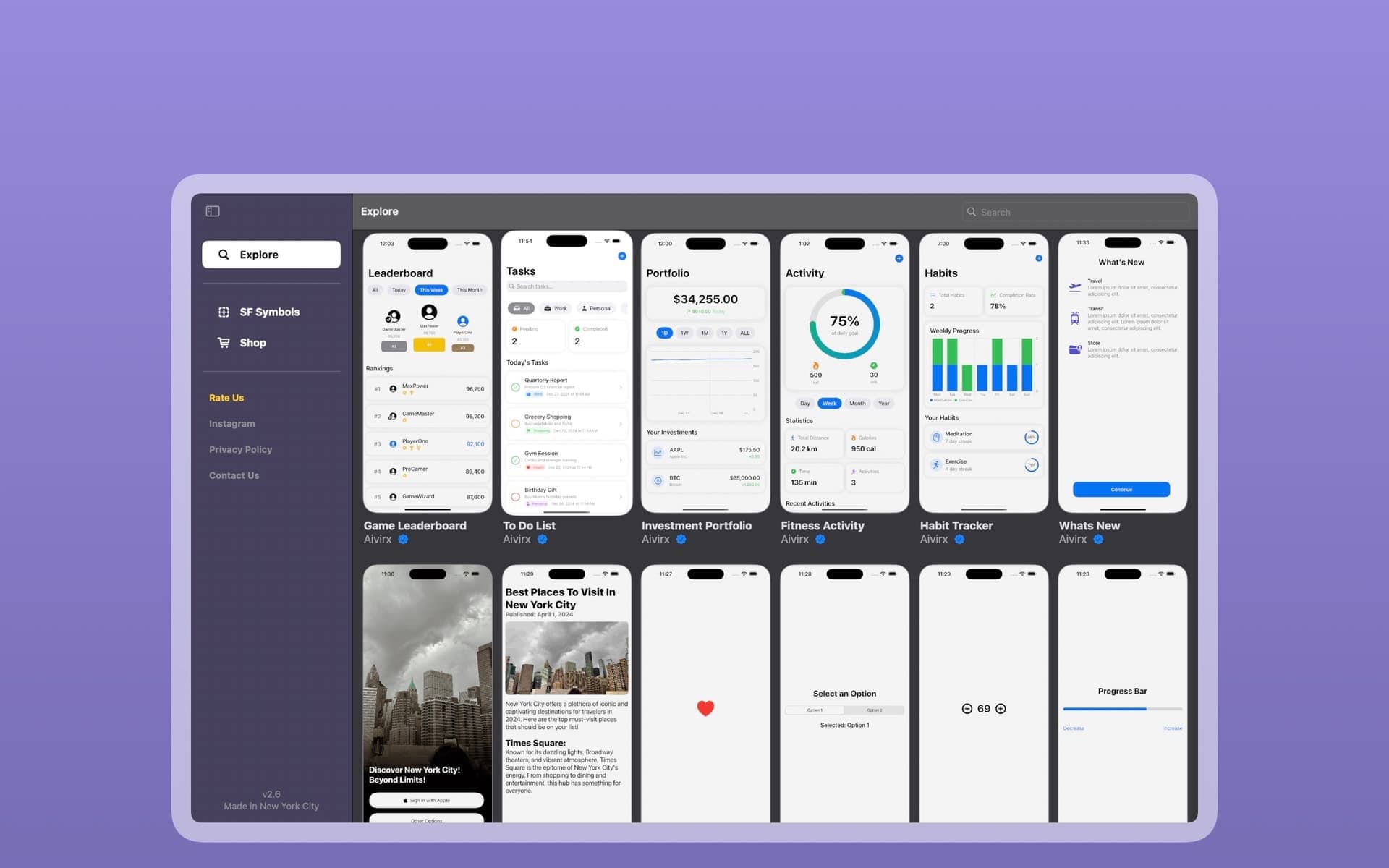
With DockUI, you get a growing collection of SwiftUI templates and components—built by developers, for developers. Every week, we drop new snippets that you can browse, favorite, and use as inspiration or straight-up plug into your own apps.
So… what exactly is DockUI?
Think of it as your personal SwiftUI toolbox. Inside the app, you’ll find:
- Clean, ready-to-use templates made by the DockUI team.
- UI components that follow Apple’s design standards and feel native.
- A simple interface that lets you browse, preview, and save your favorites.
It’s like having a SwiftUI mood board and code library in your pocket.
Why use DockUI?
- Only SwiftUI — We don’t do UIKit. DockUI is 100% focused on SwiftUI so you’re not distracted by code that doesn’t apply to your stack.
- High-Quality Designs — Every template is tested and polished before it hits the app.
- Save What You Like — Logged in users can favorite templates to keep track of the ones they vibe with.
Who's it for?
- Developers looking for inspiration or quick-start designs.
- SwiftUI beginners who want to see real code and learn by example.
Try It Out
If you’re working on an iOS app and want to speed things up—or just want a place to scroll through fresh UI ideas—DockUI is worth a download. We’re adding new templates every week and we’re just getting started.
Similar Blogs
View All Articles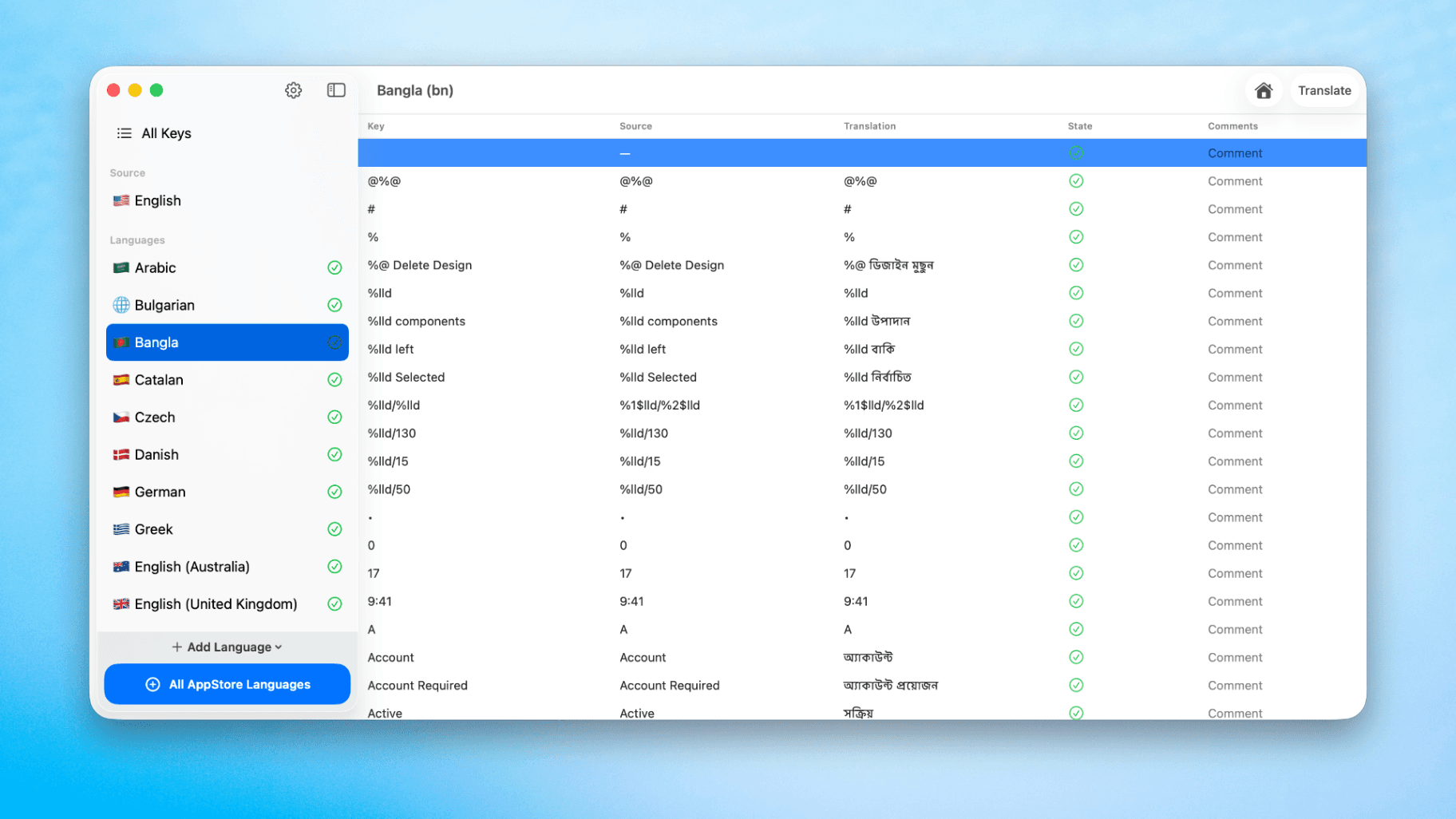
How to Translate Xcode String Catalogs with AI
Learn how to efficiently translate Xcode string catalogs using AI fast, streamlining localization for your iOS and SwiftUI applications.
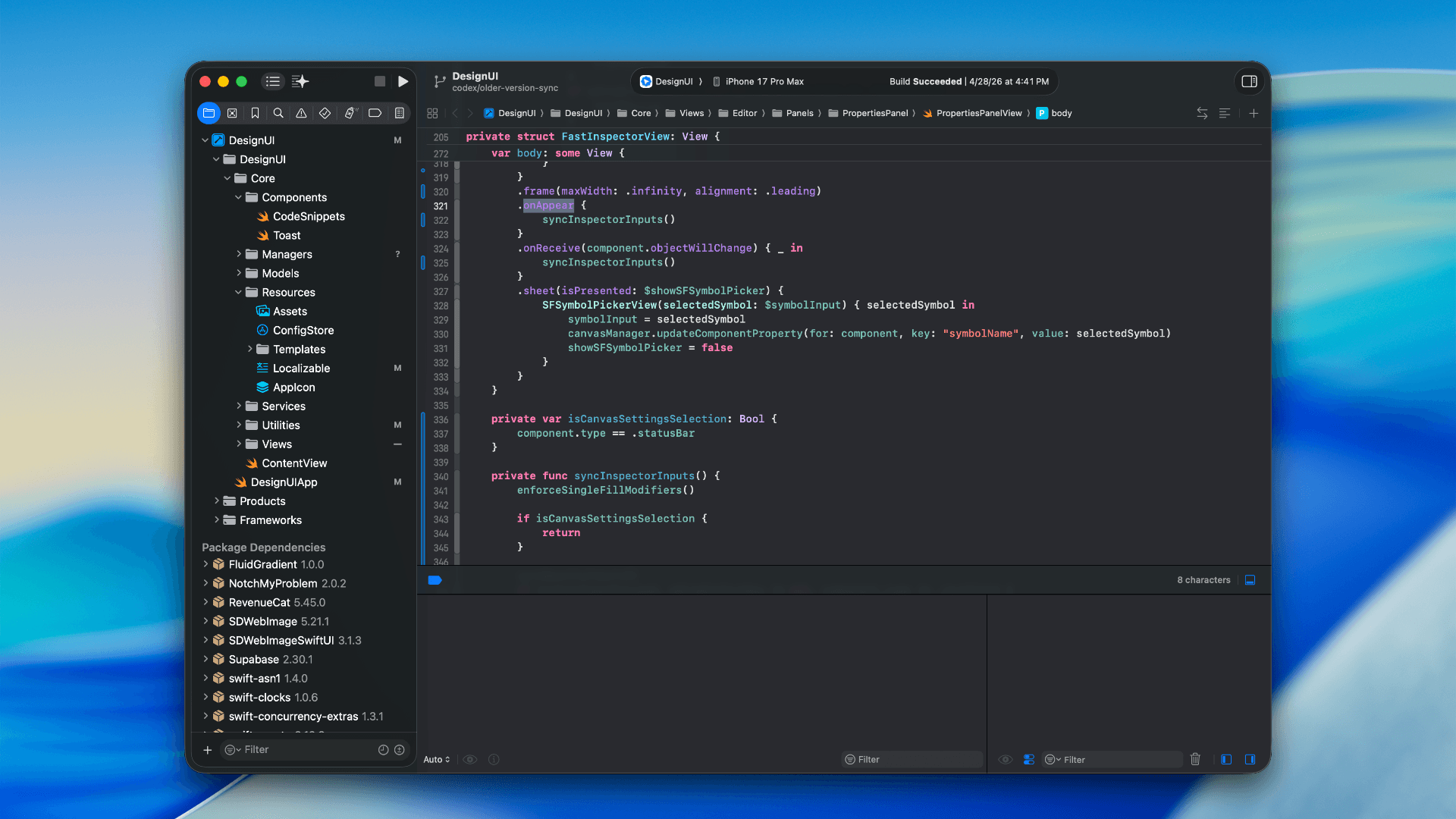
How to optimize your SwiftUI app in 2026
Discover top strategies to optimize your SwiftUI app in 2026, enhancing performance, responsiveness, and maintainability with modern concurrency.

SwiftUI: iOS Confirmation Alert (Confirm + Cancel)
SwiftUI iOS confirmation alert with Confirm and Cancel buttons. Beginners guide to building safe actions, destructive deletes, and commit dialogs.
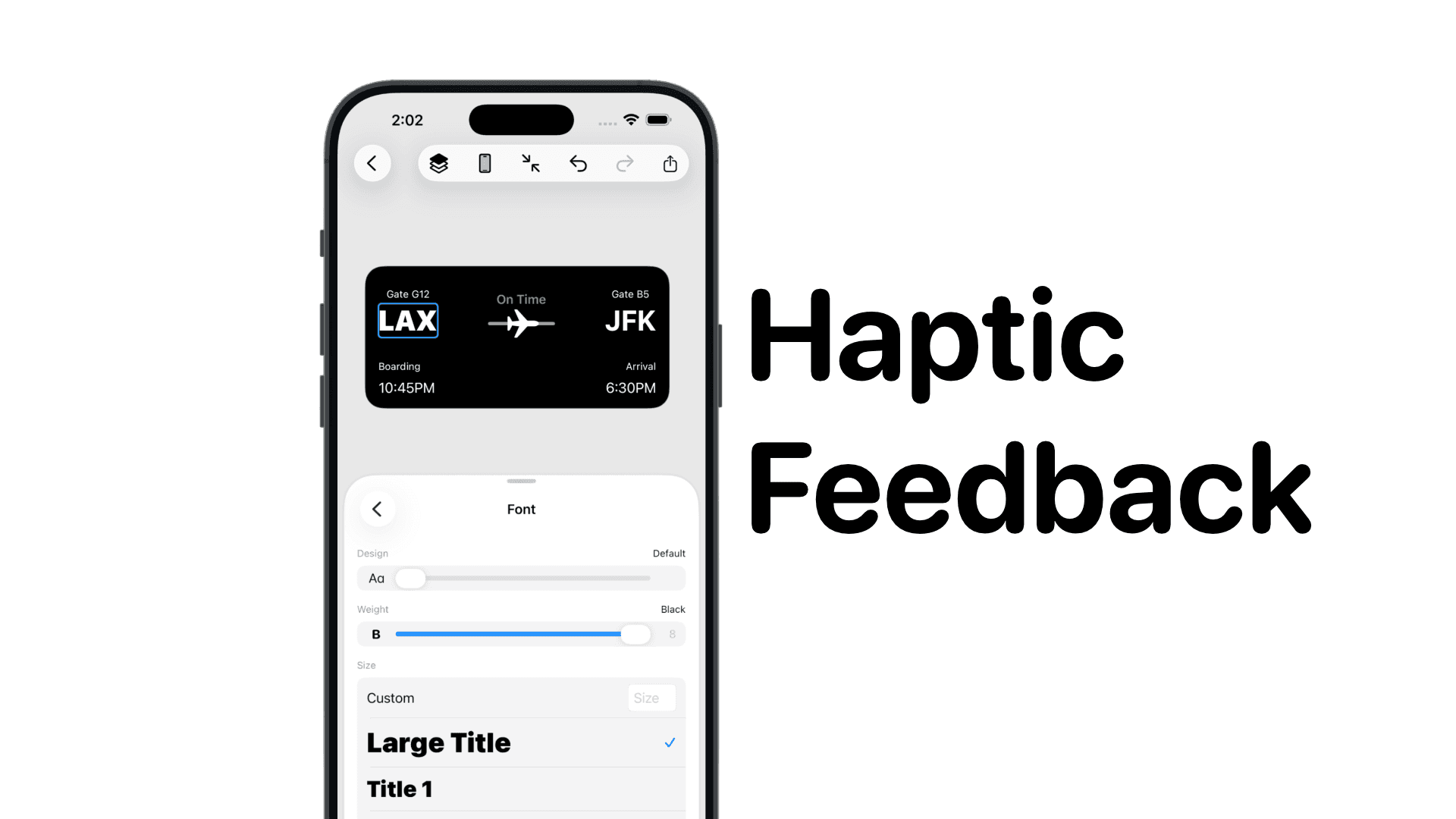
SwiftUI: IOS Haptic Feedback Guide 2026
Add click to vibrate haptic feedback in SwiftUI. Full guide to UIImpactFeedbackgenerator, success, error, selection, and tap vibration patterns with code.
Code copied to clipboard!