
Article Template
by dockui
Clean article view featuring a title, date, and body text, complemented by space for a cover image (images not included). Ideal for content presentation!
- Platform
- SwiftUI
- Code
- Native Swift
- Format
- Screen
- Access
- Free
Code Snippet
struct ArticleView: View {
    var body: some View {
        ScrollView {
            VStack(alignment: .leading) {
                // Title
                Text("Best Places To Visit In New York City")
                    .font(.system(size: 36))
                    .fontWeight(.heavy)
                    .foregroundStyle(.primary)

                // Publish Date
                Text("Published: April 1, 2024")
                    .font(.system(size: 20))
                    .fontWeight(.heavy)
                    .foregroundStyle(.secondary)

                // Cover Image
                Image("IMG_1027_Original")
                    .resizable()
                    .scaledToFill()
                    .frame(maxWidth: .infinity)
                    .frame(height: 250)
                    .clipShape(RoundedRectangle(cornerSize: CGSize(width: 10, height: 10)))
                    .clipped()

                // Introduction
                Text("New York City offers a plethora of iconic and captivating destinations for travelers in 2024. Here are the top must-visit places that should be on your list!")
                    .font(.system(size: 22))
                    .padding(.top, 10)

                // Subheading
                Text("Times Square:")
                    .font(.system(size: 30))
                    .fontWeight(.heavy)
                    .padding(.top, 10)

                // Body
                Text("Known for its dazzling lights, Broadway theaters, and vibrant atmosphere, Times Square is the epitome of New York Citys energy. From shopping to dining and entertainment, this hub has something for everyone.")
                    .font(.system(size: 22))
            }
            .padding(10)
        }
    }
}
More Templates
View All TemplatesSimilar Blogs
View All Articles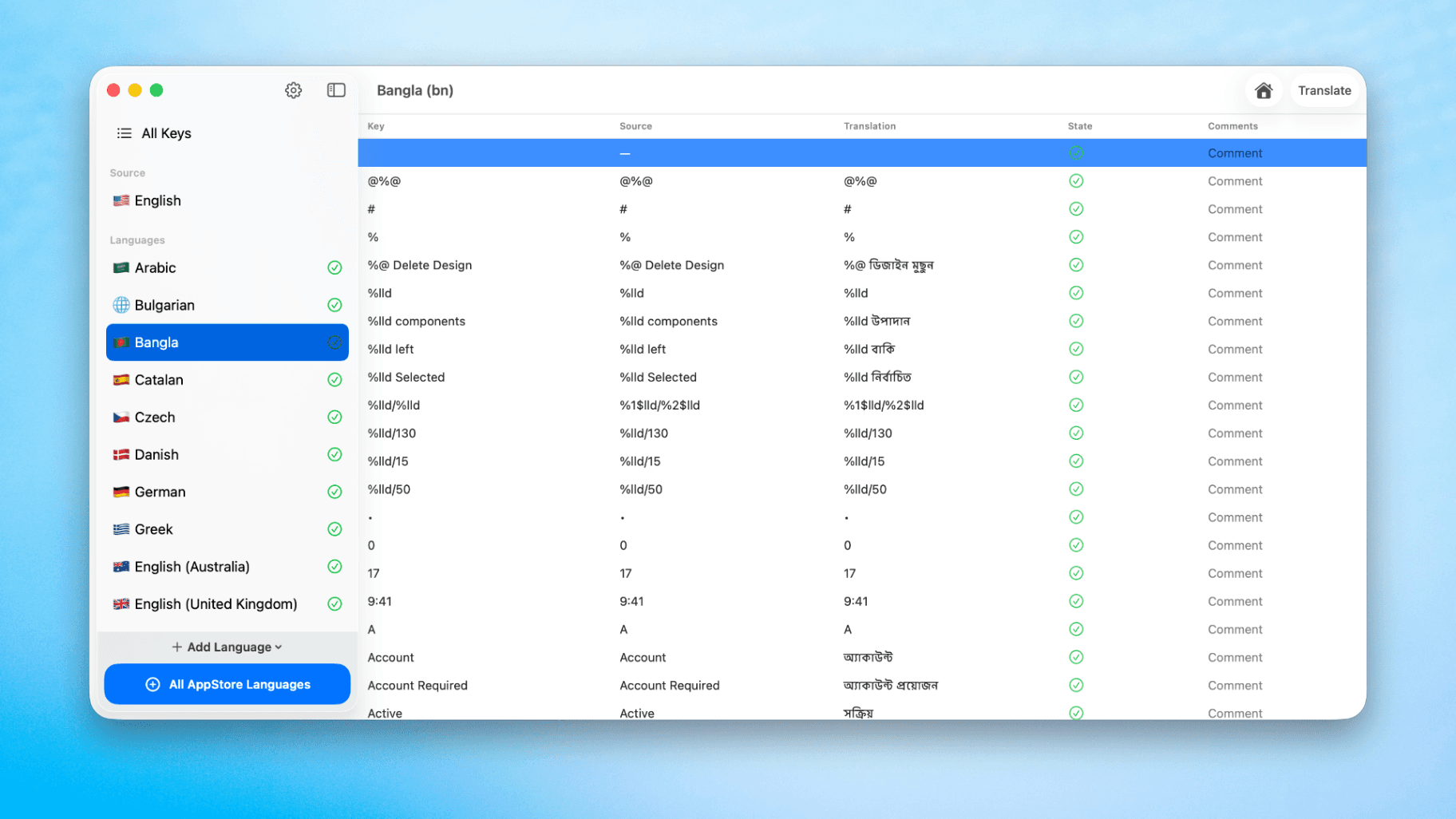
How to Translate Xcode String Catalogs with AI
Learn how to efficiently translate Xcode string catalogs using AI fast, streamlining localization for your iOS and SwiftUI applications.
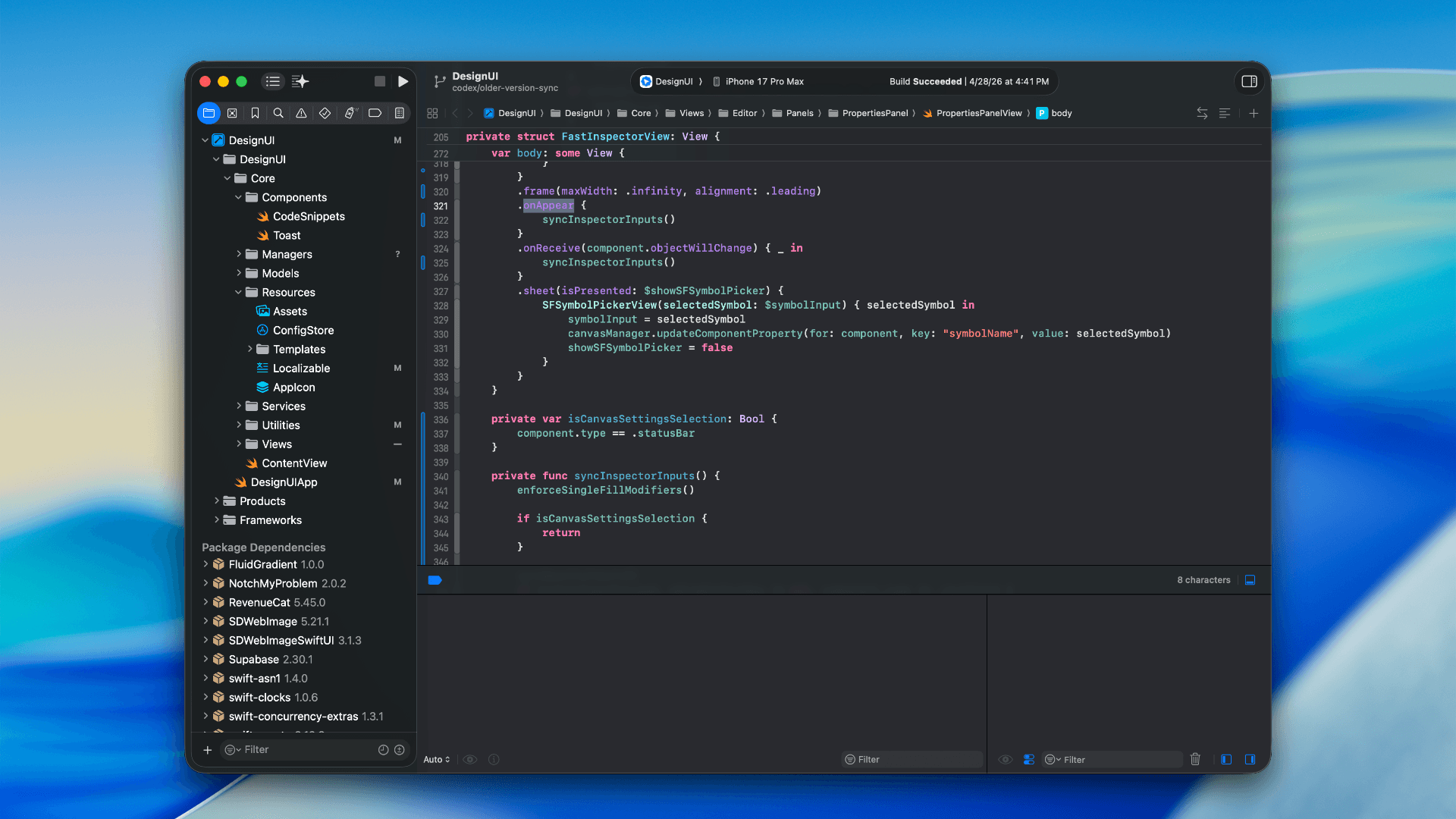
How to optimize your SwiftUI app in 2026
Discover top strategies to optimize your SwiftUI app in 2026, enhancing performance, responsiveness, and maintainability with modern concurrency.

SwiftUI: iOS Confirmation Alert (Confirm + Cancel)
SwiftUI iOS confirmation alert with Confirm and Cancel buttons. Beginners guide to building safe actions, destructive deletes, and commit dialogs.
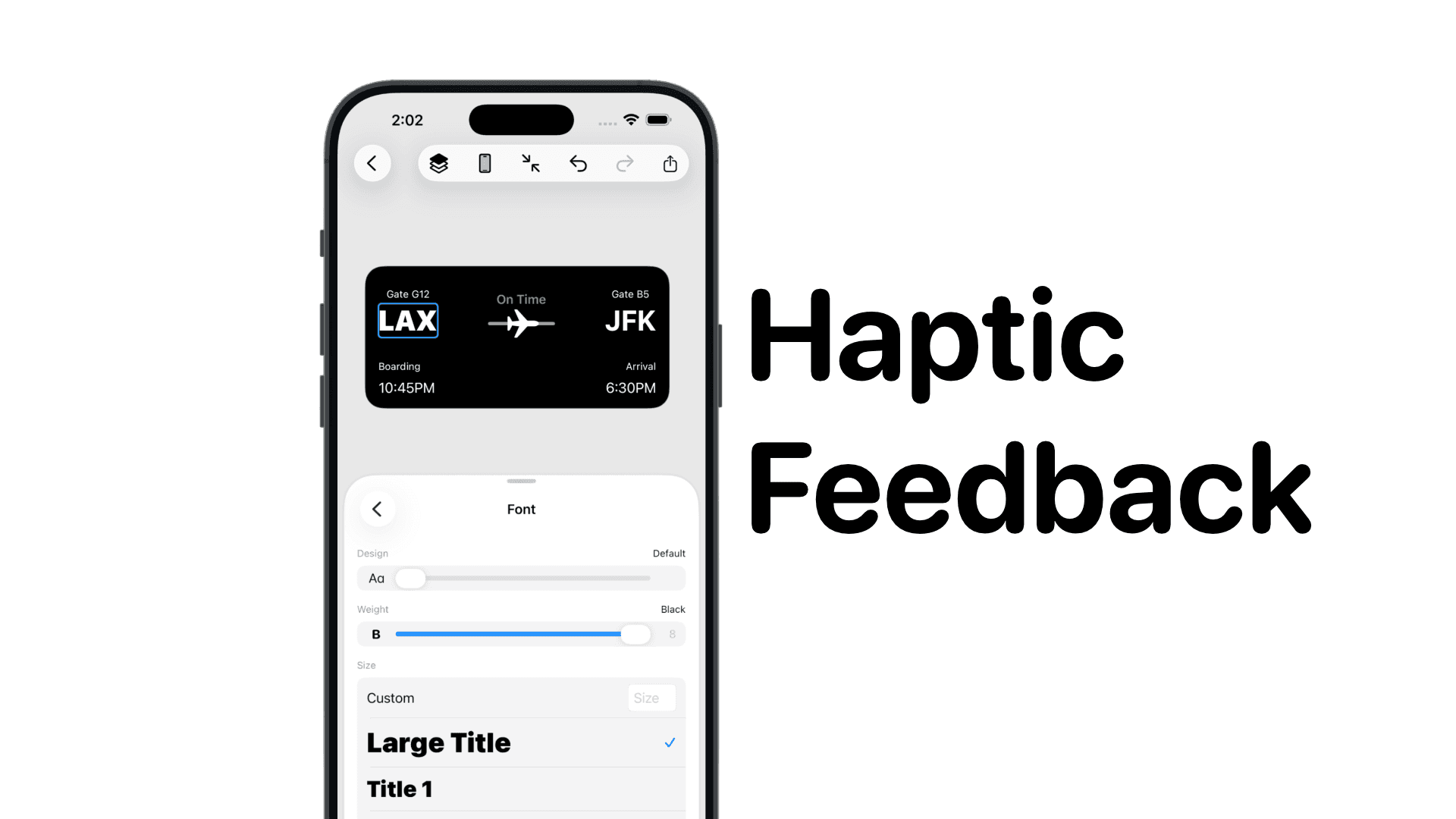
SwiftUI: IOS Haptic Feedback Guide 2026
Add click to vibrate haptic feedback in SwiftUI. Full guide to UIImpactFeedbackgenerator, success, error, selection, and tap vibration patterns with code.
Code copied to clipboard!