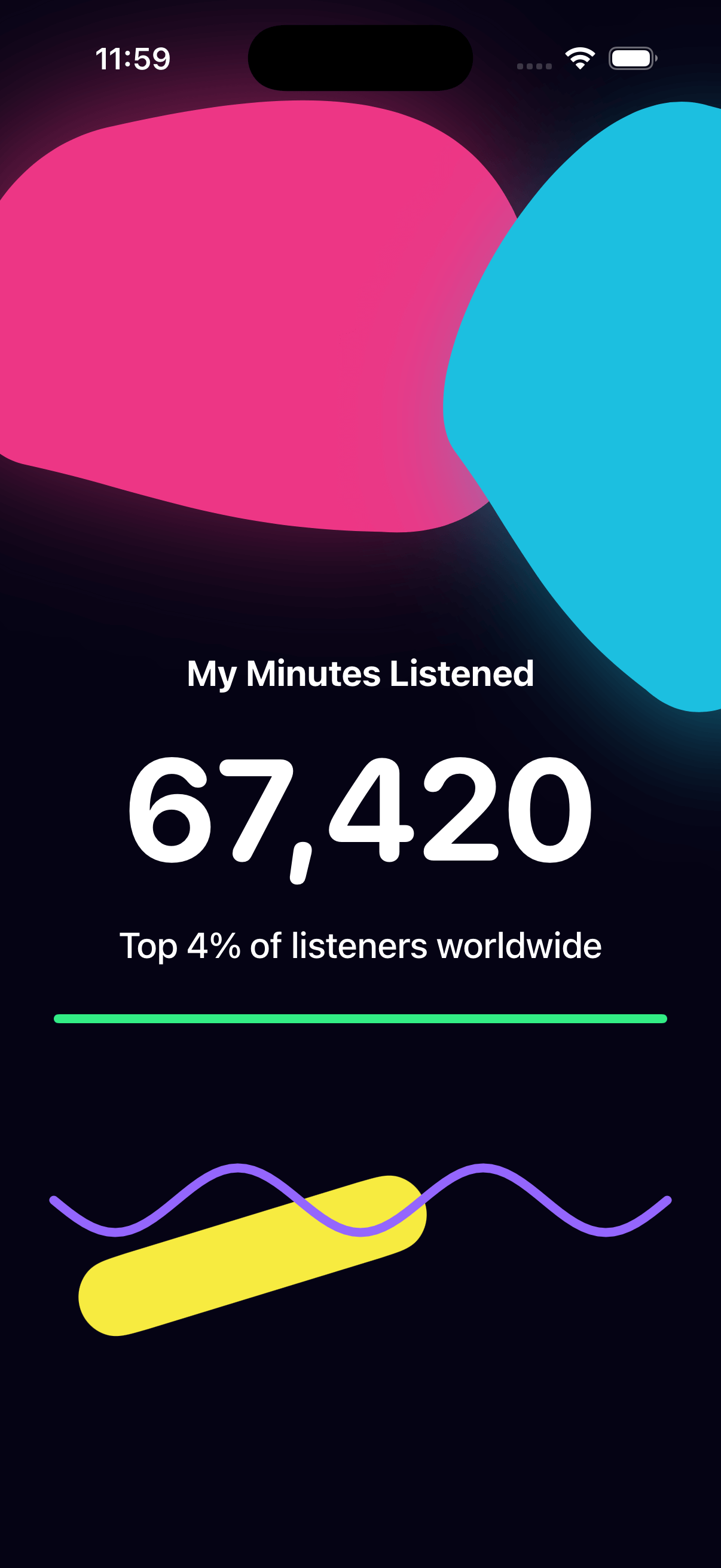
Wrapped Stats
by dockui
Spotify Wrapped-style SwiftUI view with dark-mode abstract background, bold minutes listened display, and stylish music stats UI
- Platform
- SwiftUI
- Code
- Native Swift
- Format
- Screen
- Access
- Free
Code Snippet
import SwiftUI

struct WrappedView: View {
    var body: some View {
        ZStack {
            Color(red: 0.02, green: 0.01, blue: 0.08)
                .ignoresSafeArea()

            GeometryReader { proxy in
                ZStack {
                    abstractLayer(size: proxy.size)

                    mainContent
                }
            }
        }
    }

    private func abstractLayer(size: CGSize) -> some View {
        let width = size.width
        let height = size.height

        return ZStack {
            BlobShape()
                .fill(Color(red: 0.93, green: 0.21, blue: 0.52))
                .frame(width: width * 0.85, height: width * 0.7)
                .rotationEffect(.degrees(-8))
                .offset(x: -width * 0.15, y: -height * 0.35)
                .shadow(color: Color(red: 0.93, green: 0.21, blue: 0.52).opacity(0.6), radius: 40, x: -10, y: -10)

            BlobShape()
                .fill(Color(red: 0.11, green: 0.75, blue: 0.88))
                .frame(width: width * 0.66, height: width * 0.9)
                .rotationEffect(.degrees(22))
                .offset(x: width * 0.45, y: -height * 0.3)
                .shadow(color: Color(red: 0.11, green: 0.75, blue: 0.88).opacity(0.5), radius: 30, x: 12, y: 18)

            RoundedRectangle(cornerRadius: 12, style: .continuous)
                .fill(Color(red: 0.2, green: 0.93, blue: 0.52))
                .frame(width: width * 0.85, height: 5)
                .offset(y: height * 0.15)

            Capsule(style: .continuous)
                .fill(Color(red: 0.97, green: 0.92, blue: 0.25))
                .frame(width: width * 0.5, height: 44)
                .rotationEffect(.degrees(-17))
                .offset(x: -width * 0.15, y: height * 0.32)

            WavyRibbon(amplitude: 18, frequency: 5)
                .stroke(Color(red: 0.58, green: 0.4, blue: 0.99), style: StrokeStyle(lineWidth: 5, lineCap: .round, lineJoin: .round))
                .frame(width: width * 0.85, height: 120)
                .offset(y: height * 0.28)
        }
        .blendMode(.normal)
    }

    private var mainContent: some View {
        VStack(spacing: 16) {
            Spacer() // push content to vertical center

            // Text above
            Text("My Minutes Listened")
                .font(.title3.weight(.bold))
                .foregroundStyle(.white)

            // Big minutes
            Text("67,420")
                .font(.system(size: 80, weight: .bold, design: .rounded))
                .foregroundStyle(.white)

            // Text below
            Text("Top 4% of listeners worldwide")
                .font(.title3.weight(.medium))
                .foregroundStyle(.white)

            Spacer() // keep content vertically centered
        }
        .frame(maxWidth: .infinity, maxHeight: .infinity)
    }


    private var header: some View {
        VStack(alignment: .leading, spacing: 8) {
            Text("Wrapped")
                .font(.footnote)
                .tracking(5)
                .textCase(.uppercase)
                .opacity(0.95)

            Text("Your 2025")
                .font(.system(size: 46, weight: .heavy, design: .rounded))
        }
    }

    private func statCard(_ stat: (title: String, value: String, detail: String), accent: Color) -> some View {
        VStack(alignment: .leading, spacing: 10) {
            Text(stat.title)
                .font(.caption)
                .tracking(2)
                .opacity(0.8)

            Text(stat.value)
                .font(.title.weight(.heavy))

            Text(stat.detail)
                .font(.footnote)
                .opacity(0.85)

            Spacer(minLength: 0)

            Capsule()
                .fill(accent.opacity(0.7))
                .frame(height: 4)
                .shadow(color: accent.opacity(0.8), radius: 8, x: 0, y: 8)
        }
        .padding(20)
        .frame(maxWidth: .infinity, minHeight: 190, alignment: .topLeading)
        .background(
            RoundedRectangle(cornerRadius: 26, style: .continuous)
                .fill(Color(red: 0.07, green: 0.07, blue: 0.13).opacity(0.96))
                .overlay(
                    RoundedRectangle(cornerRadius: 26, style: .continuous)
                        .strokeBorder(Color.white.opacity(0.18), lineWidth: 1)
                )
                .shadow(color: .black.opacity(0.5), radius: 24, x: 0, y: 14)
        )
    }

    private var bottomBadge: some View {
        HStack(spacing: 18) {
            Circle()
                .fill(Color(red: 0.26, green: 0.26, blue: 0.32))
                .frame(width: 56, height: 56)
                .overlay(
                    Image(systemName: "waveform.path.ecg")
                        .font(.title2.bold())
                        .foregroundStyle(.white)
                )

            VStack(alignment: .leading, spacing: 4) {
                Text("Night Owl Tier")
                    .font(.headline.bold())
                Text("69% of plays after midnight · Keep the glow going.")
                    .font(.subheadline)
                    .opacity(0.8)
            }

            Spacer()

            Image(systemName: "chevron.right")
                .font(.title3.weight(.semibold))
                .opacity(0.7)
        }
        .padding(20)
        .background(
            Capsule(style: .continuous)
                .fill(Color(red: 0.09, green: 0.09, blue: 0.16).opacity(0.95))
                .overlay(
                    Capsule(style: .continuous)
                        .stroke(Color.white.opacity(0.18), lineWidth: 1)
                )
        )
    }

    private func accentColor(_ index: Int) -> Color {
        let palette: [Color] = [
            Color(red: 0.95, green: 0.32, blue: 0.66),
            Color(red: 0.18, green: 0.78, blue: 0.87),
            Color(red: 0.97, green: 0.73, blue: 0.29),
            Color(red: 0.63, green: 0.45, blue: 0.98)
        ]
        return palette[index % palette.count]
    }
}

struct BlobShape: Shape {
    func path(in rect: CGRect) -> Path {
        Path { path in
            let width = rect.width
            let height = rect.height
            path.move(to: CGPoint(x: 0.95 * width, y: 0.37 * height))
            path.addCurve(
                to: CGPoint(x: 0.66 * width, y: 0.95 * height),
                control1: CGPoint(x: 1.02 * width, y: 0.67 * height),
                control2: CGPoint(x: 0.92 * width, y: 1.02 * height)
            )
            path.addCurve(
                to: CGPoint(x: 0.1 * width, y: 0.72 * height),
                control1: CGPoint(x: 0.4 * width, y: 0.9 * height),
                control2: CGPoint(x: 0.28 * width, y: 0.8 * height)
            )
            path.addCurve(
                to: CGPoint(x: 0.32 * width, y: 0.08 * height),
                control1: CGPoint(x: -0.08 * width, y: 0.64 * height),
                control2: CGPoint(x: 0.02 * width, y: 0.1 * height)
            )
            path.addCurve(
                to: CGPoint(x: 0.95 * width, y: 0.37 * height),
                control1: CGPoint(x: 0.62 * width, y: 0.05 * height),
                control2: CGPoint(x: 0.88 * width, y: 0.08 * height)
            )
            path.closeSubpath()
        }
    }
}

struct WavyRibbon: Shape {
    var amplitude: CGFloat
    var frequency: CGFloat

    func path(in rect: CGRect) -> Path {
        Path { path in
            let step = rect.width / 80
            path.move(to: CGPoint(x: 0, y: rect.midY))
            var x: CGFloat = 0
            while x <= rect.width {
                let relative = x / rect.width
                let y = rect.midY + sin(relative * .pi * frequency) * amplitude
                path.addLine(to: CGPoint(x: x, y: y))
                x += step
            }
        }
    }
}
More Templates
More Templates
View All TemplatesSimilar Blogs
View All Articles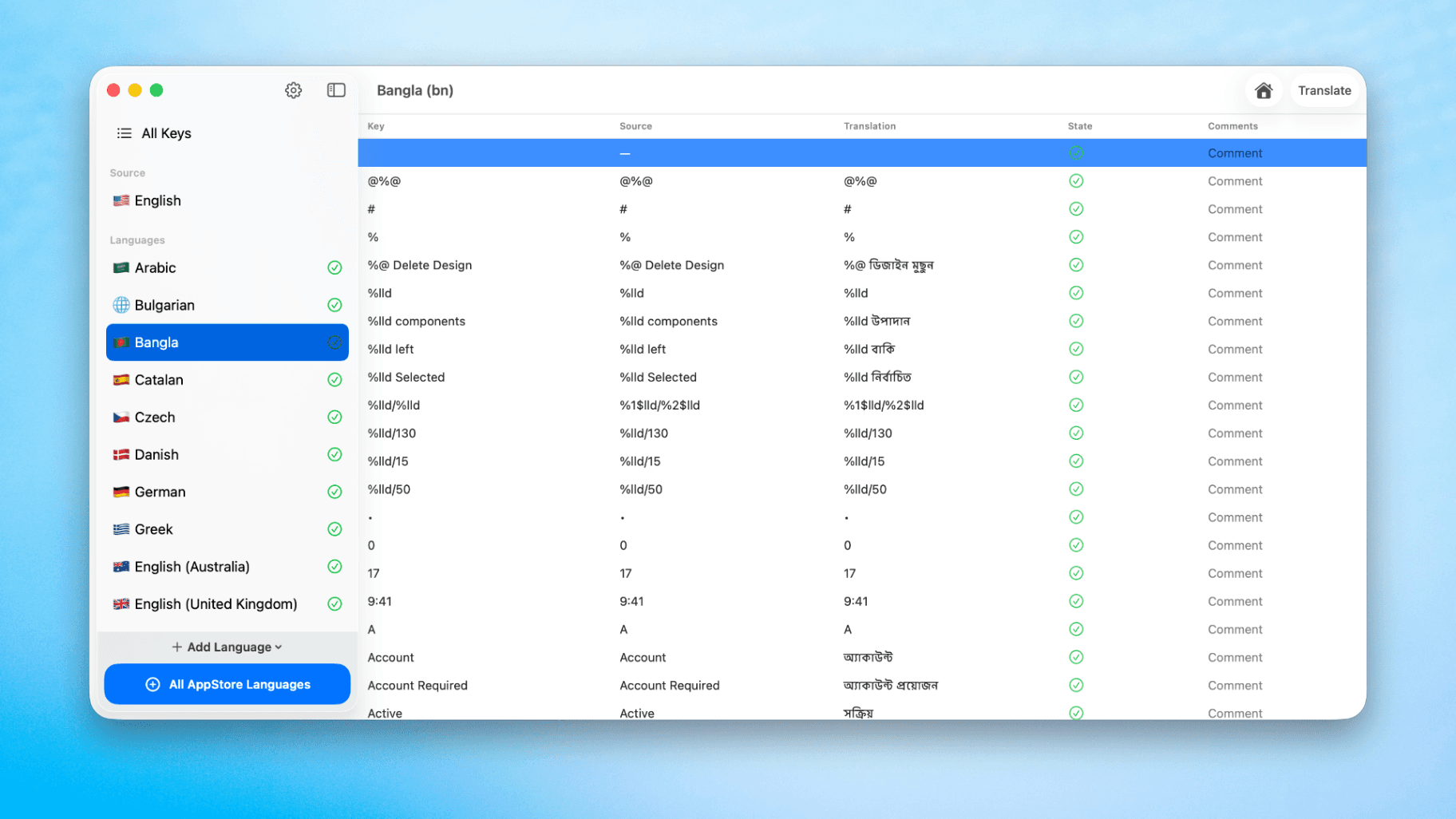
How to Translate Xcode String Catalogs with AI
Learn how to efficiently translate Xcode string catalogs using AI fast, streamlining localization for your iOS and SwiftUI applications.
by dockui
May 4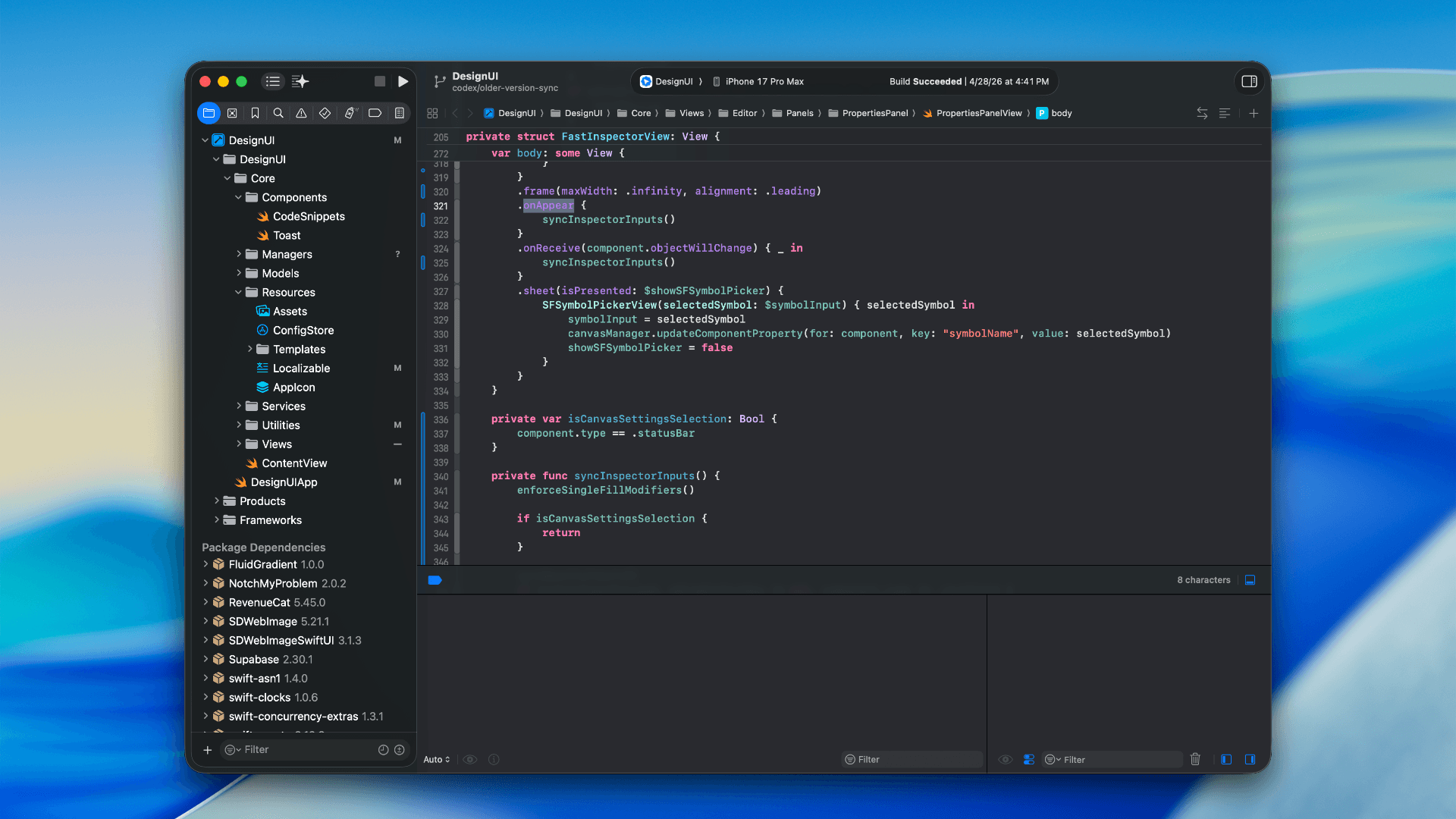
How to optimize your SwiftUI app in 2026
Discover top strategies to optimize your SwiftUI app in 2026, enhancing performance, responsiveness, and maintainability with modern concurrency.
by dockui
Apr 29
SwiftUI: iOS Confirmation Alert (Confirm + Cancel)
SwiftUI iOS confirmation alert with Confirm and Cancel buttons. Beginners guide to building safe actions, destructive deletes, and commit dialogs.
by dockui
Nov 11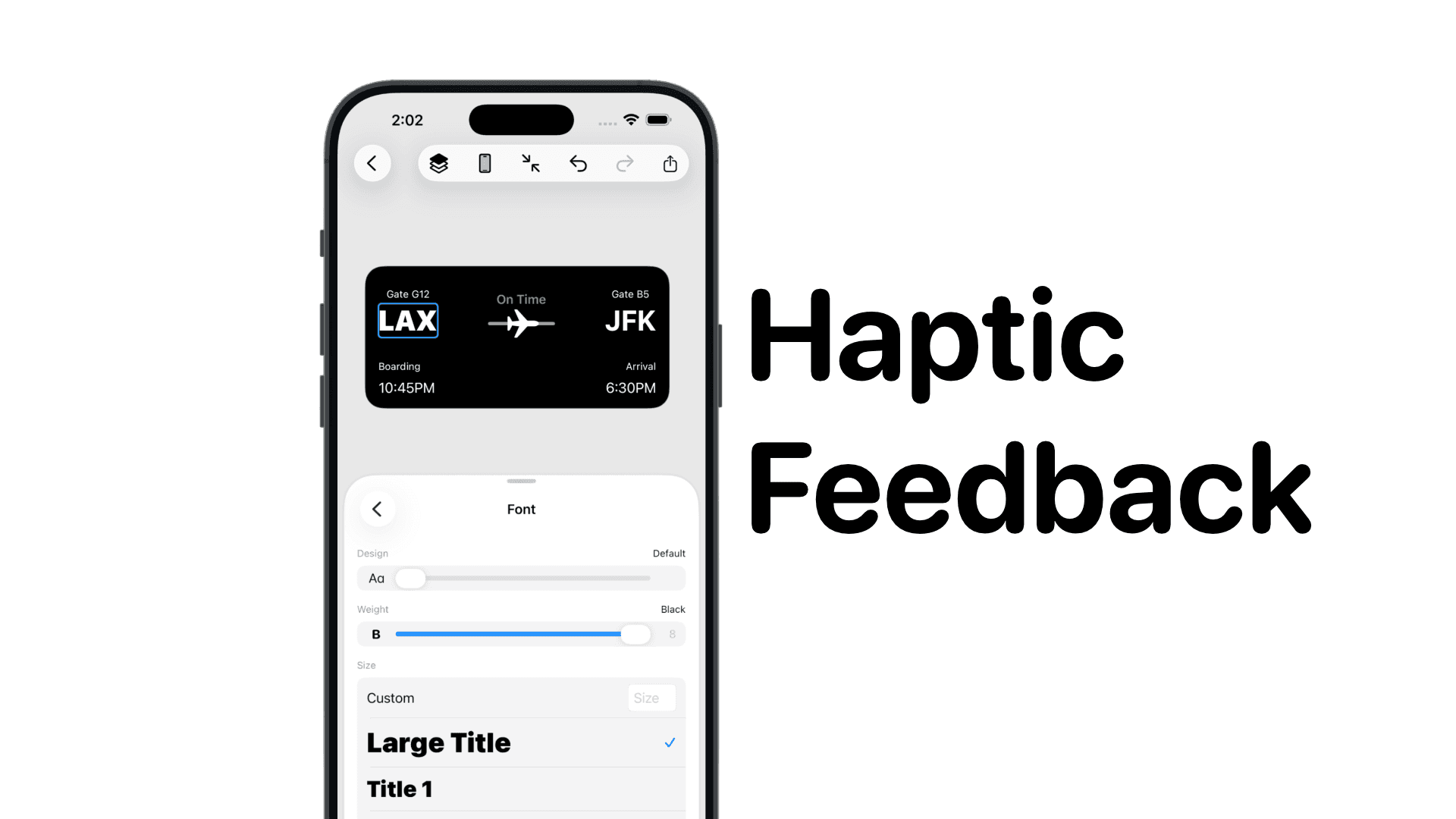
SwiftUI: IOS Haptic Feedback Guide 2026
Add click to vibrate haptic feedback in SwiftUI. Full guide to UIImpactFeedbackgenerator, success, error, selection, and tap vibration patterns with code.
by dockui
Nov 11Code copied to clipboard!