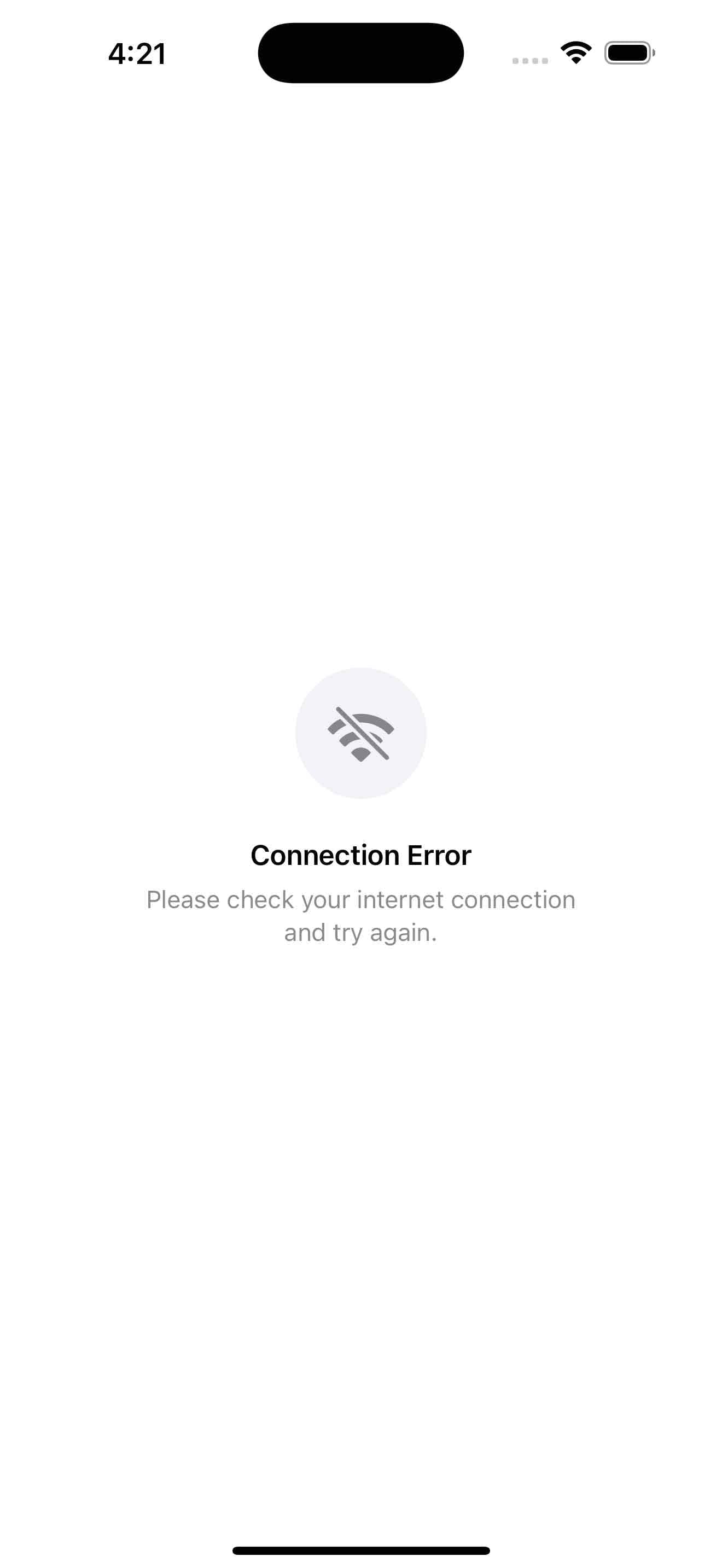
Error States Template
by dockui
A flexible SwiftUI component for displaying empty states with icons, and messages supporting various error & no-content scenarios like network issues, and more.
- Platform
- SwiftUI
- Code
- Native Swift
- Format
- Screen
- Access
- Free
Code Snippet
import SwiftUI

// MARK: - State Types
enum ContentState {
    case noData
    case noSearchResults
    case networkError
    case locationDisabled
    case noFavorites
    case serverError
}

// MARK: - Reusable Empty State View
struct EmptyStateView: View {
    let state: ContentState
    let actionButtonTitle: String

    private var stateContent: (icon: String, title: String, message: String) {
        switch state {
        case .noData:
            return (
                icon: "tray.fill",
                title: "No Data Available",
                message: "Start adding items to see them appear here."
            )
        case .noSearchResults:
            return (
                icon: "magnifyingglass",
                title: "No Results Found",
                message: "Try adjusting your search terms or filters."
            )
        case .networkError:
            return (
                icon: "wifi.slash",
                title: "Connection Error",
                message: "Please check your internet connection and try again."
            )
        case .locationDisabled:
            return (
                icon: "location.slash.fill",
                title: "Location Access Required",
                message: "Please enable location services in your device settings to use this feature."
            )
        case .noFavorites:
            return (
                icon: "heart.slash.fill",
                title: "No Favorites Yet",
                message: "Items you favorite will appear here for quick access."
            )
        case .serverError:
            return (
                icon: "exclamationmark.triangle.fill",
                title: "Something Went Wrong",
                message: "We're having trouble connecting to our servers. Please try again later."
            )
        }
    }

    var body: some View {
        VStack(spacing: 24) {
            // Icon with background
            ZStack {
                Circle()
                    .fill(Color(.systemGray6))
                    .frame(width: 80, height: 80)
                Image(systemName: stateContent.icon)
                    .font(.system(size: 36))
                    .foregroundStyle(.secondary)
            }

            // Text content
            VStack(spacing: 8) {
                Text(stateContent.title)
                    .font(.headline)
                    .multilineTextAlignment(.center)

                Text(stateContent.message)
                    .font(.subheadline)
                    .foregroundColor(.secondary)
                    .multilineTextAlignment(.center)
                    .padding(.horizontal, 32)
            }
            .padding(.horizontal, 48)
        }
    }
}

// MARK: - Demo View
struct ErrorEmptyStatesTemplate: View {
    @State private var selectedState: ContentState = .noData

    var body: some View {
        NavigationView {
            VStack {
                // State picker for demo
                Picker("Select State", selection: $selectedState) {
                    Text("No Data").tag(ContentState.noData)
                    Text("No Results").tag(ContentState.noSearchResults)
                    Text("Network Error").tag(ContentState.networkError)
                    Text("Location").tag(ContentState.locationDisabled)
                    Text("No Favorites").tag(ContentState.noFavorites)
                    Text("Server Error").tag(ContentState.serverError)
                }
                .pickerStyle(.segmented)
                .padding()

                // Empty state display
                EmptyStateView(
                    state: selectedState,
                    actionButtonTitle: actionButtonTitle
                )
                .padding(.top, 40)

                Spacer()
            }
            .navigationTitle("Empty States")
            .background(Color(.systemGroupedBackground))
        }
    }

    private var actionButtonTitle: String {
        switch selectedState {
        case .noData: return "Add Item"
        case .noSearchResults: return "Clear Filters"
        case .networkError: return "Try Again"
        case .locationDisabled: return "Open Settings"
        case .noFavorites: return "Browse Items"
        case .serverError: return "Refresh"
        }
    }

    private func handleAction() {
        // Demo actions with haptic feedback
        let generator = UINotificationFeedbackGenerator()
        generator.notificationOccurred(.success)

        // Simulate action - in real app, implement actual functionality
        withAnimation {
            // Handle specific actions based on state
        }
    }
}

// MARK: - Alternative Compact Empty State
struct CompactEmptyStateView: View {
    let icon: String
    let message: String

    var body: some View {
        VStack(spacing: 12) {
            Image(systemName: icon)
                .font(.system(size: 24))
                .foregroundStyle(.secondary)

            Text(message)
                .font(.callout)
                .foregroundColor(.secondary)
                .multilineTextAlignment(.center)
        }
        .frame(maxWidth: .infinity)
        .padding()
        .background(Color(.systemBackground))
        .cornerRadius(12)
        .padding()
    }
}

#Preview {
    ErrorEmptyStatesTemplate()
}
More Templates
View All TemplatesSimilar Blogs
View All Articles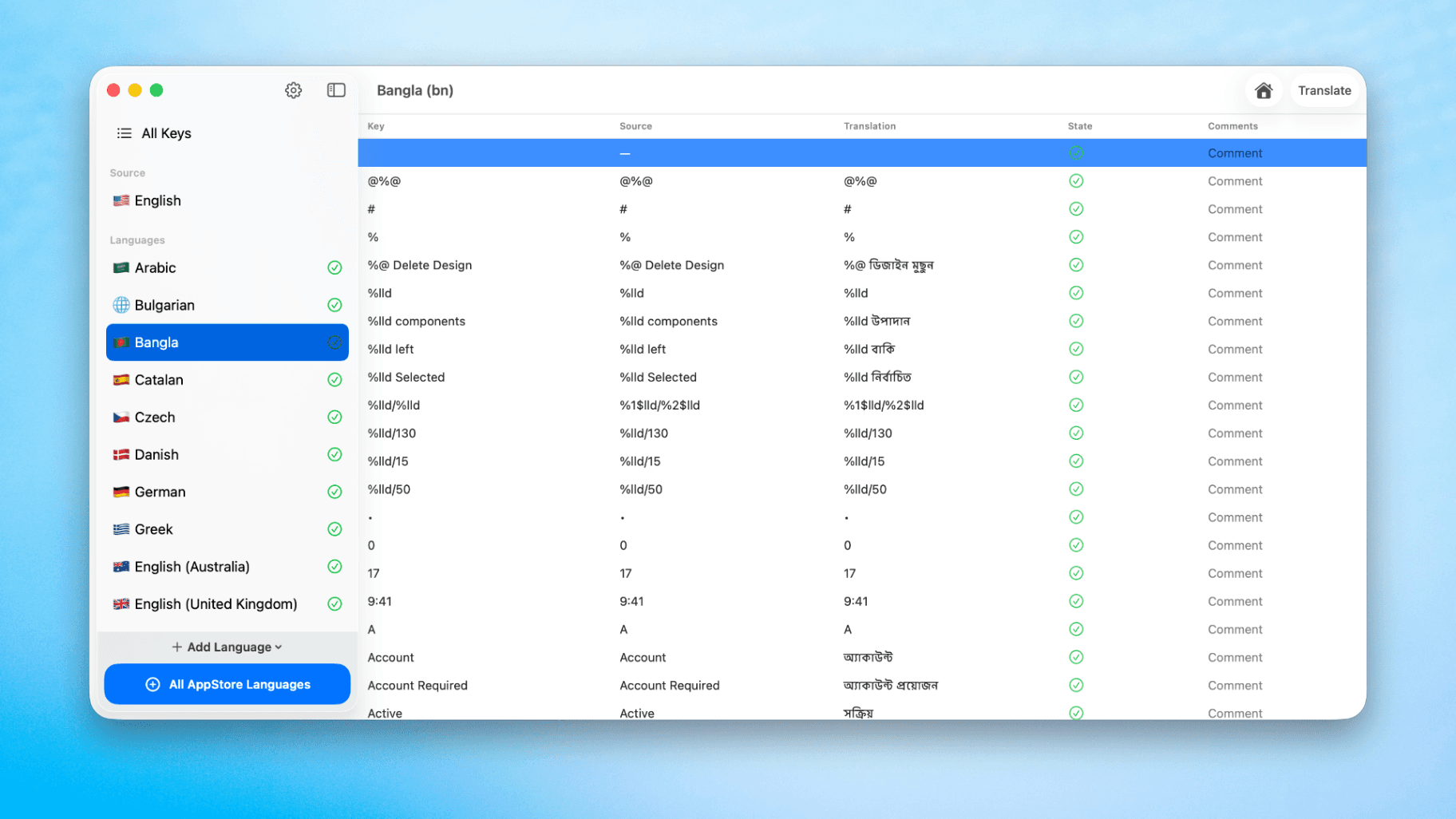
How to Translate Xcode String Catalogs with AI
Learn how to efficiently translate Xcode string catalogs using AI fast, streamlining localization for your iOS and SwiftUI applications.
How to optimize your SwiftUI app in 2026
Discover top strategies to optimize your SwiftUI app in 2026, enhancing performance, responsiveness, and maintainability with modern concurrency.

SwiftUI: iOS Confirmation Alert (Confirm + Cancel)
SwiftUI iOS confirmation alert with Confirm and Cancel buttons. Beginners guide to building safe actions, destructive deletes, and commit dialogs.
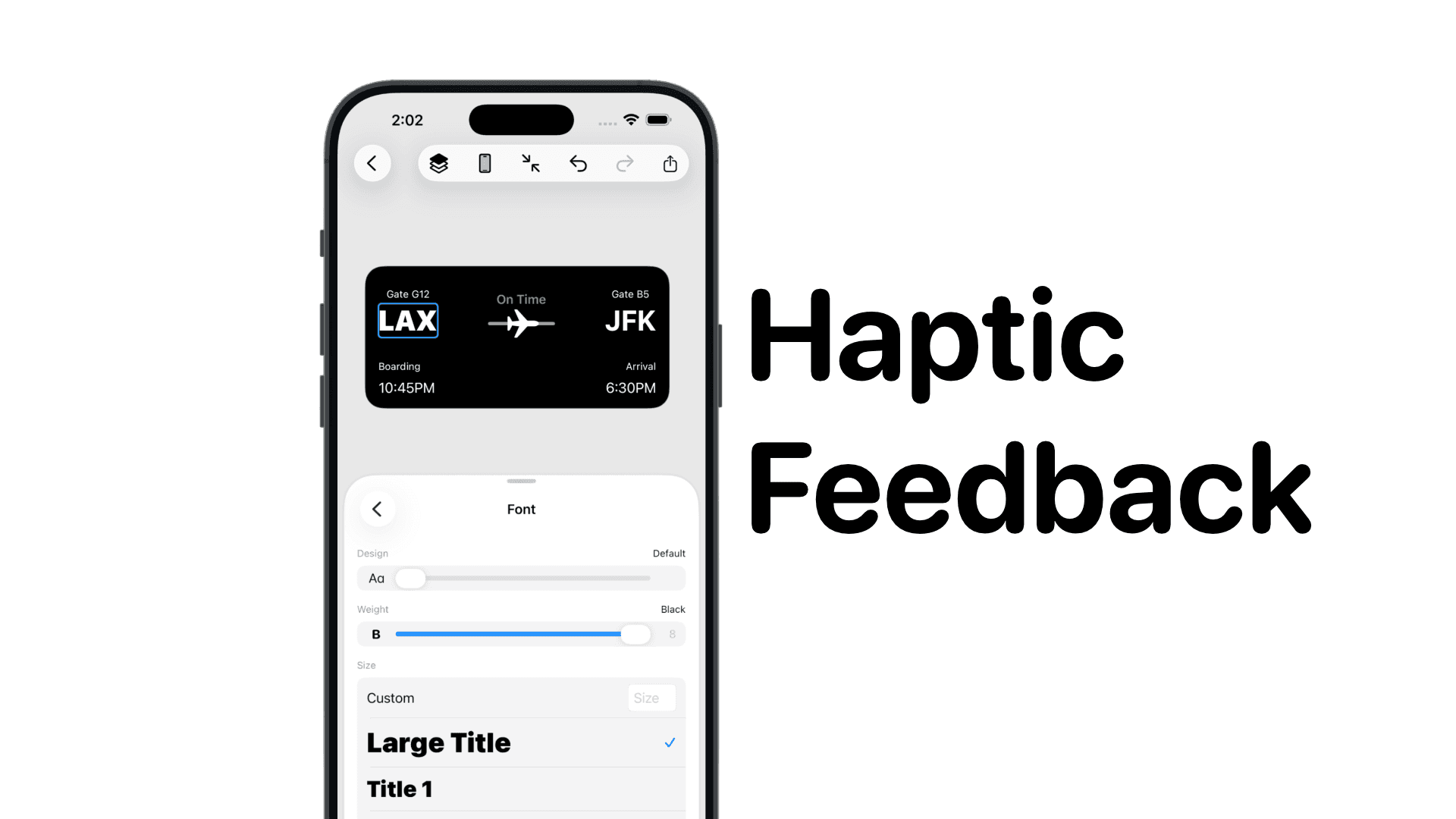
SwiftUI: IOS Haptic Feedback Guide 2026
Add click to vibrate haptic feedback in SwiftUI. Full guide to UIImpactFeedbackgenerator, success, error, selection, and tap vibration patterns with code.
Code copied to clipboard!