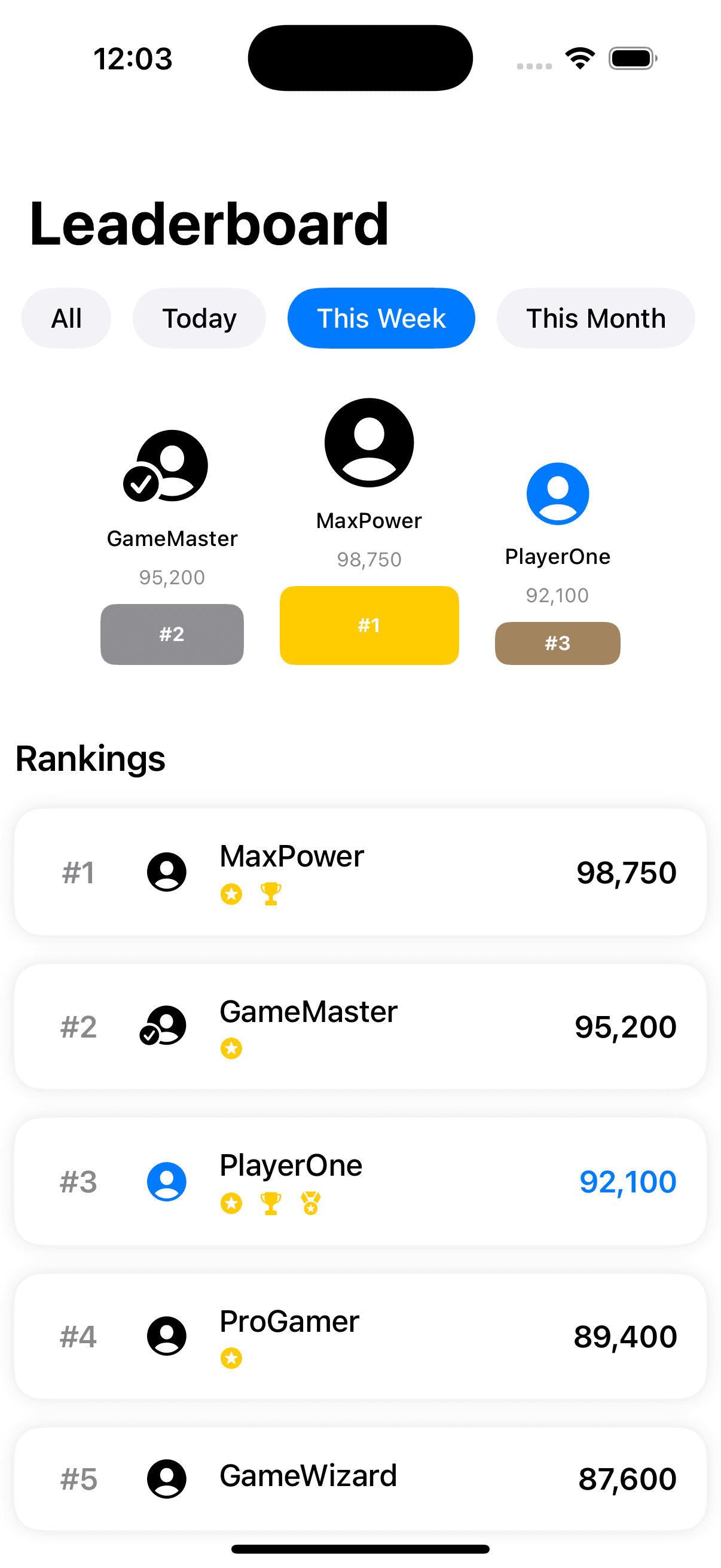
Game Leaderboard
by dockui
A modern and sleek leaderboard interface designed to showcase player rankings and scores.Perfect for a variety of applications.
- Platform
- SwiftUI
- Code
- Native Swift
- Format
- Screen
- Access
- Free
Code Snippet
import SwiftUI

struct PlayerScore: Identifiable {
    let id = UUID()
    let rank: Int
    let playerName: String
    let score: Int
    let isCurrentPlayer: Bool
    let playerAvatar: String // SF Symbol name
    let achievementBadges: [String] // SF Symbol names
}

struct LeaderboardCategory: Identifiable {
    let id = UUID()
    let name: String
    let icon: String
    let timeFrame: TimeFrame
}

enum TimeFrame: String, CaseIterable {
    case allTime = "All"
    case today = "Today"
    case week = "This Week"
    case month = "This Month"
}

struct GameLeaderboardView: View {
    @State private var selectedTimeFrame: TimeFrame = .week
    @State private var selectedCategory: LeaderboardCategory?
    @State private var showingPlayerDetail: PlayerScore?


    let playerScores = [
        PlayerScore(rank: 1, playerName: "MaxPower", score: 98750, isCurrentPlayer: false, playerAvatar: "person.crop.circle.fill", achievementBadges: ["star.circle.fill", "trophy.fill"]),
        PlayerScore(rank: 2, playerName: "GameMaster", score: 95200, isCurrentPlayer: false, playerAvatar: "person.crop.circle.fill.badge.checkmark", achievementBadges: ["star.circle.fill"]),
        PlayerScore(rank: 3, playerName: "PlayerOne", score: 92100, isCurrentPlayer: true, playerAvatar: "person.crop.circle.fill", achievementBadges: ["star.circle.fill", "trophy.fill", "medal.fill"]),
        PlayerScore(rank: 4, playerName: "ProGamer", score: 89400, isCurrentPlayer: false, playerAvatar: "person.crop.circle.fill", achievementBadges: ["star.circle.fill"]),
        PlayerScore(rank: 5, playerName: "GameWizard", score: 87600, isCurrentPlayer: false, playerAvatar: "person.crop.circle.fill", achievementBadges: [])
    ]

    var body: some View {
        NavigationStack {
            ScrollView {
                VStack(spacing: 24) {
                    timeFrameSelector
                    topPlayersSection
                    leaderboardList
                }
                .padding(8)
            }
            .navigationTitle("Leaderboard")
            .sheet(item: $showingPlayerDetail) { player in
                PlayerDetailSheet(player: player)
            }
        }
    }

    private var timeFrameSelector: some View {
        ScrollView(.horizontal, showsIndicators: false) {
            HStack(spacing: 12) {
                ForEach(TimeFrame.allCases, id: \.self) { timeFrame in
                    TimeFramePill(
                        timeFrame: timeFrame,
                        isSelected: selectedTimeFrame == timeFrame,
                        action: { selectedTimeFrame = timeFrame }
                    )
                }
            }
            .padding(.horizontal, 4)
        }
    }

    private var topPlayersSection: some View {
        VStack(spacing: 20) {
            if playerScores.count >= 3 {
                HStack(alignment: .bottom, spacing: 20) {
                    // Second Place
                    TopPlayerPodium(
                        player: playerScores[1],
                        size: 80,
                        place: 2
                    )

                    // First Place
                    TopPlayerPodium(
                        player: playerScores[0],
                        size: 100,
                        place: 1
                    )

                    // Third Place
                    TopPlayerPodium(
                        player: playerScores[2],
                        size: 70,
                        place: 3
                    )
                }
                .padding(.bottom)
            }
        }
    }

    private var leaderboardList: some View {
        VStack(alignment: .leading, spacing: 16) {
            Text("Rankings")
                .font(.title3)
                .fontWeight(.semibold)

            ForEach(playerScores) { player in
                PlayerScoreRow(player: player)
                    .onTapGesture {
                        showingPlayerDetail = player
                    }
            }
        }
    }
}

struct CategoryCard: View {
    let category: LeaderboardCategory
    let isSelected: Bool
    let action: () -> Void

    var body: some View {
        Button(action: action) {
            VStack(spacing: 12) {
                Image(systemName: category.icon)
                    .font(.title)
                    .foregroundStyle(isSelected ? .white : .blue)

                Text(category.name)
                    .font(.subheadline)
                    .fontWeight(.medium)
                    .foregroundStyle(isSelected ? .white : .primary)
            }
            .frame(maxWidth: .infinity)
            .padding()
            .background(isSelected ? Color.blue : Color(.systemGray6))
            .clipShape(RoundedRectangle(cornerRadius: 15))
        }
    }
}

struct TimeFramePill: View {
    let timeFrame: TimeFrame
    let isSelected: Bool
    let action: () -> Void

    var body: some View {
        Button(action: action) {
            Text(timeFrame.rawValue)
                .font(.subheadline)
                .fontWeight(.medium)
                .padding(.horizontal, 16)
                .padding(.vertical, 8)
                .background(
                    Capsule()
                        .fill(isSelected ? Color.blue : Color(.systemGray6))
                )
                .foregroundStyle(isSelected ? .white : .primary)
        }
    }
}

struct TopPlayerPodium: View {
    let player: PlayerScore
    let size: CGFloat
    let place: Int

    var body: some View {
        VStack(spacing: 8) {
            Image(systemName: player.playerAvatar)
                .font(.system(size: size * 0.5))
                .foregroundStyle(player.isCurrentPlayer ? .blue : .primary)

            Text(player.playerName)
                .font(.caption)
                .fontWeight(.medium)
                .lineLimit(1)

            Text("\(player.score)")
                .font(.caption2)
                .foregroundStyle(.secondary)

            ZStack {
                RoundedRectangle(cornerRadius: 8)
                    .fill(place == 1 ? Color.yellow : place == 2 ? Color.gray : Color.brown)
                    .frame(height: 24 + CGFloat(place == 1 ? 20 : place == 2 ? 10 : 0))

                Text("#\(place)")
                    .font(.caption2)
                    .fontWeight(.bold)
                    .foregroundStyle(.white)
            }
        }
        .frame(width: size)
    }
}

struct PlayerScoreRow: View {
    let player: PlayerScore

    var body: some View {
        HStack(spacing: 16) {
            Text("#\(player.rank)")
                .font(.headline)
                .foregroundStyle(.secondary)
                .frame(width: 40)

            Image(systemName: player.playerAvatar)
                .font(.title2)
                .foregroundStyle(player.isCurrentPlayer ? .blue : .primary)

            VStack(alignment: .leading, spacing: 4) {
                Text(player.playerName)
                    .fontWeight(.medium)

                HStack {
                    ForEach(player.achievementBadges, id: \.self) { badge in
                        Image(systemName: badge)
                            .font(.caption)
                            .foregroundStyle(.yellow)
                    }
                }
            }

            Spacer()

            Text("\(player.score)")
                .font(.headline)
                .foregroundStyle(player.isCurrentPlayer ? .blue : .primary)
        }
        .padding()
        .background(
            RoundedRectangle(cornerRadius: 15)
                .fill(Color(.systemBackground))
                .shadow(color: .black.opacity(0.1), radius: 5)
        )
    }
}

struct PlayerDetailSheet: View {
    let player: PlayerScore
    @Environment(\.dismiss) private var dismiss

    var body: some View {
        NavigationStack {
            ScrollView {
                VStack(spacing: 24) {
                    // Player Avatar
                    Image(systemName: player.playerAvatar)
                        .font(.system(size: 80))
                        .foregroundStyle(player.isCurrentPlayer ? .blue : .primary)
                        .padding()

                    // Player Info
                    VStack(spacing: 8) {
                        Text(player.playerName)
                            .font(.title2)
                            .fontWeight(.bold)

                        Text("Rank #\(player.rank)")
                            .font(.headline)
                            .foregroundStyle(.secondary)
                    }

                    // Score
                    ScoreCard(score: player.score)

                    // Achievements
                    if !player.achievementBadges.isEmpty {
                        AchievementsView(badges: player.achievementBadges)
                    }
                }
                .padding()
            }
            .navigationTitle("Player Details")
            .navigationBarTitleDisplayMode(.inline)
            .toolbar {
                ToolbarItem(placement: .topBarTrailing) {
                    Button("Done") { dismiss() }
                }
            }
        }
    }
}

struct ScoreCard: View {
    let score: Int

    var body: some View {
        VStack(spacing: 8) {
            Text("High Score")
                .font(.headline)
                .foregroundStyle(.secondary)

            Text("\(score)")
                .font(.system(size: 44, weight: .bold))
        }
        .frame(maxWidth: .infinity)
        .padding()
        .background(Color(.systemGray6))
        .clipShape(RoundedRectangle(cornerRadius: 15))
    }
}

struct AchievementsView: View {
    let badges: [String]

    var body: some View {
        VStack(alignment: .leading, spacing: 16) {
            Text("Achievements")
                .font(.headline)

            LazyVGrid(columns: [
                GridItem(.adaptive(minimum: 80))
            ], spacing: 16) {
                ForEach(badges, id: \.self) { badge in
                    VStack {
                        Image(systemName: badge)
                            .font(.title)
                            .foregroundStyle(.yellow)
                            .frame(width: 60, height: 60)
                            .background(Color(.systemGray6))
                            .clipShape(Circle())
                    }
                }
            }
        }
    }
}
More Templates
View All TemplatesSimilar Blogs
View All Articles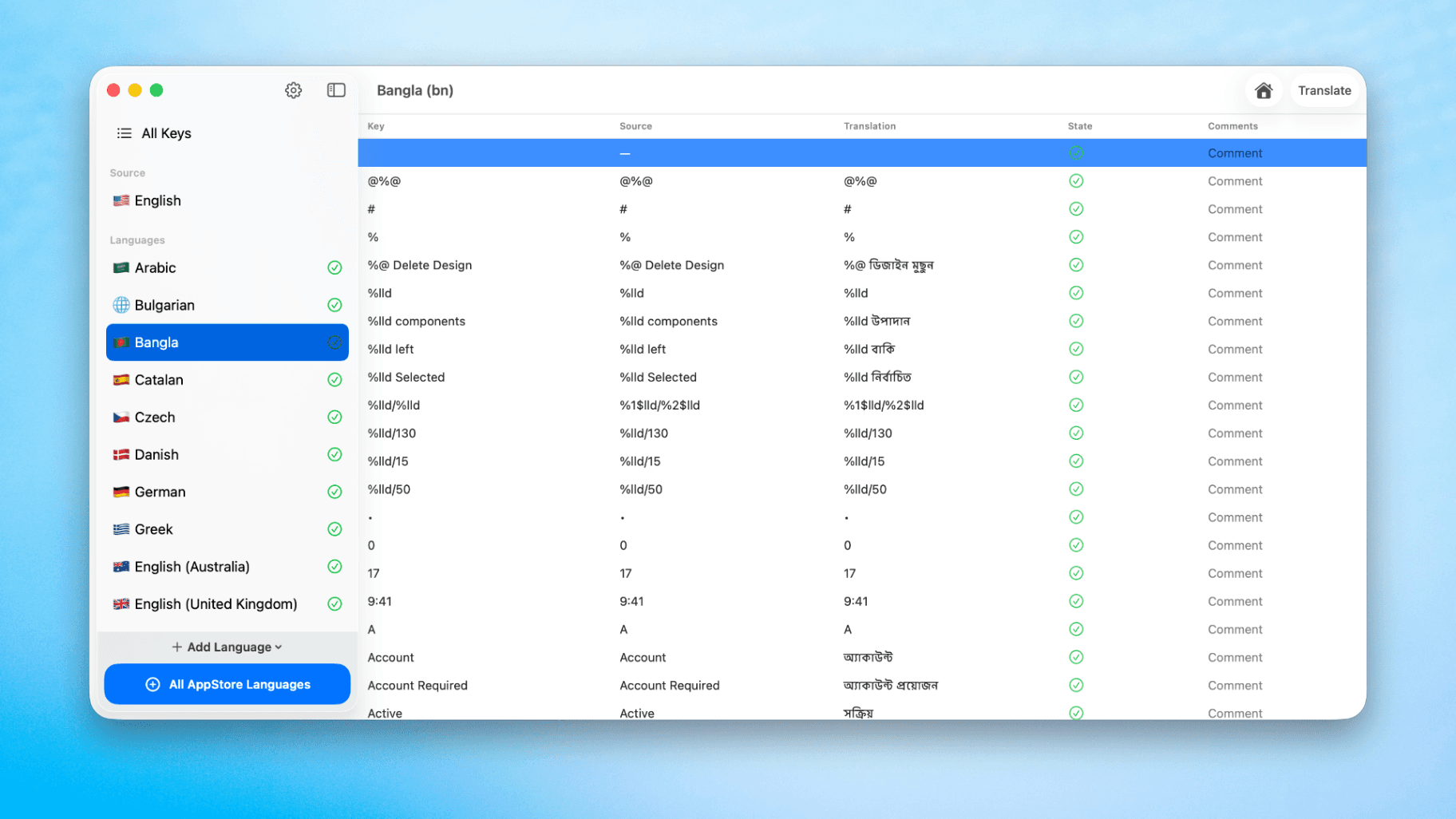
How to Translate Xcode String Catalogs with AI
Learn how to efficiently translate Xcode string catalogs using AI fast, streamlining localization for your iOS and SwiftUI applications.
by dockui
May 4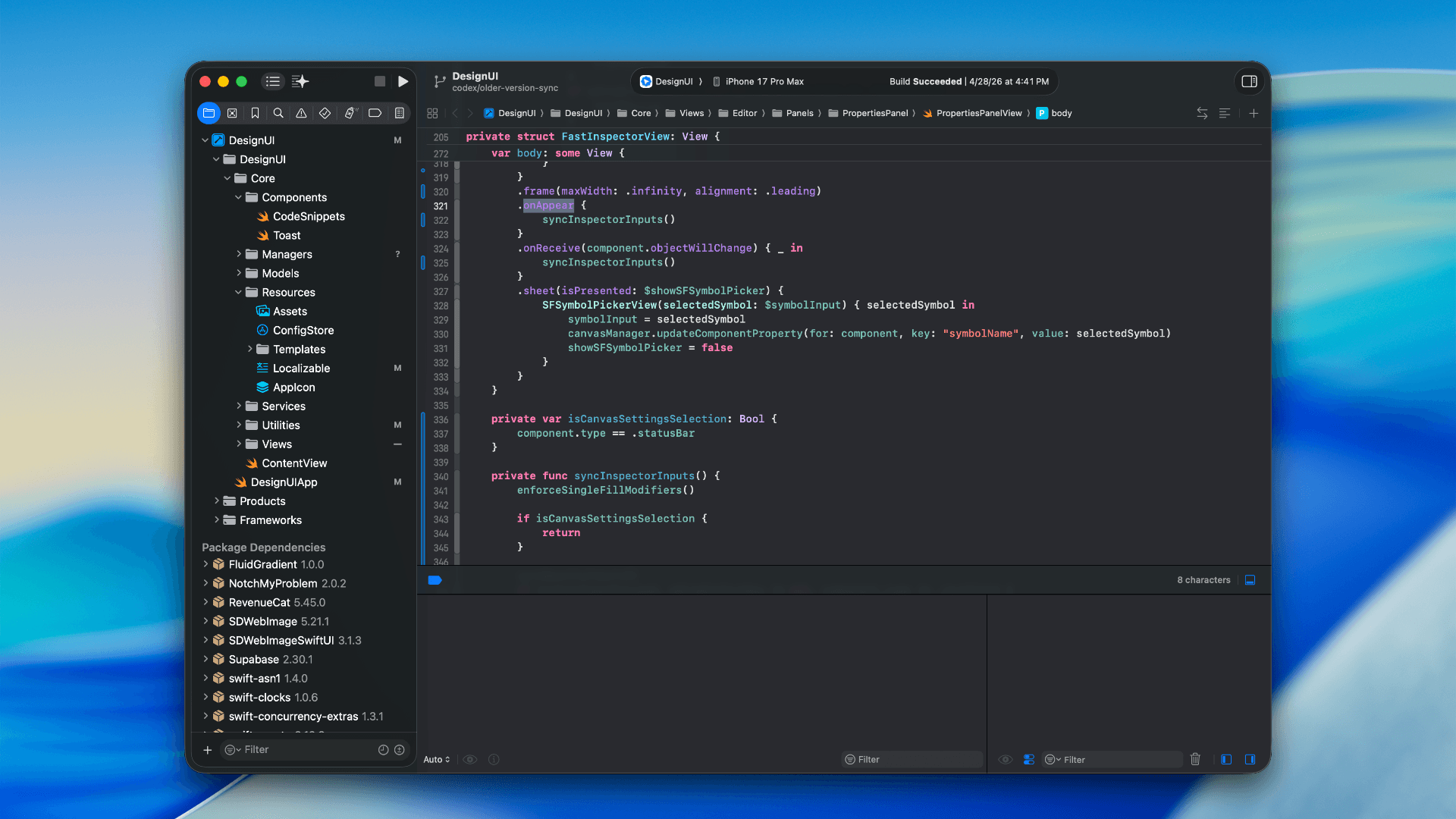
How to optimize your SwiftUI app in 2026
Discover top strategies to optimize your SwiftUI app in 2026, enhancing performance, responsiveness, and maintainability with modern concurrency.
by dockui
Apr 29
SwiftUI: iOS Confirmation Alert (Confirm + Cancel)
SwiftUI iOS confirmation alert with Confirm and Cancel buttons. Beginners guide to building safe actions, destructive deletes, and commit dialogs.
by dockui
Nov 11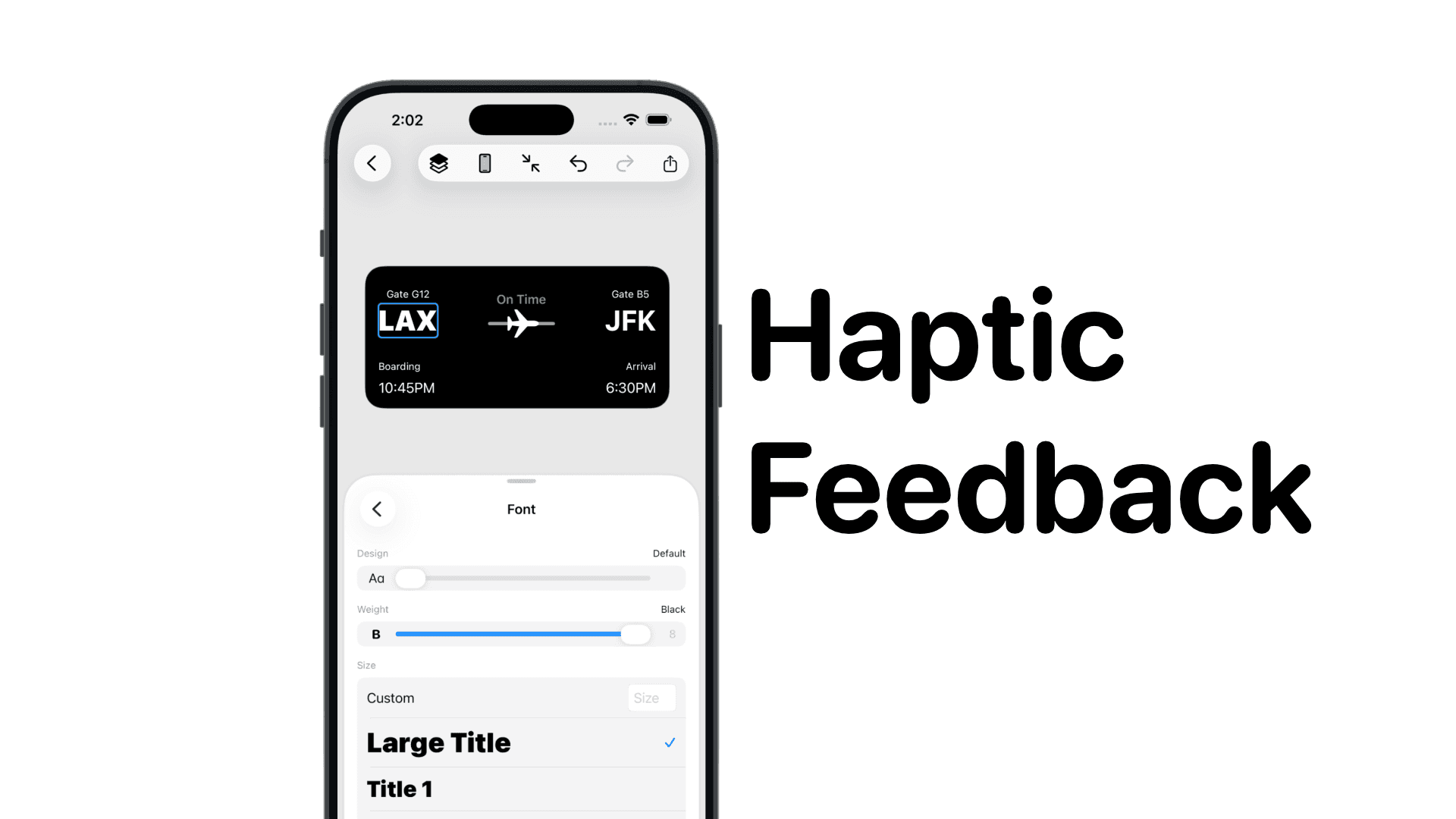
SwiftUI: IOS Haptic Feedback Guide 2026
Add click to vibrate haptic feedback in SwiftUI. Full guide to UIImpactFeedbackgenerator, success, error, selection, and tap vibration patterns with code.
by dockui
Nov 11Code copied to clipboard!