Investment Portfolio
by dockui
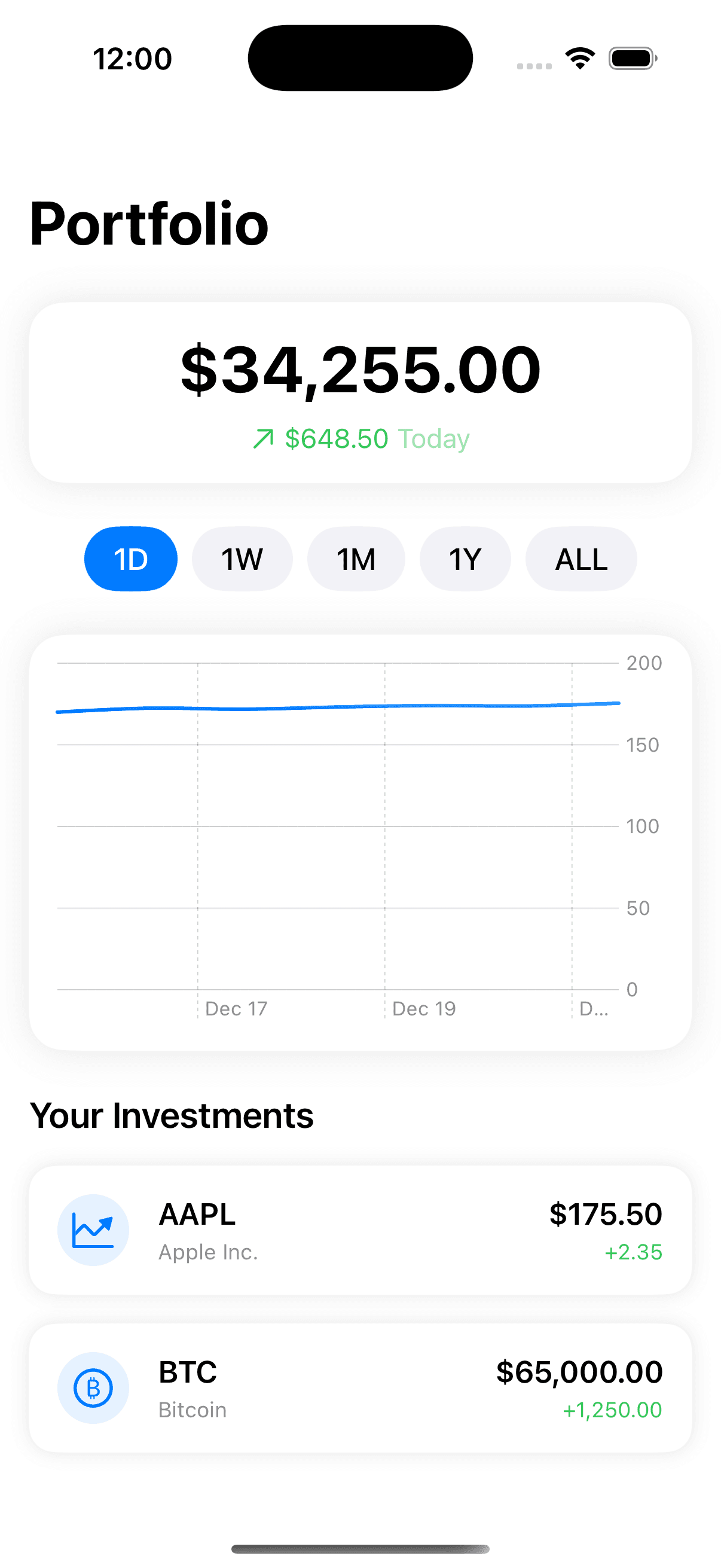
Modern portfolio management app UI showcasing total portfolio value, daily performance, time range filters, and detailed investment breakdowns.
- Platform
- SwiftUI
- Code
- Native Swift
- Format
- Screen
- Access
- Free
Code Snippet
struct Investment: Identifiable {
    let id = UUID()
    let symbol: String
    let name: String
    let shares: Double
    let currentPrice: Double
    let priceChange: Double
    let historicalData: [(date: Date, price: Double)]
    let type: InvestmentType

    var value: Double {
        shares * currentPrice
    }

    var gainLoss: Double {
        priceChange * shares
    }
}

enum InvestmentType: String {
    case stock = "Stock"
    case crypto = "Crypto"
    case etf = "ETF"

    var icon: String {
        switch self {
        case .stock: "chart.line.uptrend.xyaxis"
        case .crypto: "bitcoinsign.circle"
        case .etf: "chart.pie"
        }
    }
}

struct InvestmentAppView: View {
    @State private var selectedTimeframe: Timeframe = .week
    @State private var selectedInvestment: Investment?

    enum Timeframe: String, CaseIterable {
        case day = "1D"
        case week = "1W"
        case month = "1M"
        case year = "1Y"
        case all = "ALL"
    }

    // Dummy Data
    let investments = [
        Investment(
            symbol: "AAPL",
            name: "Apple Inc.",
            shares: 10,
            currentPrice: 175.50,
            priceChange: 2.35,
            historicalData: [
                (Date().addingTimeInterval(-86400 * 7), 170.0),
                (Date().addingTimeInterval(-86400 * 6), 172.5),
                (Date().addingTimeInterval(-86400 * 5), 171.8),
                (Date().addingTimeInterval(-86400 * 4), 173.2),
                (Date().addingTimeInterval(-86400 * 3), 174.1),
                (Date().addingTimeInterval(-86400 * 2), 173.8),
                (Date().addingTimeInterval(-86400), 175.5)
            ],
            type: .stock
        ),
        Investment(
            symbol: "BTC",
            name: "Bitcoin",
            shares: 0.5,
            currentPrice: 65000,
            priceChange: 1250,
            historicalData: [
                (Date().addingTimeInterval(-86400 * 7), 62000),
                (Date().addingTimeInterval(-86400 * 6), 63500),
                (Date().addingTimeInterval(-86400 * 5), 64000),
                (Date().addingTimeInterval(-86400 * 4), 63800),
                (Date().addingTimeInterval(-86400 * 3), 64500),
                (Date().addingTimeInterval(-86400 * 2), 64800),
                (Date().addingTimeInterval(-86400), 65000)
            ],
            type: .crypto
        )
    ]

    var totalValue: Double {
        investments.reduce(0) { $0 + $1.value }
    }

    var totalGainLoss: Double {
        investments.reduce(0) { $0 + $1.gainLoss }
    }

    var body: some View {
        NavigationStack {
            ScrollView {
                VStack(spacing: 24) {
                    portfolioHeader
                    timeframeSelector
                    portfolioChart
                    investmentsList
                }
                .padding()
            }
            .navigationTitle("Portfolio")
            .sheet(item: $selectedInvestment) { investment in
                InvestmentDetailSheet(investment: investment)
            }
        }
    }

    private var portfolioHeader: some View {
        VStack(spacing: 8) {
            Text("$\(totalValue, specifier: "%.2f")")
                .font(.system(size: 36, weight: .bold))

            HStack(spacing: 4) {
                Image(systemName: totalGainLoss >= 0 ? "arrow.up.right" : "arrow.down.right")
                Text("$\(abs(totalGainLoss), specifier: "%.2f")")
                Text("Today")
                    .foregroundStyle(.secondary)
            }
            .font(.subheadline)
            .foregroundStyle(totalGainLoss >= 0 ? .green : .red)
        }
        .padding()
        .frame(maxWidth: .infinity)
        .background(Color(.systemBackground))
        .clipShape(RoundedRectangle(cornerRadius: 20))
        .shadow(color: .black.opacity(0.1), radius: 10)
    }

    private var timeframeSelector: some View {
        HStack {
            ForEach(Timeframe.allCases, id: \.self) { timeframe in
                Button(action: { selectedTimeframe = timeframe }) {
                    Text(timeframe.rawValue)
                        .fontWeight(.medium)
                        .padding(.horizontal, 16)
                        .padding(.vertical, 8)
                        .background(
                            selectedTimeframe == timeframe ?
                            Color.blue : Color(.systemGray6)
                        )
                        .foregroundStyle(selectedTimeframe == timeframe ? .white : .primary)
                        .clipShape(Capsule())
                }
            }
        }
    }

    private var portfolioChart: some View {
        Chart {
            ForEach(investments.first?.historicalData ?? [], id: \.date) { data in
                LineMark(
                    x: .value("Date", data.date),
                    y: .value("Price", data.price)
                )
                .foregroundStyle(Color.blue.gradient)
            }
            .interpolationMethod(.catmullRom)
        }
        .frame(height: 200)
        .padding()
        .background(Color(.systemBackground))
        .clipShape(RoundedRectangle(cornerRadius: 20))
        .shadow(color: .black.opacity(0.1), radius: 10)
    }

    private var investmentsList: some View {
        VStack(alignment: .leading, spacing: 16) {
            Text("Your Investments")
                .font(.title3)
                .fontWeight(.semibold)

            ForEach(investments) { investment in
                InvestmentRow(investment: investment)
                    .onTapGesture {
                        selectedInvestment = investment
                    }
            }
        }
    }
}

struct InvestmentRow: View {
    let investment: Investment

    var body: some View {
        HStack(spacing: 16) {
            Image(systemName: investment.type.icon)
                .font(.title2)
                .frame(width: 40, height: 40)
                .background(Color.blue.opacity(0.1))
                .clipShape(Circle())
                .foregroundStyle(.blue)

            VStack(alignment: .leading, spacing: 4) {
                Text(investment.symbol)
                    .fontWeight(.semibold)
                Text(investment.name)
                    .font(.caption)
                    .foregroundStyle(.secondary)
            }

            Spacer()

            VStack(alignment: .trailing, spacing: 4) {
                Text("$\(investment.currentPrice, specifier: "%.2f")")
                    .fontWeight(.semibold)

                Text("\(investment.priceChange >= 0 ? "+" : "")\(investment.priceChange, specifier: "%.2f")")
                    .font(.caption)
                    .foregroundStyle(investment.priceChange >= 0 ? .green : .red)
            }
        }
        .padding()
        .background(Color(.systemBackground))
        .clipShape(RoundedRectangle(cornerRadius: 15))
        .shadow(color: .black.opacity(0.1), radius: 5)
    }
}

struct InvestmentDetailSheet: View {
    let investment: Investment
    @Environment(\.dismiss) private var dismiss

    var body: some View {
        NavigationStack {
            ScrollView {
                VStack(spacing: 20) {
                    // Price Header
                    VStack(spacing: 8) {
                        Text("$\(investment.currentPrice, specifier: "%.2f")")
                            .font(.system(size: 36, weight: .bold))

                        HStack(spacing: 4) {
                            Image(systemName: investment.priceChange >= 0 ? "arrow.up.right" : "arrow.down.right")
                            Text("\(investment.priceChange >= 0 ? "+" : "")\(investment.priceChange, specifier: "%.2f")")
                        }
                        .foregroundStyle(investment.priceChange >= 0 ? .green : .red)
                    }
                    .padding()

                    // Holdings Info
                    VStack(spacing: 16) {
                        HStack {
                            InfoCard(title: "Shares", value: "\(investment.shares)")
                            InfoCard(title: "Value", value: "$\(investment.value)")
                        }
                    }
                    .padding()

                    // Chart
                    Chart {
                        ForEach(investment.historicalData, id: \.date) { data in
                            LineMark(
                                x: .value("Date", data.date),
                                y: .value("Price", data.price)
                            )
                            .interpolationMethod(.catmullRom)
                        }
                    }
                    .frame(height: 200)
                    .padding()
                }
            }
            .navigationTitle(investment.name)
            .navigationBarTitleDisplayMode(.inline)
            .toolbar {
                ToolbarItem(placement: .topBarTrailing) {
                    Button("Done") { dismiss() }
                }
            }
        }
    }
}

struct InfoCard: View {
    let title: String
    let value: String

    var body: some View {
        VStack(spacing: 8) {
            Text(title)
                .font(.caption)
                .foregroundStyle(.secondary)
            Text(value)
                .font(.headline)
        }
        .frame(maxWidth: .infinity)
        .padding()
        .background(Color(.systemGray6))
        .clipShape(RoundedRectangle(cornerRadius: 15))
    }
}
More Templates
View All TemplatesSimilar Blogs
View All Articles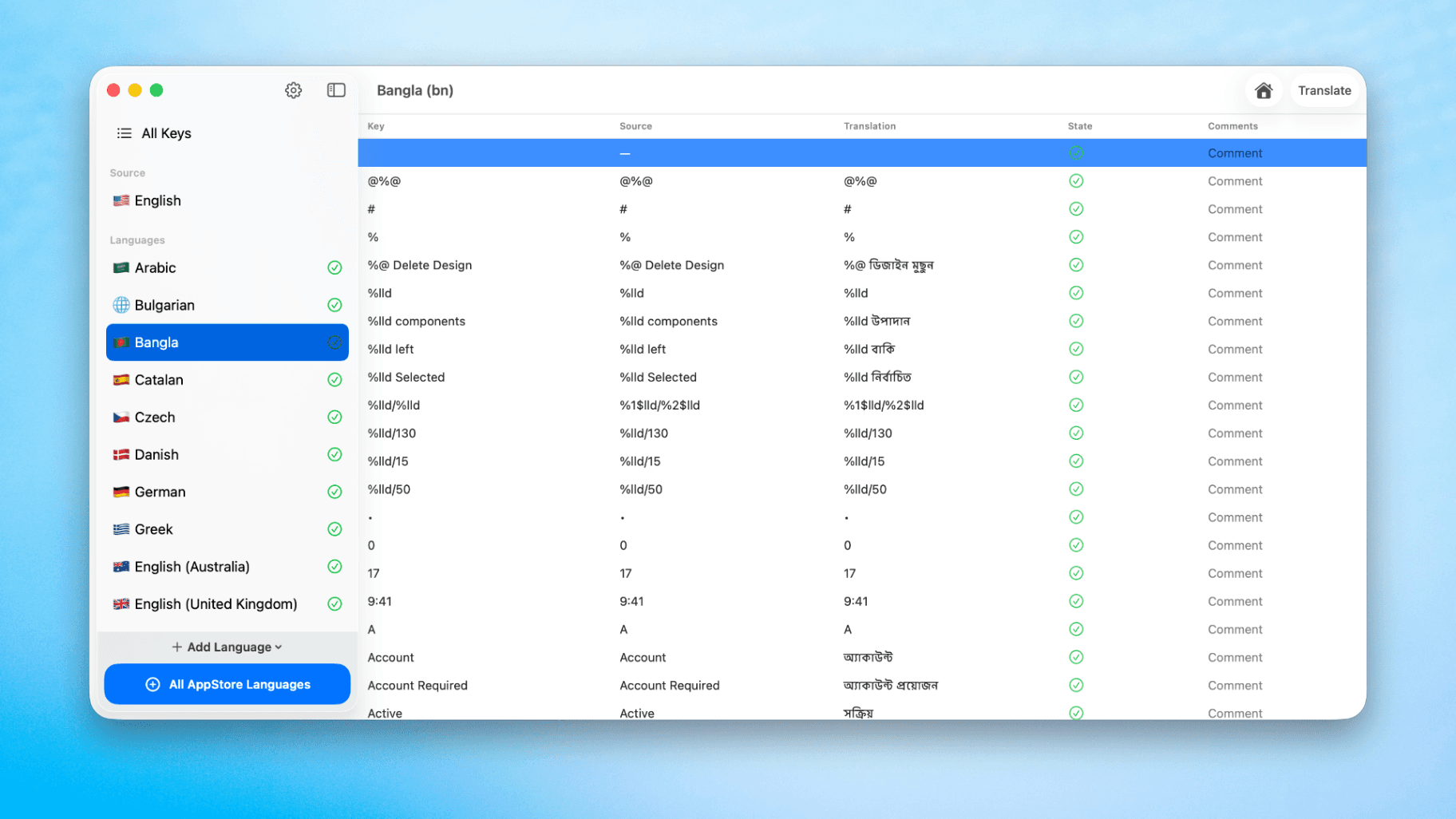
How to Translate Xcode String Catalogs with AI
Learn how to efficiently translate Xcode string catalogs using AI fast, streamlining localization for your iOS and SwiftUI applications.
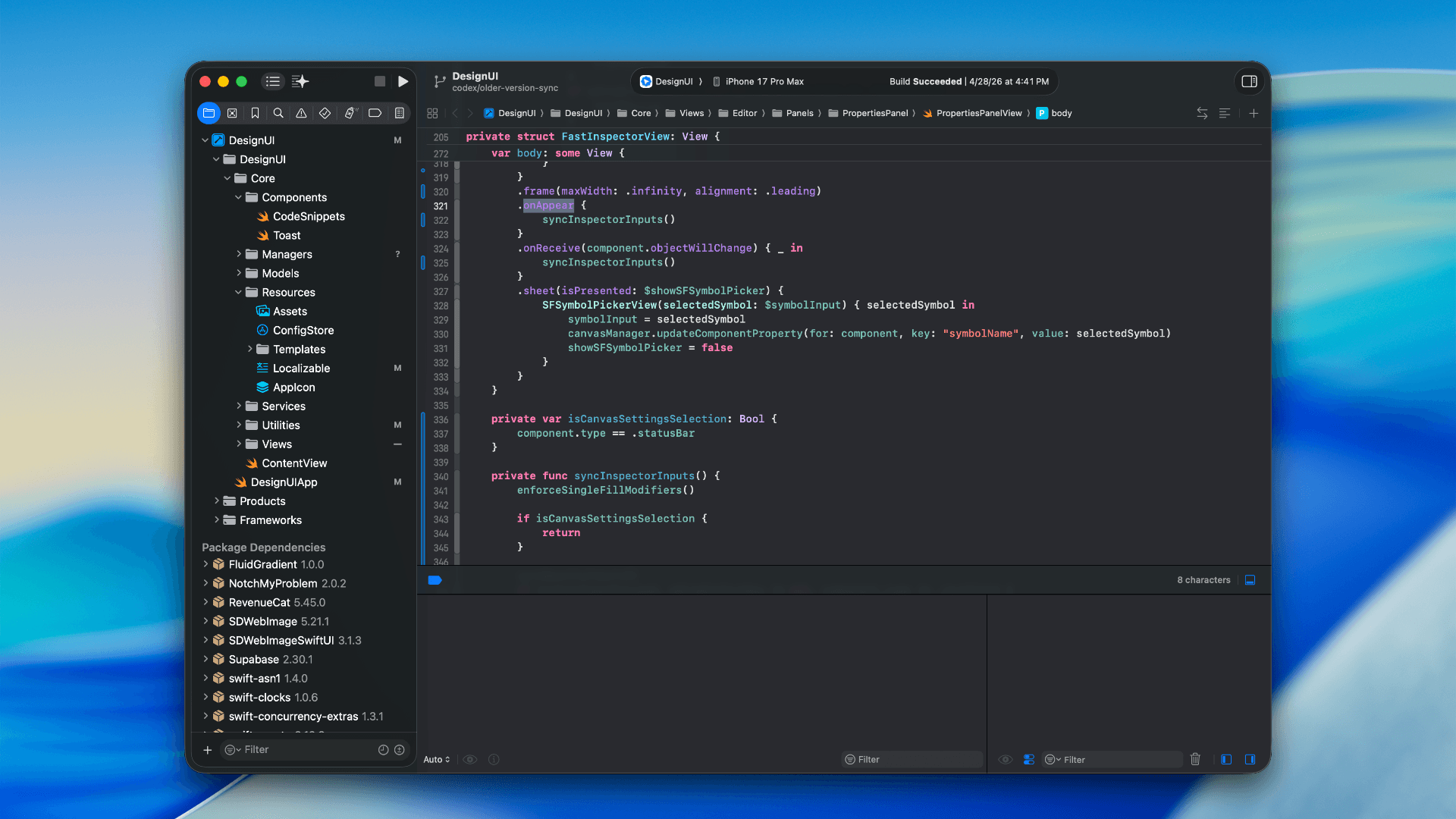
How to optimize your SwiftUI app in 2026
Discover top strategies to optimize your SwiftUI app in 2026, enhancing performance, responsiveness, and maintainability with modern concurrency.

SwiftUI: iOS Confirmation Alert (Confirm + Cancel)
SwiftUI iOS confirmation alert with Confirm and Cancel buttons. Beginners guide to building safe actions, destructive deletes, and commit dialogs.
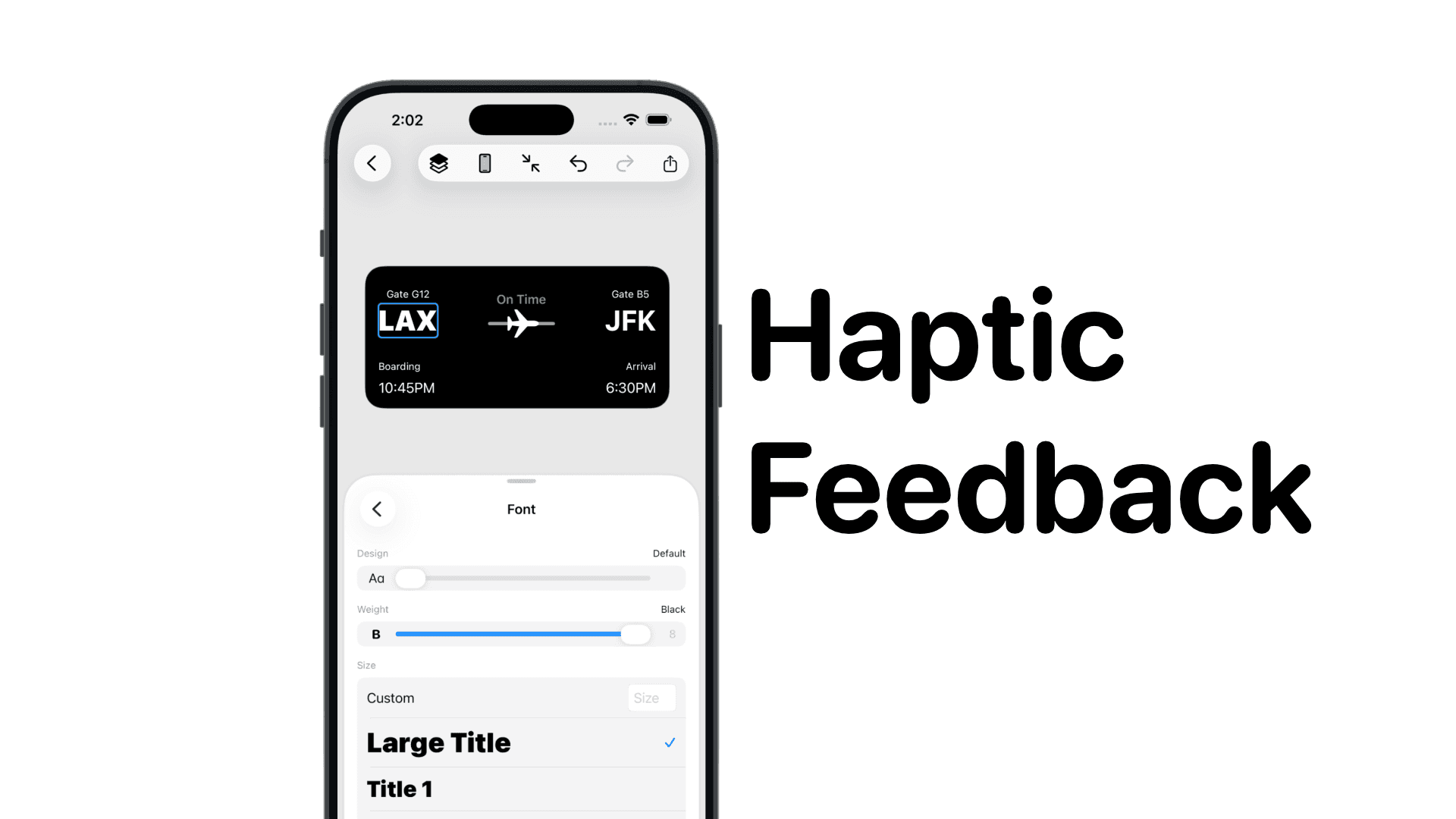
SwiftUI: IOS Haptic Feedback Guide 2026
Add click to vibrate haptic feedback in SwiftUI. Full guide to UIImpactFeedbackgenerator, success, error, selection, and tap vibration patterns with code.
Code copied to clipboard!