Navigation Widget View
by dockui
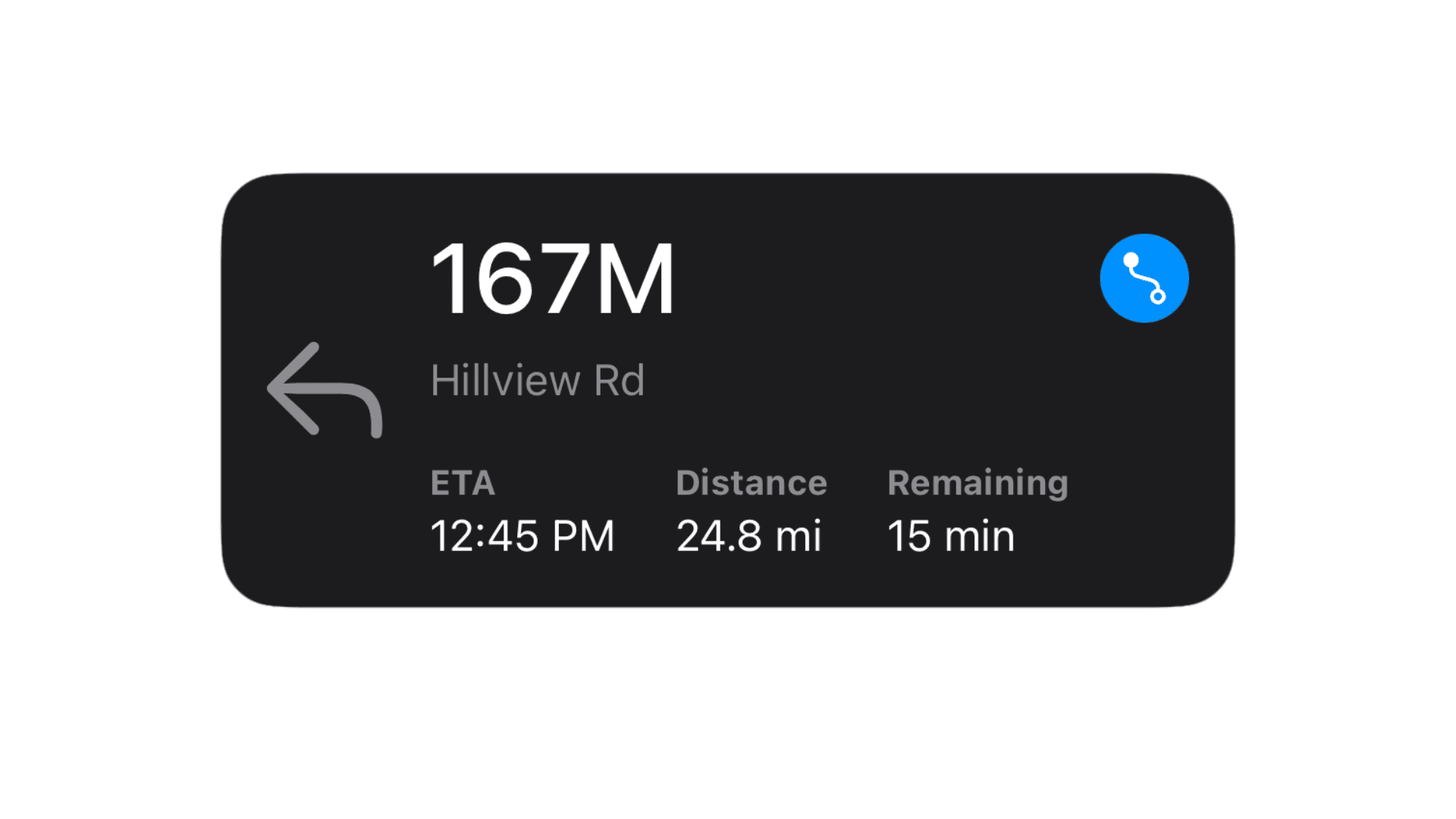
Compact SwiftUI navigation widget displaying next-turn direction, remaining distance, street name, ETA, and trip stats in a clean layout.
- Platform
- SwiftUI
- Code
- Native Swift
- Format
- Component
- Access
- Free
Code Snippet
import SwiftUI

struct NavigationWidgetView: View {
    // Simulated data
    let direction: Direction = .left
    let totalMiles: String = "24.8 mi"
    let distanceLeft: String = "167M"
    let eta: String = "12:45 PM"

    var body: some View {
        ZStack {
            // Background
            RoundedRectangle(cornerRadius: 20)
                .fill(Color.black)

            VStack(alignment: .leading, spacing: 16) {
                HStack(spacing: 16) {
                    // Arrow for next turn
                    Image(systemName: direction.systemImageName)
                        .resizable()
                        .scaledToFit()
                        .frame(width: 40, height: 40)
                        .foregroundColor(.gray)

                    VStack(alignment: .leading) {
                        HStack{
                            Text(distanceLeft)
                                .font(.largeTitle).fontWeight(.medium)
                                .foregroundColor(.white)

                            Spacer()

                            Button(action: {
                                print("Button tapped")
                            }) {
                                Image(systemName: "point.topleft.filled.down.to.point.bottomright.curvepath")
                                    .foregroundColor(.white)
                                    .padding(6)
                                    .background(Circle().fill(Color.blue))
                            }
                        }

                        Text("Hillview Rd")
                            .font(.subheadline)
                            .foregroundColor(.gray)

                        Spacer()

                        // Bottom row: ETA and Total Miles
                        HStack(alignment: .center,spacing: 20) {
                            VStack(alignment: .leading, spacing: 2) {
                                Text("ETA")
                                    .font(.caption)
                                    .foregroundColor(.gray)
                                    .fontWeight(.bold)
                                Text(eta)
                                    .font(.subheadline)
                                    .foregroundColor(.white)
                            }

                            VStack(alignment: .leading, spacing: 2) {
                                Text("Distance")
                                    .font(.caption)
                                    .foregroundColor(.gray)
                                    .fontWeight(.bold)
                                Text(totalMiles)
                                    .font(.subheadline)
                                    .foregroundColor(.white)
                            }

                            VStack(alignment: .leading, spacing: 2) {
                                Text("Remaining")
                                    .font(.caption)
                                    .foregroundColor(.gray)
                                    .fontWeight(.bold)
                                Text("15 min")
                                    .font(.subheadline)
                                    .foregroundColor(.white)
                            }

                            Spacer()

                        }
                    }
                }
            }
            .padding()
        }
        .frame(width: 350, height: 150) // Medium widget size approximation
    }
}

// MARK: - Direction enum
enum Direction {
    case left, right, straight

    var systemImageName: String {
        switch self {
        case .left: return "arrow.turn.up.left"
        case .right: return "arrow.turn.up.right"
        case .straight: return "arrow.up"
        }
    }
}
More Templates
More Templates
View All TemplatesSimilar Blogs
View All Articles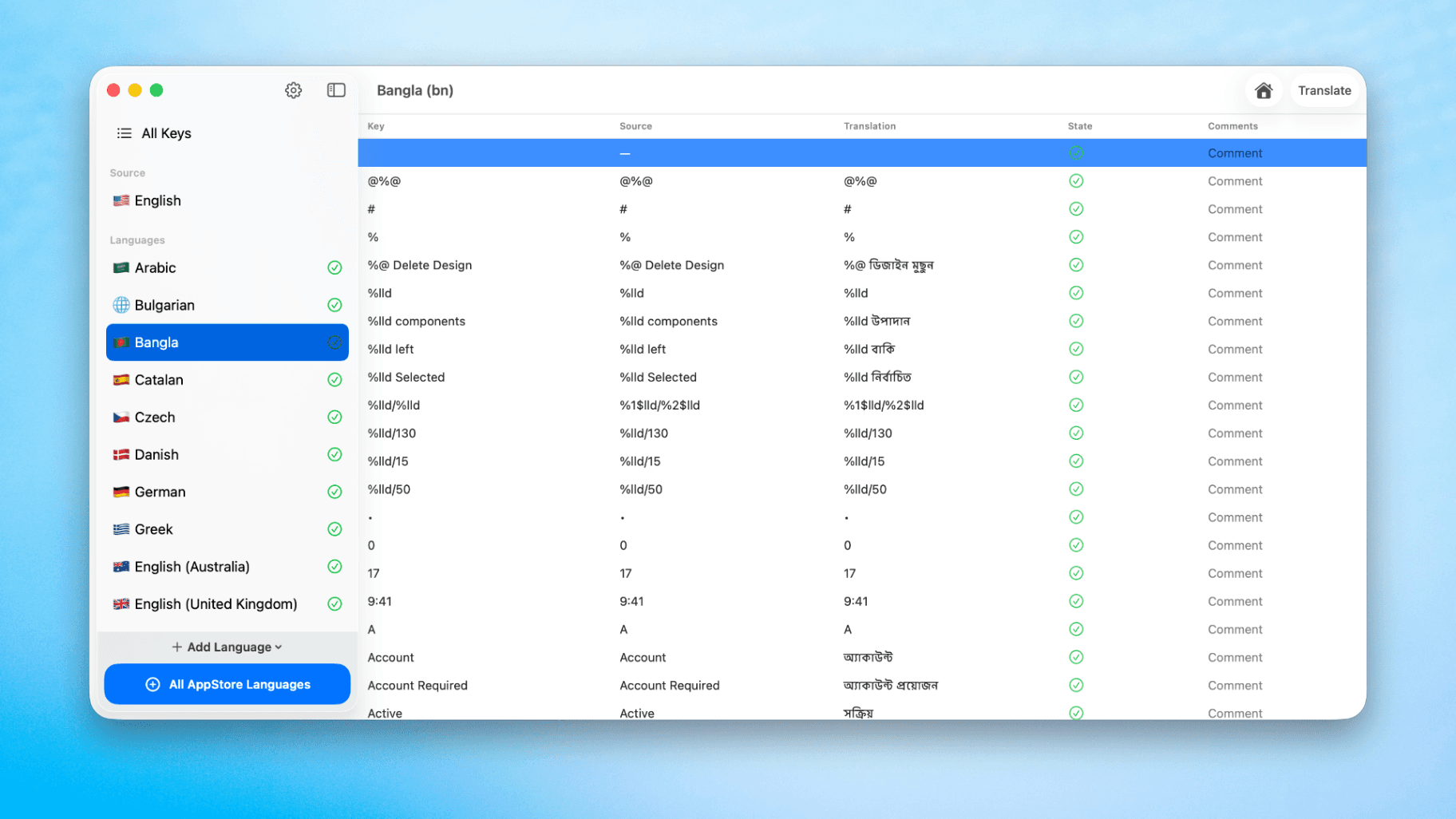
How to Translate Xcode String Catalogs with AI
Learn how to efficiently translate Xcode string catalogs using AI fast, streamlining localization for your iOS and SwiftUI applications.
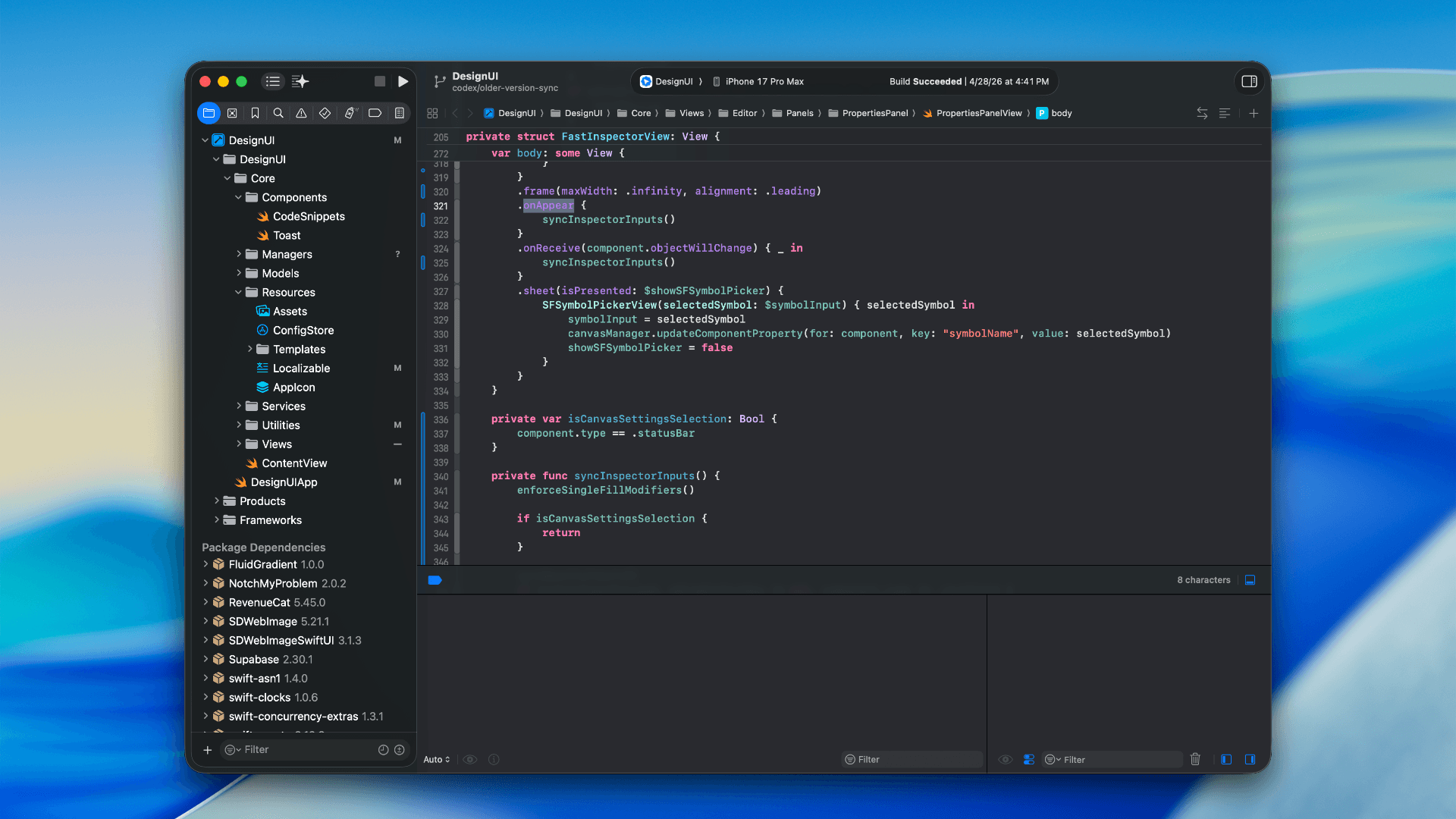
How to optimize your SwiftUI app in 2026
Discover top strategies to optimize your SwiftUI app in 2026, enhancing performance, responsiveness, and maintainability with modern concurrency.

SwiftUI: iOS Confirmation Alert (Confirm + Cancel)
SwiftUI iOS confirmation alert with Confirm and Cancel buttons. Beginners guide to building safe actions, destructive deletes, and commit dialogs.
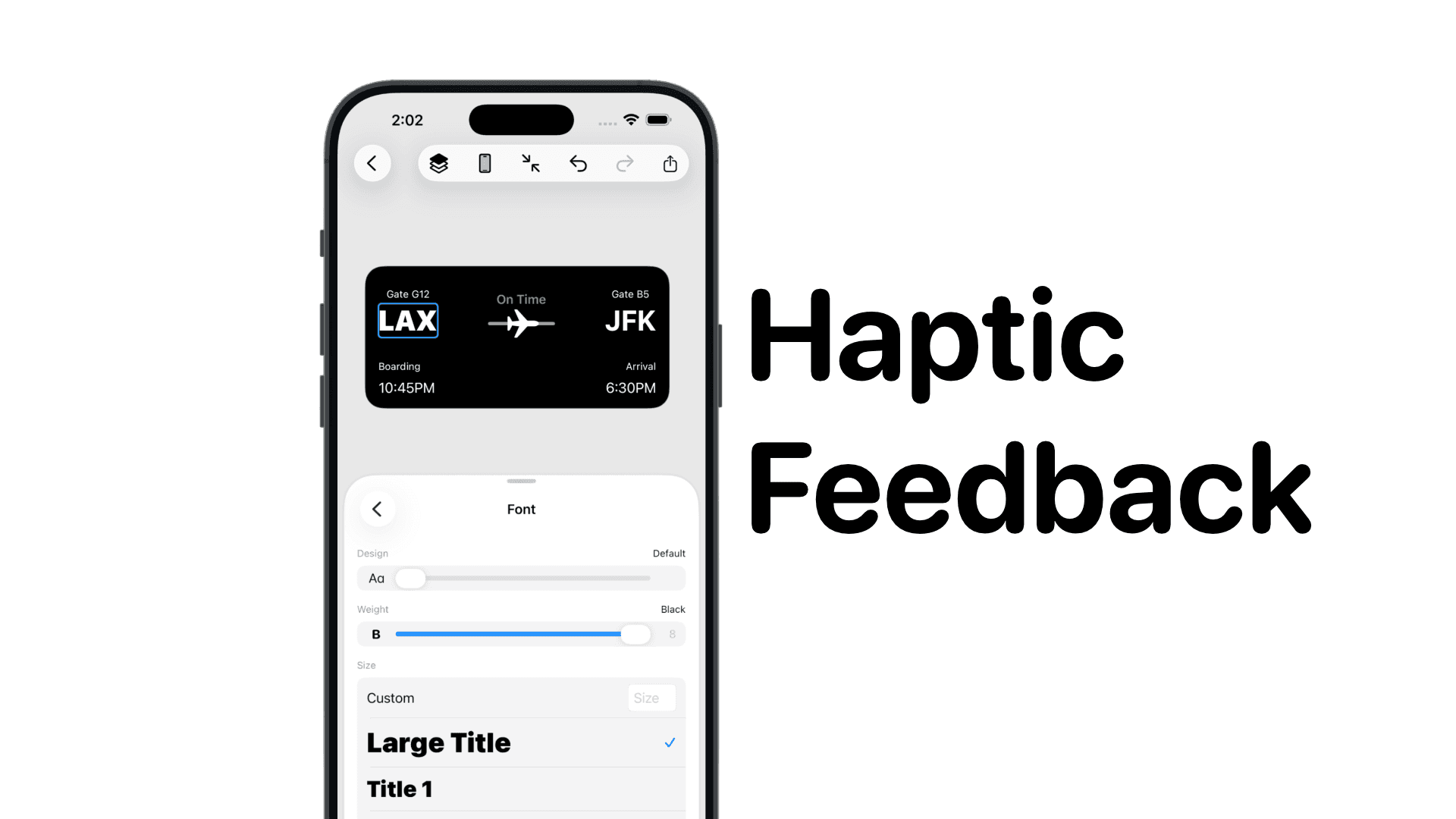
SwiftUI: IOS Haptic Feedback Guide 2026
Add click to vibrate haptic feedback in SwiftUI. Full guide to UIImpactFeedbackgenerator, success, error, selection, and tap vibration patterns with code.
Code copied to clipboard!