
Onboarding Flow Template
by dockui
A clean SwiftUI onboarding flow for a health app, featuring a multi-page introduction with animated SF Symbols, page indicators, and smooth transitions.
- Platform
- SwiftUI
- Code
- Native Swift
- Format
- Screen
- Access
- Free
Code Snippet
import SwiftUI

struct OnboardingPage: Identifiable {
    let id = UUID()
    let image: String
    let title: String
    let description: String
}

struct OnboardingFlowTemplate: View {
    @State private var currentPage = 0
    @State private var isOnboardingComplete = false

    let onboardingPages = [
        OnboardingPage(
            image: "figure.mind.and.body",
            title: "Welcome to Health+",
            description: "Your journey to a healthier lifestyle starts here. Track your progress and achieve your goals."
        ),
        OnboardingPage(
            image: "chart.bar.fill",
            title: "Track Your Progress",
            description: "Monitor your daily activities, set personal goals, and watch your achievements grow over time."
        ),
        OnboardingPage(
            image: "person.2.fill",
            title: "Join the Community",
            description: "Connect with like-minded people, share your journey, and get inspired by others' success stories."
        )
    ]

    var body: some View {
        Group {
            if isOnboardingComplete {
                ContentPlaceholderView()
            } else {
                onboardingView
            }
        }
    }

    private var onboardingView: some View {
        ZStack {
            // Background gradient
            LinearGradient(
                gradient: Gradient(colors: [Color.blue.opacity(0.1), Color.purple.opacity(0.1)]),
                startPoint: .topLeading,
                endPoint: .bottomTrailing
            )
            .ignoresSafeArea()

            VStack(spacing: 0) {
                // Skip button
                HStack {
                    Spacer()
                    Button(action: {
                        withAnimation {
                            isOnboardingComplete = true
                        }
                    }) {
                        Text("Skip")
                            .foregroundColor(.secondary)
                            .padding()
                    }
                }

                // Page content
                TabView(selection: $currentPage) {
                    ForEach(onboardingPages.indices, id: \.self) { index in
                        VStack(spacing: 32) {
                            Image(systemName: onboardingPages[index].image)
                                .font(.system(size: 100))
                                .foregroundStyle(.linearGradient(colors: [.blue, .purple], startPoint: .topLeading, endPoint: .bottomTrailing))
                                .padding()
                                .symbolEffect(.bounce, options: .repeating)

                            Text(onboardingPages[index].title)
                                .font(.title)
                                .fontWeight(.bold)
                                .multilineTextAlignment(.center)

                            Text(onboardingPages[index].description)
                                .font(.body)
                                .foregroundColor(.secondary)
                                .multilineTextAlignment(.center)
                                .padding(.horizontal, 32)
                        }
                        .tag(index)
                    }
                }
                .tabViewStyle(PageTabViewStyle(indexDisplayMode: .never))

                // Progress and Continue button
                VStack(spacing: 24) {
                    // Custom page indicator
                    HStack(spacing: 8) {
                        ForEach(0..<onboardingPages.count, id: \.self) { index in
                            Circle()
                                .fill(index == currentPage ? Color.blue : Color.gray.opacity(0.3))
                                .frame(width: 8, height: 8)
                                .scaleEffect(index == currentPage ? 1.2 : 1.0)
                                .animation(.spring(), value: currentPage)
                        }
                    }
                    .padding()

                    // Continue button
                    Button(action: {
                        withAnimation {
                            if currentPage < onboardingPages.count - 1 {
                                currentPage += 1
                            } else {
                                isOnboardingComplete = true
                            }
                        }
                    }) {
                        Text(currentPage < onboardingPages.count - 1 ? "Continue" : "Get Started")
                            .font(.headline)
                            .foregroundColor(.white)
                            .frame(maxWidth: .infinity)
                            .padding()
                            .background(Color.blue)
                            .cornerRadius(16)
                    }
                    .padding(.horizontal, 24)
                    .padding(.bottom, 32)
                }
            }
        }
    }
}

// Placeholder view for when onboarding is complete
struct ContentPlaceholderView: View {
    var body: some View {
        VStack(spacing: 20) {
            Image(systemName: "checkmark.circle.fill")
                .font(.system(size: 60))
                .foregroundColor(.green)
            Text("Welcome to the App!")
                .font(.title)
                .fontWeight(.bold)
            Text("Your journey begins here.")
                .foregroundColor(.secondary)
        }
    }
}

#Preview {
    OnboardingFlowTemplate()
}
More Templates
View All TemplatesSimilar Blogs
View All Articles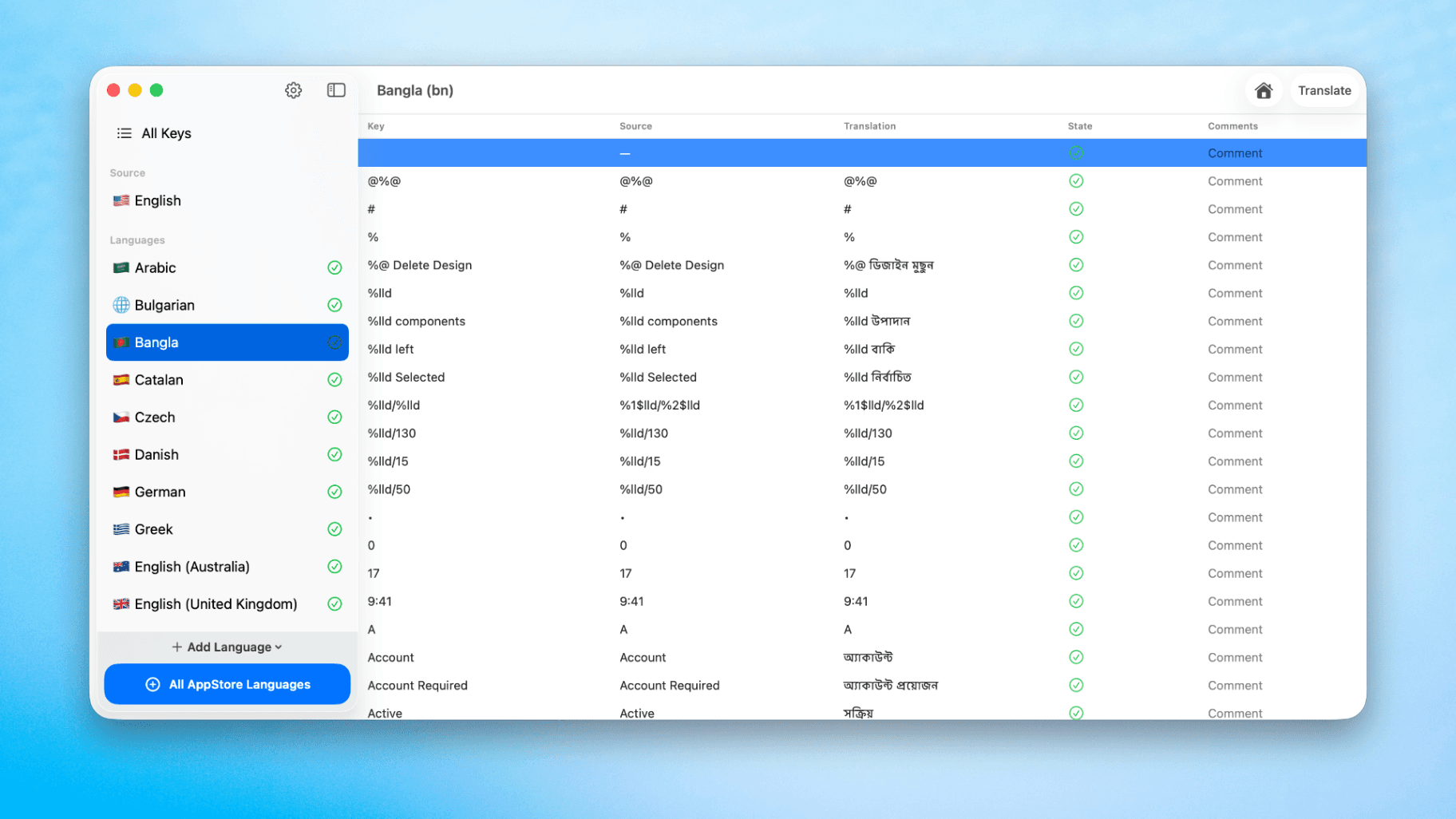
How to Translate Xcode String Catalogs with AI
Learn how to efficiently translate Xcode string catalogs using AI fast, streamlining localization for your iOS and SwiftUI applications.
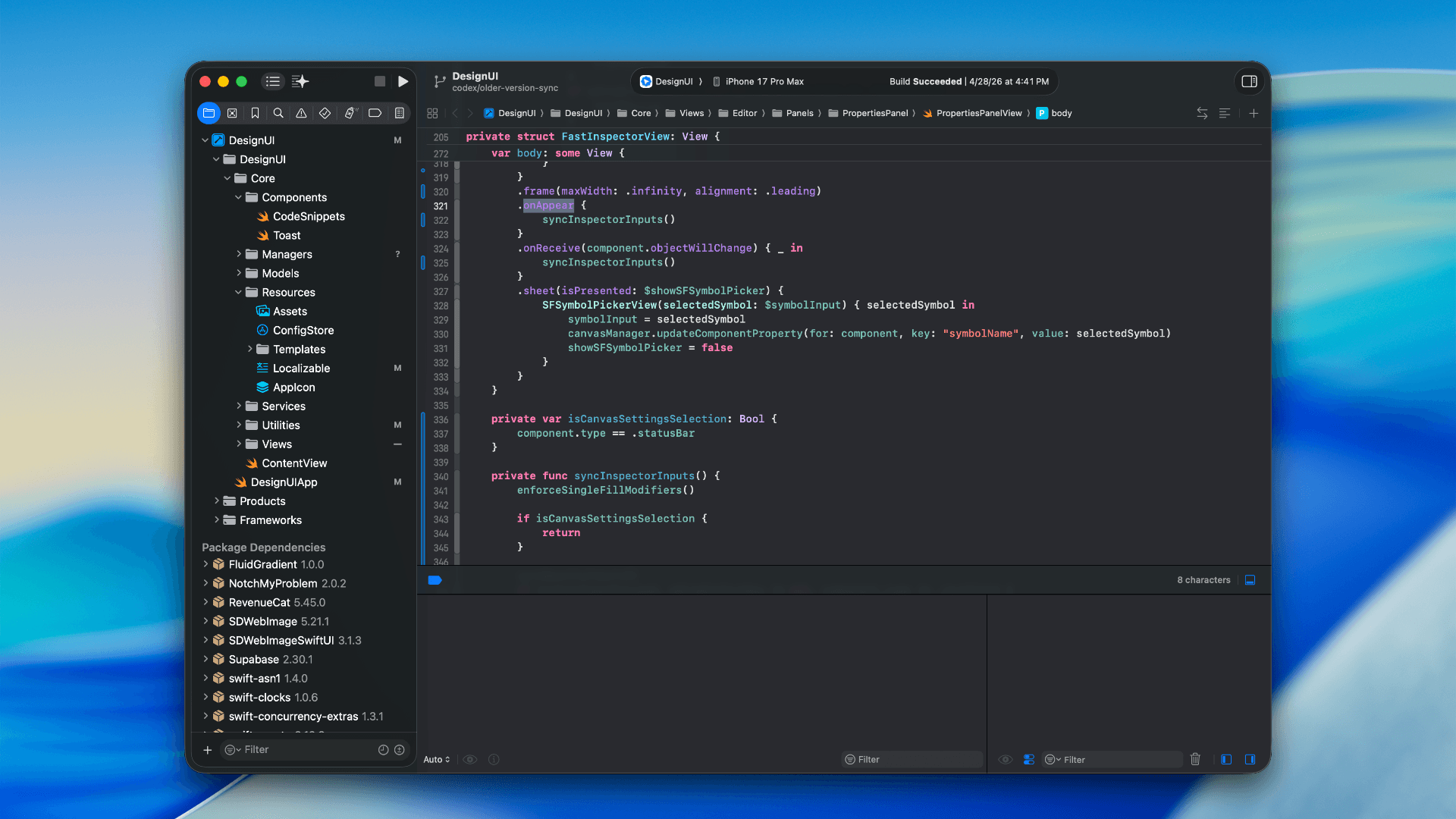
How to optimize your SwiftUI app in 2026
Discover top strategies to optimize your SwiftUI app in 2026, enhancing performance, responsiveness, and maintainability with modern concurrency.

SwiftUI: iOS Confirmation Alert (Confirm + Cancel)
SwiftUI iOS confirmation alert with Confirm and Cancel buttons. Beginners guide to building safe actions, destructive deletes, and commit dialogs.
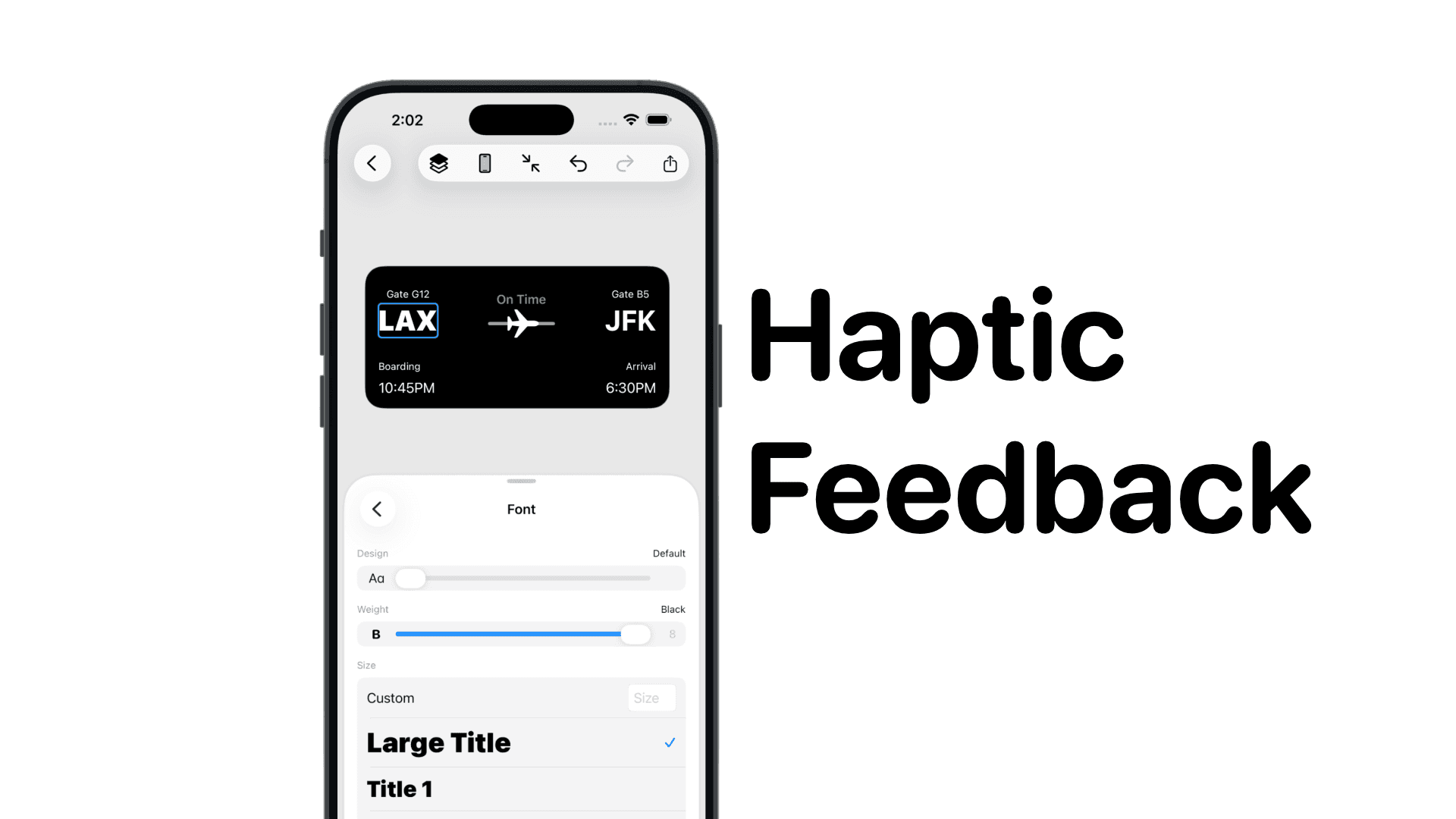
SwiftUI: IOS Haptic Feedback Guide 2026
Add click to vibrate haptic feedback in SwiftUI. Full guide to UIImpactFeedbackgenerator, success, error, selection, and tap vibration patterns with code.
Code copied to clipboard!