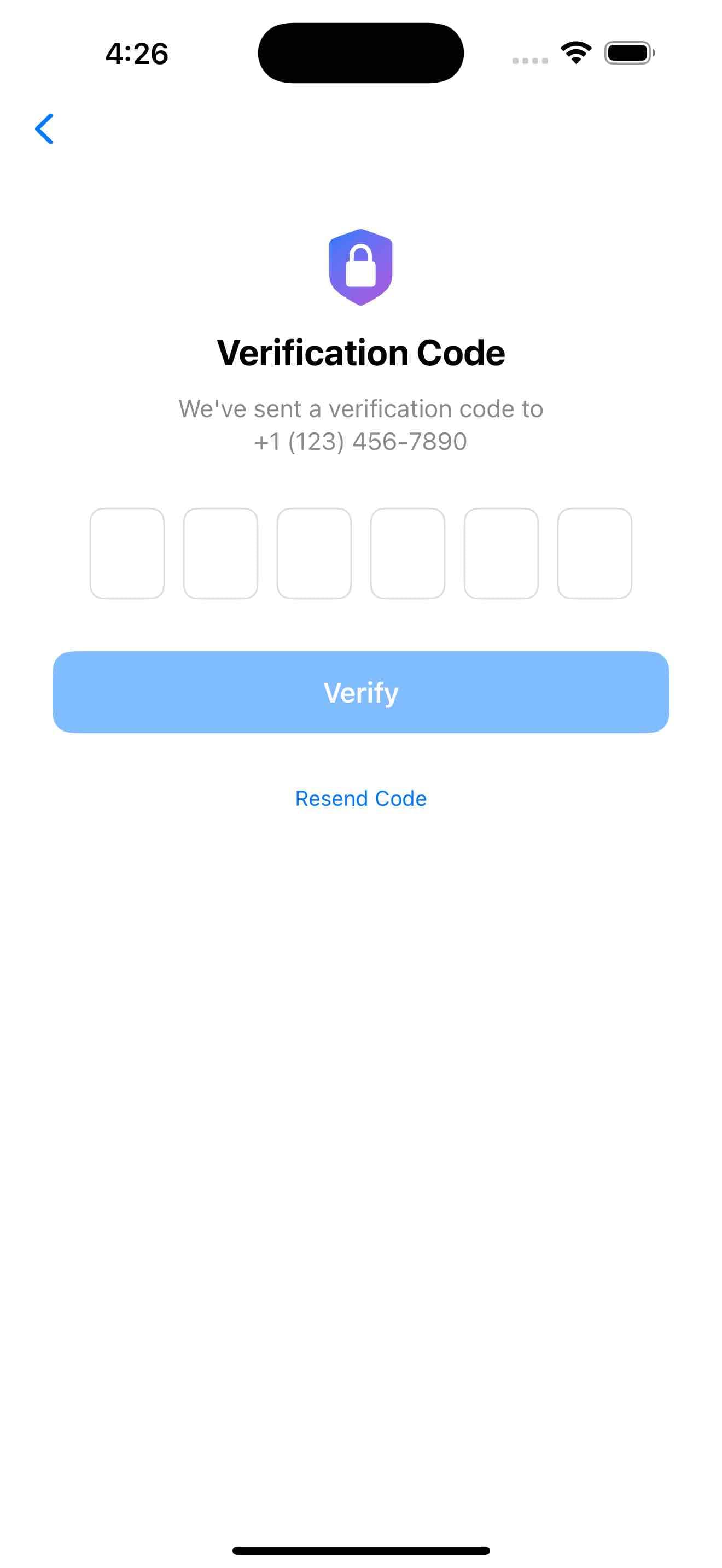
OTP Verification Template
by dockui
A modern SwiftUI OTP verification screen with animated input fields, auto-focus handling, resend countdown timer, & error feedback with shake animation.
- Platform
- SwiftUI
- Code
- Native Swift
- Format
- Screen
- Access
- Free
Code Snippet
import SwiftUI

struct OTPVerificationTemplate: View {
    @State private var otpFields: [String] = Array(repeating: "", count: 6)
    @State private var currentField: Int = 0
    @State private var isVerifying: Bool = false
    @State private var showSuccess: Bool = false
    @State private var showError: Bool = false
    @FocusState private var fieldFocus: Int?

    // Timer for resend countdown
    @State private var timeRemaining: Int = 30
    let timer = Timer.publish(every: 1, on: .main, in: .common).autoconnect()

    var body: some View {
        NavigationView {
            ScrollView {
                VStack(spacing: 32) {
                    // Header
                    VStack(spacing: 12) {
                        Image(systemName: "lock.shield.fill")
                            .font(.system(size: 48))
                            .foregroundStyle(.linearGradient(colors: [.blue, .purple], startPoint: .topLeading, endPoint: .bottomTrailing))
                            .symbolEffect(.bounce, options: .repeating)

                        Text("Verification Code")
                            .font(.title2)
                            .fontWeight(.bold)

                        Text("We've sent a verification code to\n+1 (123) 456-7890")
                            .font(.subheadline)
                            .foregroundColor(.secondary)
                            .multilineTextAlignment(.center)
                    }
                    .padding(.top, 20)

                    // OTP Input Fields
                    HStack(spacing: 12) {
                        ForEach(0..<6) { index in
                            OTPTextField(
                                text: $otpFields[index],
                                isFocused: fieldFocus == index,
                                isError: showError
                            )
                            .focused($fieldFocus, equals: index)
                            .onChange(of: otpFields[index]) { oldValue, newValue in
                                handleInput(at: index)
                            }
                        }
                    }
                    .padding(.horizontal)

                    // Verification Button
                    Button(action: verifyCode) {
                        ZStack {
                            if isVerifying {
                                ProgressView()
                                    .tint(.white)
                            } else {
                                Text("Verify")
                                    .fontWeight(.semibold)
                            }
                        }
                        .frame(maxWidth: .infinity)
                        .frame(height: 50)
                        .foregroundColor(.white)
                        .background(isInputComplete ? Color.blue : Color.blue.opacity(0.5))
                        .cornerRadius(12)
                    }
                    .disabled(!isInputComplete || isVerifying)
                    .padding(.horizontal)

                    // Resend Code
                    VStack(spacing: 8) {
                        if timeRemaining > 0 {
                            Text("Resend code in \(timeRemaining)s")
                                .font(.footnote)
                                .foregroundColor(.secondary)
                        } else {
                            Button("Resend Code") {
                                resendCode()
                            }
                            .font(.footnote)
                            .foregroundColor(.blue)
                        }
                    }
                }
                .padding()
            }
            .navigationBarTitleDisplayMode(.inline)
            .toolbar {
                ToolbarItem(placement: .navigationBarLeading) {
                    Button(action: {}) {
                        Image(systemName: "chevron.left")
                            .fontWeight(.semibold)
                    }
                }
            }
            .onChange(of: currentField) { oldValue, newValue in
                fieldFocus = newValue
            }
            .onReceive(timer) { _ in
                if timeRemaining > 0 {
                    timeRemaining -= 1
                }
            }
            .alert("Verification Successful", isPresented: $showSuccess) {
                Button("Continue") {}
            }
        }
    }

    private var isInputComplete: Bool {
        otpFields.allSatisfy { !$0.isEmpty }
    }

    private func handleInput(at index: Int) {
        let value = otpFields[index]

        // Handle backspace
        if value.isEmpty && index > 0 {
            currentField = index - 1
            return
        }

        // Limit to single digit and move to next field
        if value.count > 1 {
            otpFields[index] = String(value.suffix(1))
        }

        if !value.isEmpty && index < otpFields.count - 1 {
            currentField = index + 1
        }

        // Reset error state when user starts typing
        if showError {
            showError = false
        }
    }

    private func verifyCode() {
        isVerifying = true
        showError = false

        // Simulate verification
        DispatchQueue.main.asyncAfter(deadline: .now() + 1.5) {
            isVerifying = false
            let code = otpFields.joined()

            // Demo: Show success for "123456", error for others
            if code == "123456" {
                withAnimation {
                    showSuccess = true
                }
            } else {
                withAnimation(.easeInOut) {
                    showError = true
                }
            }
        }
    }

    private func resendCode() {
        // Simulate resend
        timeRemaining = 30

        // Haptic feedback
        let generator = UINotificationFeedbackGenerator()
        generator.notificationOccurred(.success)
    }
}

// MARK: - OTP Text Field
struct OTPTextField: View {
    @Binding var text: String
    var isFocused: Bool
    var isError: Bool

    var body: some View {
        TextField("", text: $text)
            .keyboardType(.numberPad)
            .textContentType(.oneTimeCode)
            .multilineTextAlignment(.center)
            .frame(width: 45, height: 55)
            .background(
                RoundedRectangle(cornerRadius: 8)
                    .stroke(
                        isFocused ? Color.blue :
                            isError ? Color.red :
                            Color.gray.opacity(0.3),
                        lineWidth: isFocused || isError ? 2 : 1
                    )
            )
            .shakeEffect(trigger: isError)
    }
}

// MARK: - Shake Effect Modifier
struct ShakeEffect: AnimatableModifier {
    var trigger: Bool
    var animatableData: CGFloat = 0

    func body(content: Content) -> some View {
        content
            .offset(x: trigger ? sin(animatableData * .pi * 2) * 5 : 0)
            .animation(trigger ? .easeInOut(duration: 0.5) : .default, value: trigger)
    }
}

extension View {
    func shakeEffect(trigger: Bool) -> some View {
        modifier(ShakeEffect(trigger: trigger))
    }
}

#Preview {
    OTPVerificationTemplate()
}
More Templates
View All TemplatesSimilar Blogs
View All Articles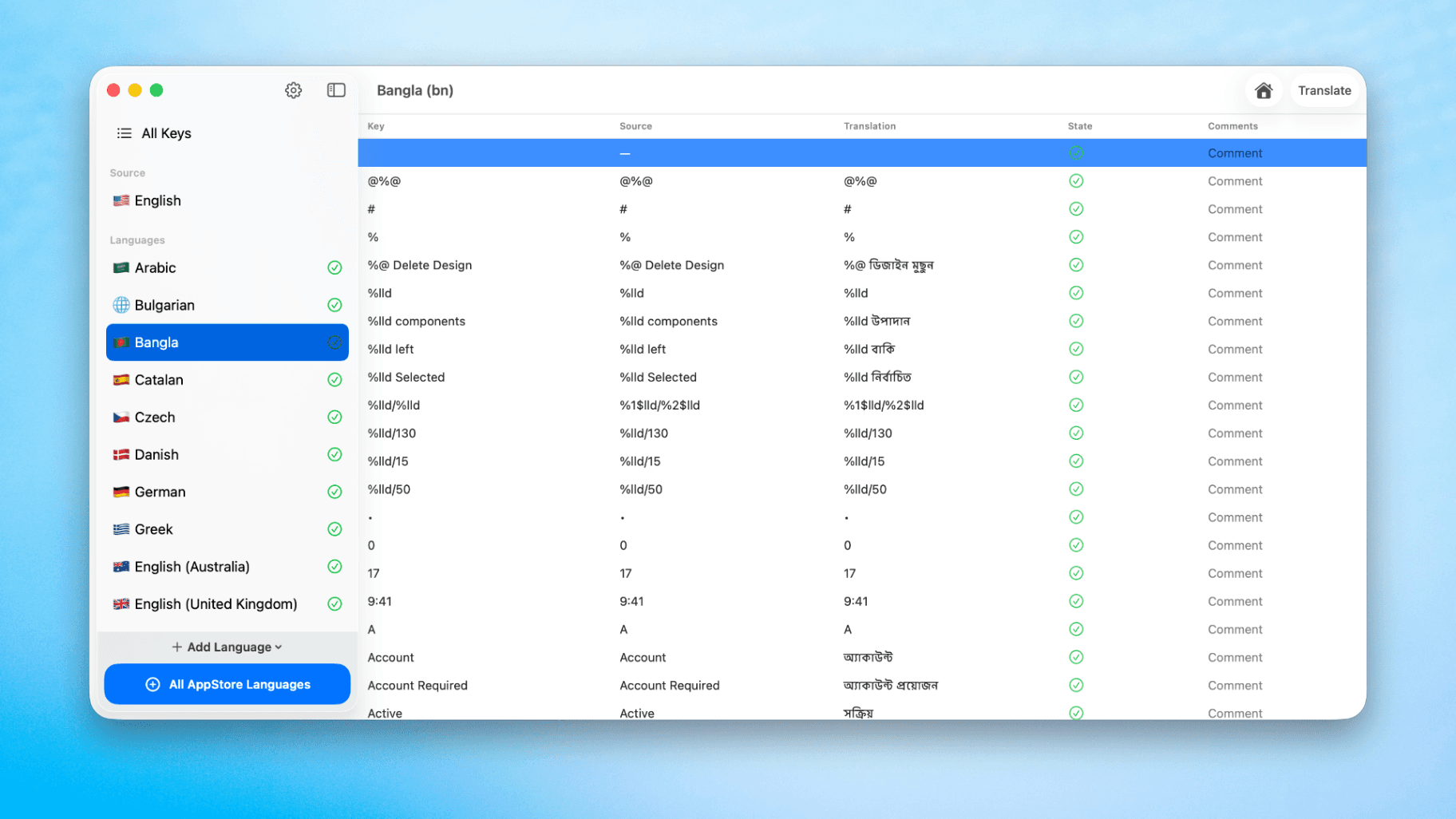
How to Translate Xcode String Catalogs with AI
Learn how to efficiently translate Xcode string catalogs using AI fast, streamlining localization for your iOS and SwiftUI applications.
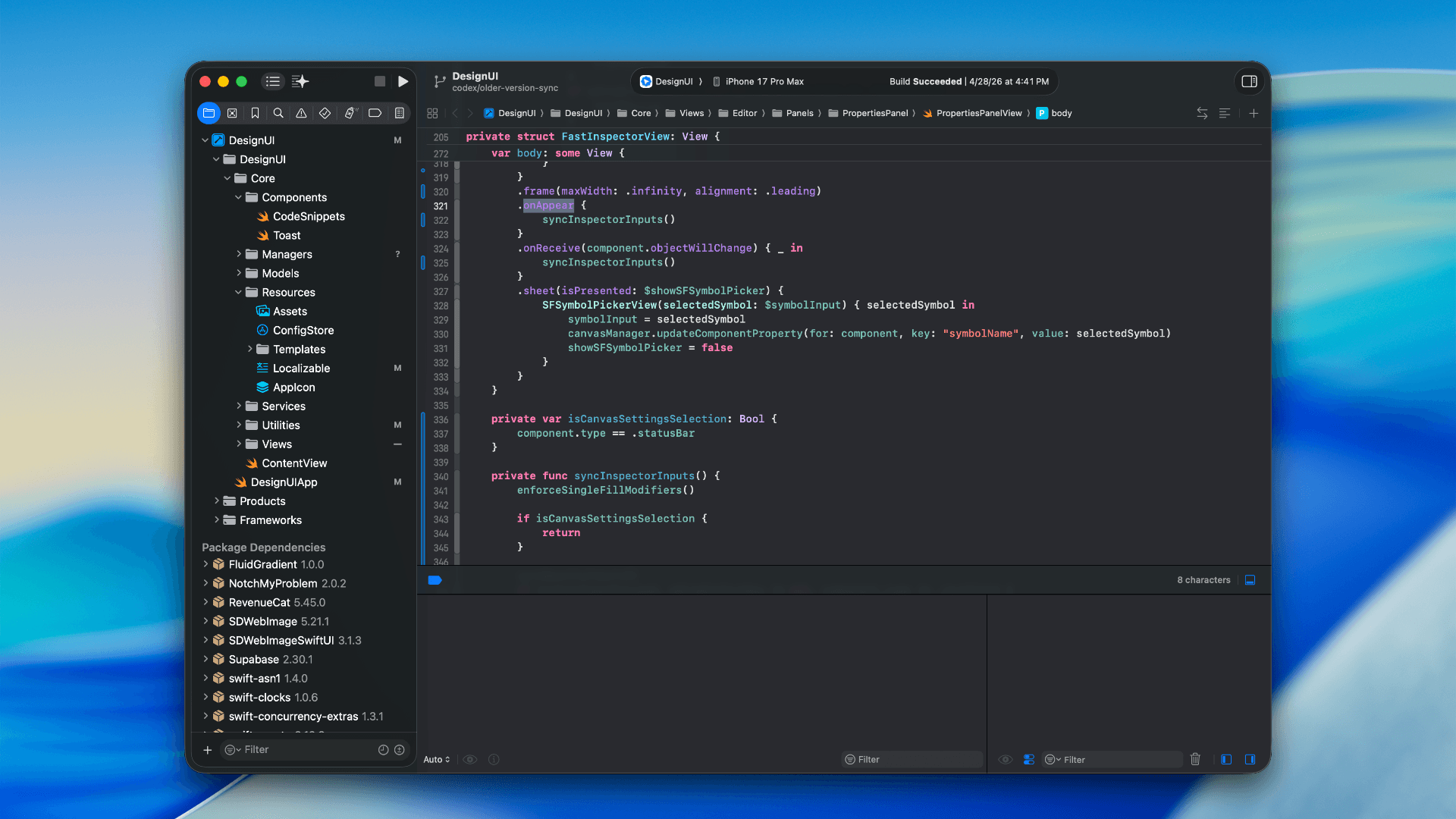
How to optimize your SwiftUI app in 2026
Discover top strategies to optimize your SwiftUI app in 2026, enhancing performance, responsiveness, and maintainability with modern concurrency.

SwiftUI: iOS Confirmation Alert (Confirm + Cancel)
SwiftUI iOS confirmation alert with Confirm and Cancel buttons. Beginners guide to building safe actions, destructive deletes, and commit dialogs.
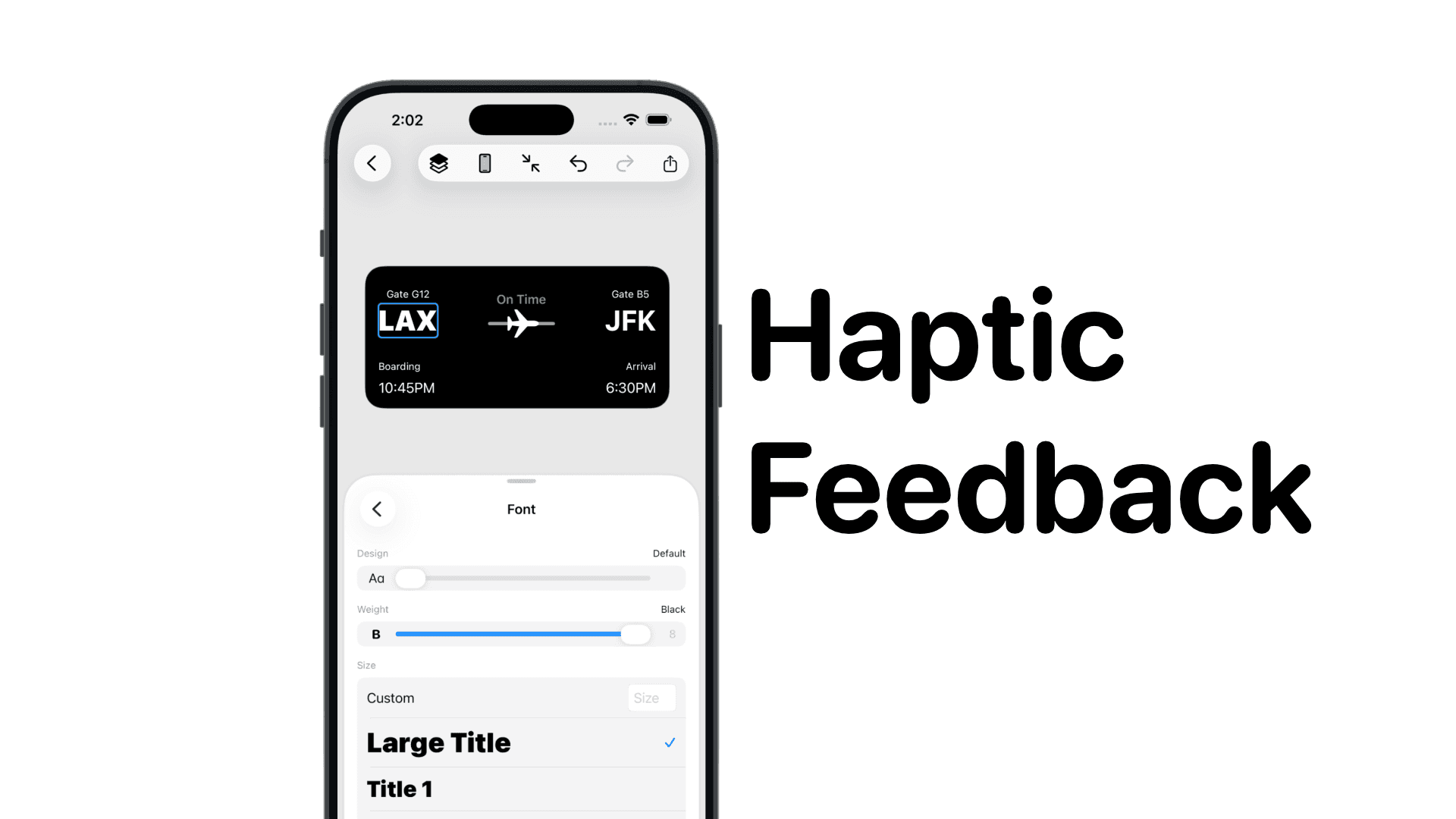
SwiftUI: IOS Haptic Feedback Guide 2026
Add click to vibrate haptic feedback in SwiftUI. Full guide to UIImpactFeedbackgenerator, success, error, selection, and tap vibration patterns with code.
Code copied to clipboard!