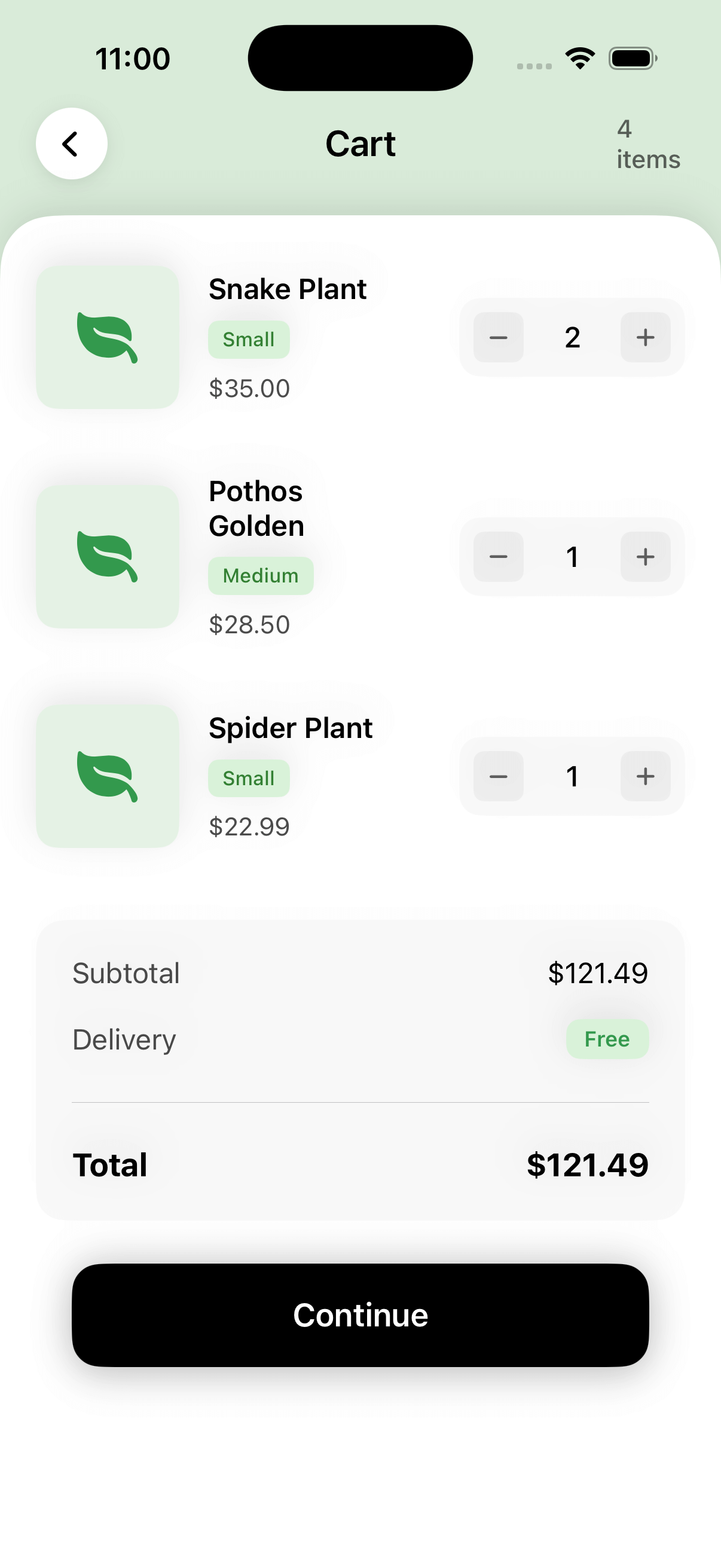
Plant Checkout View
by dockui
Reusable SwiftUI checkout cart component with product list, quantity controls, pricing breakdown, and modern iOS UI styling
- Platform
- SwiftUI
- Code
- Native Swift
- Format
- Screen
- Access
- Premium
Code Snippet
import SwiftUI

struct PlantCheckoutView: View {
    @Environment(\.dismiss) private var dismiss
    @State private var cartItems: [CartItem] = [
        CartItem(
            id: 1,
            name: "Snake Plant",
            size: "Small",
            price: 35.00,
            quantity: 2,
            imageName: "leaf.fill"
        ),
        CartItem(
            id: 2,
            name: "Pothos Golden",
            size: "Medium",
            price: 28.50,
            quantity: 1,
            imageName: "leaf.fill"
        ),
        CartItem(
            id: 4,
            name: "Spider Plant",
            size: "Small",
            price: 22.99,
            quantity: 1,
            imageName: "leaf.fill"
        )
    ]

    var totalItems: Int {
        cartItems.reduce(0) { $0 + $1.quantity }
    }

    var subtotal: Double {
        cartItems.reduce(0) { $0 + ($1.price * Double($1.quantity)) }
    }

    var deliveryFee: Double {
        0.0 // Free delivery
    }

    var total: Double {
        subtotal + deliveryFee
    }

    var body: some View {
        ZStack {
            // Light green background
            Color(red: 0.85, green: 0.92, blue: 0.85)
                .ignoresSafeArea()

            VStack(spacing: 0) {
                // Header
                headerSection

                // Main Content Card
                ScrollView {
                    VStack {
                        // Product List
                        productListSection

                        // Order Summary
                        orderSummarySection
                            .padding(.top, 24)
                            .padding(.bottom)

                        // Continue Button
                        continueButton
                    }
                    .padding(.horizontal, 20)
                    .padding(.top, 20)
                }
                .background(
                    Color.white
                        .clipShape(
                            .rect(
                                topLeadingRadius: 30,
                                topTrailingRadius: 30
                            )
                        )
                )
                .shadow(color: Color.black.opacity(0.1), radius: 10, y: -5)
            }
        }
        .ignoresSafeArea()
    }

    private var headerSection: some View {
        HStack {
            // Back Button
            Button(action: { dismiss() }) {
                Image(systemName: "chevron.left")
                    .font(.system(size: 16, weight: .semibold))
                    .foregroundColor(.black)
                    .frame(width: 40, height: 40)
                    .background(Color.white)
                    .clipShape(Circle())
                    .shadow(color: Color.black.opacity(0.1), radius: 5, x: 0, y: 2)
            }

            Spacer()

            // Title
            Text("Cart")
                .font(.system(size: 20, weight: .semibold))
                .foregroundColor(.black)

            Spacer()

            // Item Count
            Text("\(totalItems) items")
                .font(.system(size: 14, weight: .medium))
                .foregroundColor(.black.opacity(0.6))
                .frame(width: 40)
        }
        .padding(.horizontal, 20)
        .padding(.top, 60)
        .padding(.bottom, 20)
    }

    private var productListSection: some View {
        VStack(spacing: 20) {
            ForEach(cartItems) { item in
                ProductRow(item: item) { updatedItem in
                    if let index = cartItems.firstIndex(where: { $0.id == updatedItem.id }) {
                        cartItems[index] = updatedItem
                    }
                }
            }
        }
    }

    private var orderSummarySection: some View {
        VStack(spacing: 16) {
            HStack {
                Text("Subtotal")
                    .font(.system(size: 16))
                    .foregroundColor(.black.opacity(0.7))

                Spacer()

                Text("$\(String(format: "%.2f", subtotal))")
                    .font(.system(size: 16))
                    .foregroundColor(.black)
            }

            HStack {
                Text("Delivery")
                    .font(.system(size: 16))
                    .foregroundColor(.black.opacity(0.7))

                Spacer()

                if deliveryFee == 0 {
                    Text("Free")
                        .font(.system(size: 12, weight: .semibold))
                        .foregroundColor(Color(red: 0.2, green: 0.6, blue: 0.3))
                        .padding(.horizontal, 10)
                        .padding(.vertical, 4)
                        .background(Color(red: 0.85, green: 0.95, blue: 0.85))
                        .clipShape(RoundedRectangle(cornerRadius: 8))
                } else {
                    Text("$\(String(format: "%.2f", deliveryFee))")
                        .font(.system(size: 16))
                        .foregroundColor(.black)
                }
            }

            Divider()
                .padding(.vertical, 8)

            HStack {
                Text("Total")
                    .font(.system(size: 18, weight: .bold))
                    .foregroundColor(.black)

                Spacer()

                Text("$\(String(format: "%.2f", total))")
                    .font(.system(size: 18, weight: .bold))
                    .foregroundColor(.black)
            }
        }
        .padding(20)
        .background(Color.gray.opacity(0.05))
        .clipShape(RoundedRectangle(cornerRadius: 16))
    }

    private var continueButton: some View {
        Button(action: {
            // Handle checkout
        }) {
            Text("Continue")
                .font(.system(size: 18, weight: .semibold))
                .foregroundColor(.white)
                .frame(maxWidth: .infinity)
                .padding(.vertical, 18)
                .background(Color.black)
                .clipShape(RoundedRectangle(cornerRadius: 16))
        }
        .padding(.horizontal, 20)
        .padding(.bottom, 34)
        .shadow(color: Color.black.opacity(0.2), radius: 10, y: 5)
    }
}

// MARK: - Product Row

struct ProductRow: View {
    let item: CartItem
    let onUpdate: (CartItem) -> Void

    var body: some View {
        HStack(spacing: 16) {
            // Plant Image
            ZStack {
                RoundedRectangle(cornerRadius: 12)
                    .fill(Color(red: 0.9, green: 0.95, blue: 0.9))
                    .frame(width: 80, height: 80)

                Image(systemName: item.imageName)
                    .font(.system(size: 32))
                    .foregroundColor(Color(red: 0.2, green: 0.6, blue: 0.3))
            }

            // Product Info
            VStack(alignment: .leading, spacing: 8) {
                Text(item.name)
                    .font(.system(size: 16, weight: .semibold))
                    .foregroundColor(.black)

                // Size Badge
                Text(item.size)
                    .font(.system(size: 11, weight: .medium))
                    .foregroundColor(Color(red: 0.2, green: 0.5, blue: 0.2))
                    .padding(.horizontal, 8)
                    .padding(.vertical, 4)
                    .background(Color(red: 0.85, green: 0.95, blue: 0.85))
                    .clipShape(RoundedRectangle(cornerRadius: 6))

                Text("$\(String(format: "%.2f", item.price))")
                    .font(.system(size: 14))
                    .foregroundColor(.black.opacity(0.7))
            }

            Spacer()

            // Quantity Selector
            HStack(spacing: 12) {
                Button(action: {
                    if item.quantity > 1 {
                        var updated = item
                        updated.quantity -= 1
                        onUpdate(updated)
                    }
                }) {
                    Image(systemName: "minus")
                        .font(.system(size: 12, weight: .semibold))
                        .foregroundColor(.black.opacity(0.6))
                        .frame(width: 28, height: 28)
                        .background(Color.gray.opacity(0.1))
                        .clipShape(RoundedRectangle(cornerRadius: 6))
                }

                Text("\(item.quantity)")
                    .font(.system(size: 16, weight: .medium))
                    .foregroundColor(.black)
                    .frame(minWidth: 30)

                Button(action: {
                    var updated = item
                    updated.quantity += 1
                    onUpdate(updated)
                }) {
                    Image(systemName: "plus")
                        .font(.system(size: 12, weight: .semibold))
                        .foregroundColor(.black.opacity(0.6))
                        .frame(width: 28, height: 28)
                        .background(Color.gray.opacity(0.1))
                        .clipShape(RoundedRectangle(cornerRadius: 6))
                }
            }
            .padding(8)
            .background(Color.gray.opacity(0.05))
            .clipShape(RoundedRectangle(cornerRadius: 12))
        }
        .padding(.vertical, 8)
    }
}

// MARK: - Models

struct CartItem: Identifiable {
    let id: Int
    let name: String
    let size: String
    let price: Double
    var quantity: Int
    let imageName: String
}
Premium Template
Premium subscriptions are only available through our iOS app. Download the app to unlock premium templates and features.
More Templates
More Templates
View All TemplatesSimilar Blogs
View All Articles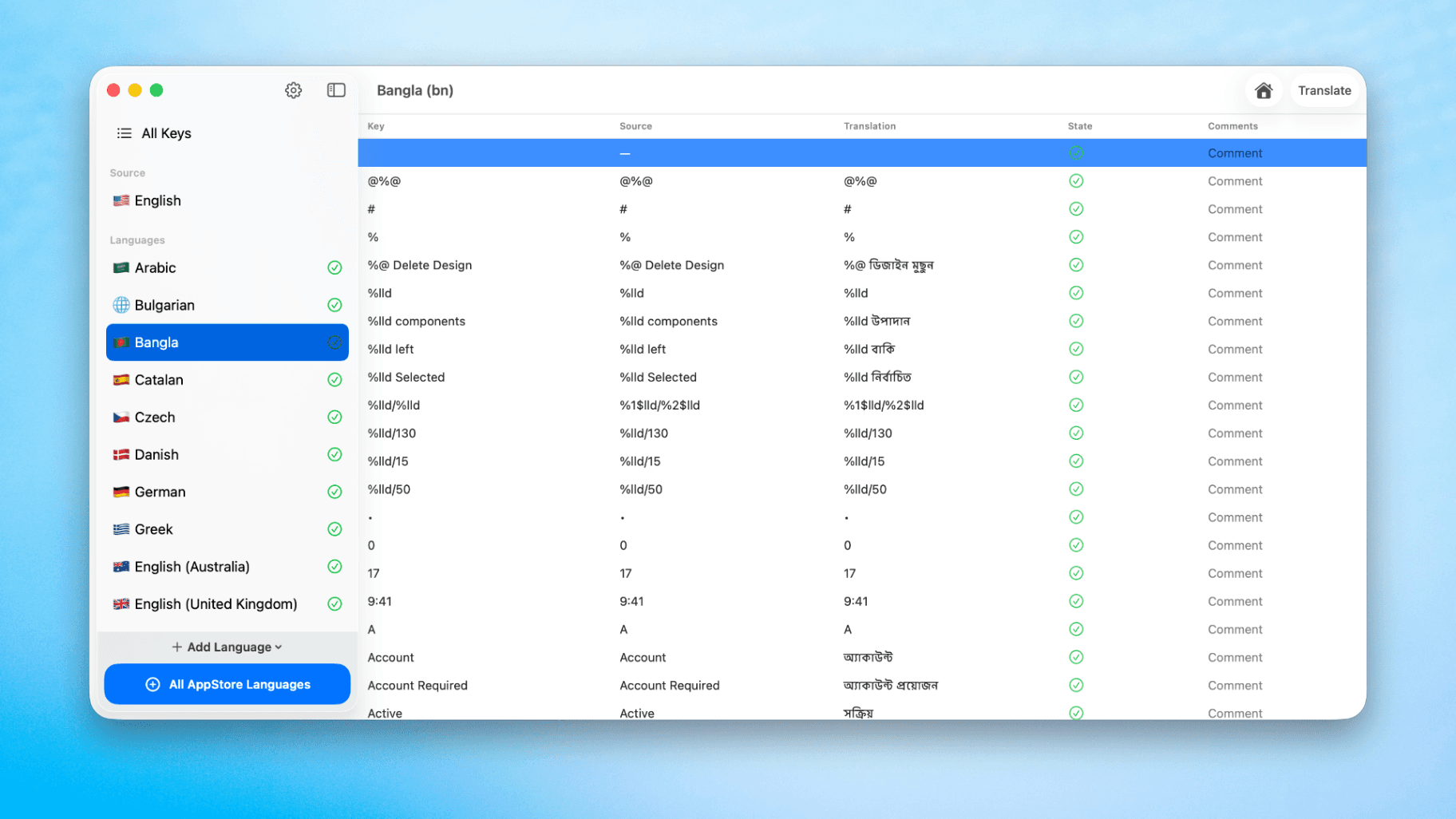
How to Translate Xcode String Catalogs with AI
Learn how to efficiently translate Xcode string catalogs using AI fast, streamlining localization for your iOS and SwiftUI applications.
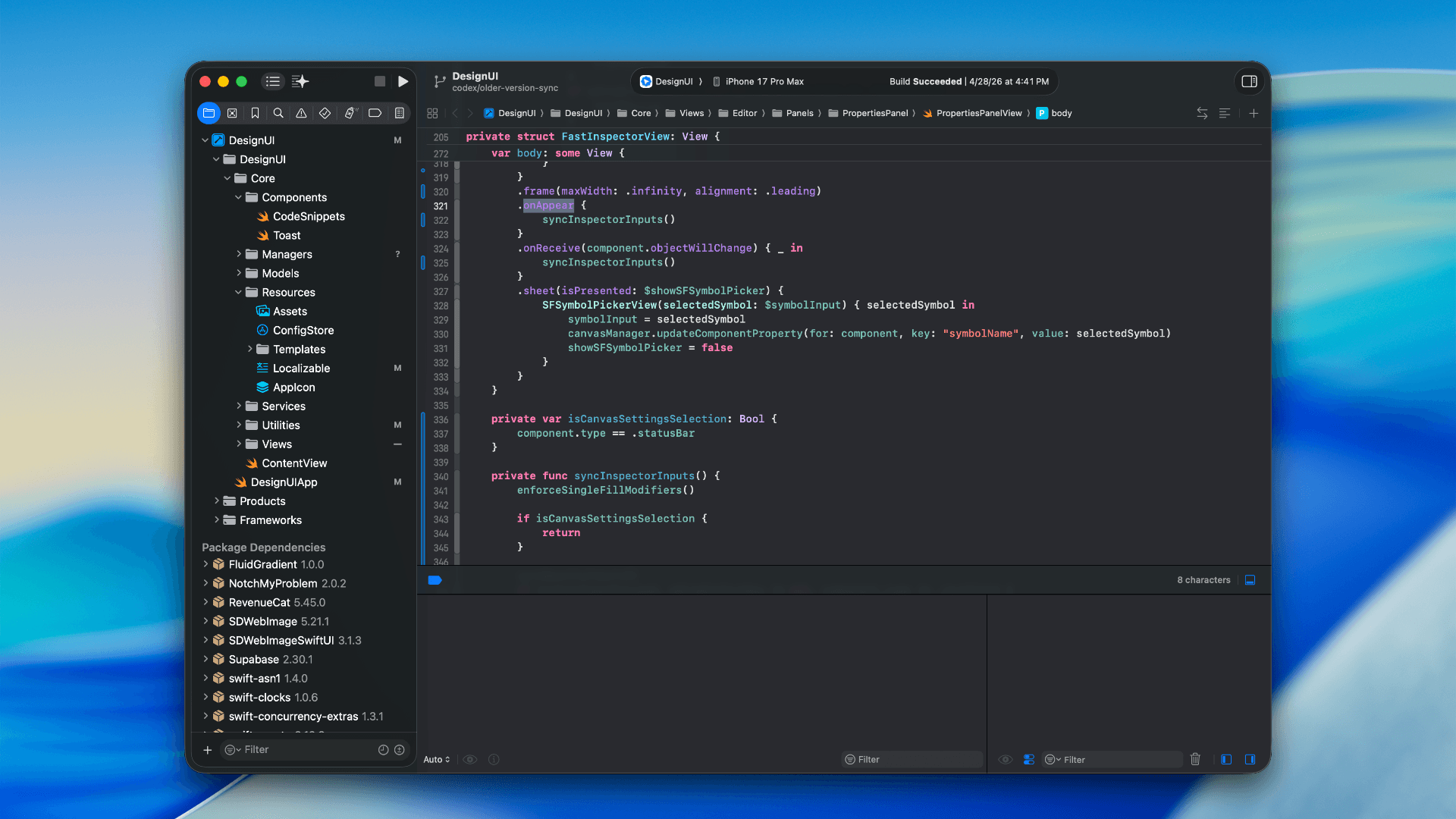
How to optimize your SwiftUI app in 2026
Discover top strategies to optimize your SwiftUI app in 2026, enhancing performance, responsiveness, and maintainability with modern concurrency.

SwiftUI: iOS Confirmation Alert (Confirm + Cancel)
SwiftUI iOS confirmation alert with Confirm and Cancel buttons. Beginners guide to building safe actions, destructive deletes, and commit dialogs.
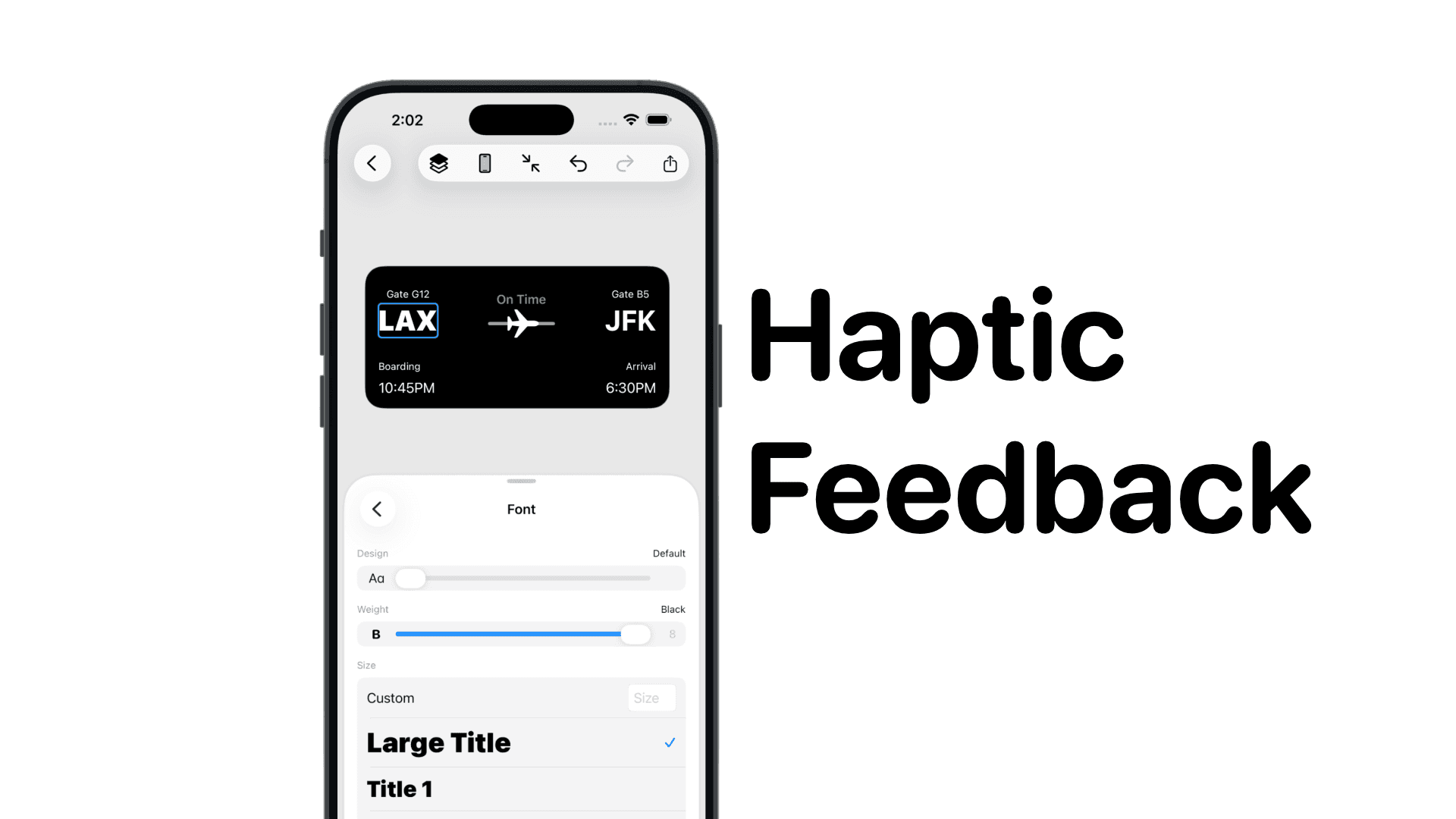
SwiftUI: IOS Haptic Feedback Guide 2026
Add click to vibrate haptic feedback in SwiftUI. Full guide to UIImpactFeedbackgenerator, success, error, selection, and tap vibration patterns with code.
Code copied to clipboard!