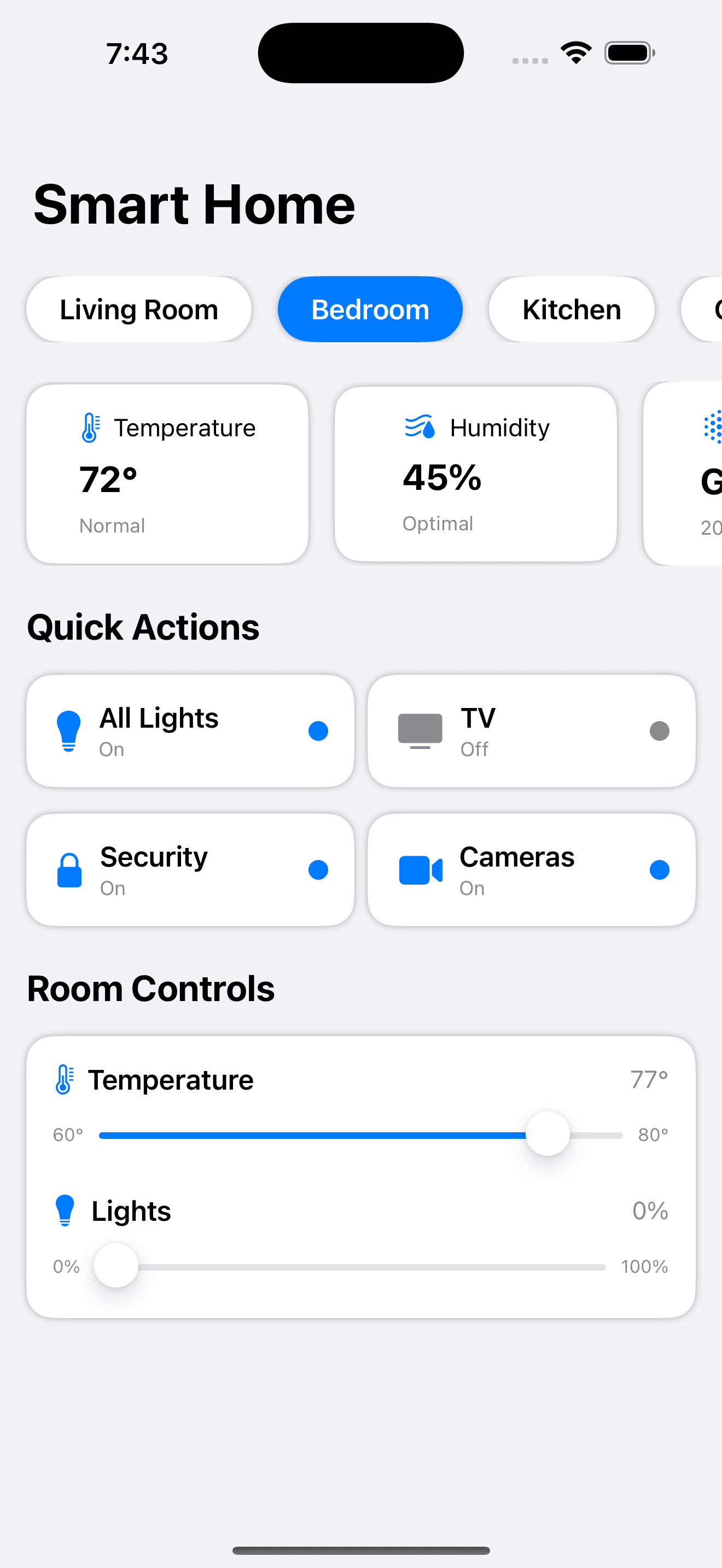
Smart Home Dashboard
by dockui
Experience a sleek and intuitive Smart Home Dashboard built with SwiftUI. This UI-focused view lets users monitor environment metrics, and control temperature.
- Platform
- SwiftUI
- Code
- Native Swift
- Format
- Screen
- Access
- Free
Code Snippet
import SwiftUI

struct SmartHomeDashboardView: View {
    // State variables for room controls
    @State private var livingRoomTemp = 72.0
    @State private var livingRoomLights = 80.0
    @State private var bedroomTemp = 70.0
    @State private var bedroomLights = 0.0
    @State private var selectedRoom = "Living Room"

    // Dummy data for quick actions and devices
    let rooms = ["Living Room", "Bedroom", "Kitchen", "Office"]
    let quickActions = [
        SmartDevice(name: "All Lights", icon: "lightbulb.fill", isActive: true),
        SmartDevice(name: "TV", icon: "tv.fill", isActive: false),
        SmartDevice(name: "Security", icon: "lock.fill", isActive: true),
        SmartDevice(name: "Cameras", icon: "video.fill", isActive: true)
    ]

    // Environment metrics
    let environmentMetrics = [
        EnvironmentMetric(icon: "thermometer", title: "Temperature", value: "72°", subtitle: "Normal"),
        EnvironmentMetric(icon: "humidity.fill", title: "Humidity", value: "45%", subtitle: "Optimal"),
        EnvironmentMetric(icon: "aqi.high", title: "Air Quality", value: "Good", subtitle: "20 PM2.5"),
        EnvironmentMetric(icon: "sun.max.fill", title: "Light", value: "80%", subtitle: "Bright")
    ]

    var body: some View {
        NavigationStack {
            ScrollView {
                VStack(spacing: 24) {
                    // Room selector
                    ScrollView(.horizontal, showsIndicators: false) {
                        HStack(spacing: 16) {
                            ForEach(rooms, id: \.self) { room in
                                RoomButton(
                                    room: room,
                                    isSelected: room == selectedRoom,
                                    action: { selectedRoom = room }
                                )
                            }
                        }
                        .padding(.horizontal)
                    }

                    // Environment metrics
                    ScrollView(.horizontal, showsIndicators: false) {
                        HStack(spacing: 16) {
                            ForEach(environmentMetrics) { metric in
                                EnvironmentMetricCard(metric: metric)
                            }
                        }
                        .padding(.horizontal)
                    }

                    // Quick actions
                    VStack(alignment: .leading, spacing: 16) {
                        Text("Quick Actions")
                            .font(.title2)
                            .bold()
                            .padding(.horizontal)

                        LazyVGrid(columns: [
                            GridItem(.flexible()),
                            GridItem(.flexible())
                        ], spacing: 16) {
                            ForEach(quickActions) { device in
                                SmartDeviceCard(device: device)
                            }
                        }
                        .padding(.horizontal)
                    }

                    // Room controls
                    VStack(alignment: .leading, spacing: 16) {
                        Text("Room Controls")
                            .font(.title2)
                            .bold()
                            .padding(.horizontal)

                        VStack(spacing: 20) {
                            ControlSlider(
                                icon: "thermometer",
                                title: "Temperature",
                                value: selectedRoom == "Living Room" ? $livingRoomTemp : $bedroomTemp,
                                range: 60...80,
                                unit: "°"
                            )

                            ControlSlider(
                                icon: "lightbulb.fill",
                                title: "Lights",
                                value: selectedRoom == "Living Room" ? $livingRoomLights : $bedroomLights,
                                range: 0...100,
                                unit: "%"
                            )
                        }
                        .padding()
                        .background(Color(uiColor: .systemBackground))
                        .cornerRadius(16)
                        .shadow(radius: 2)
                        .padding(.horizontal)
                    }
                }
                .padding(.vertical)
            }
            .navigationTitle("Smart Home")
            .background(Color(uiColor: .systemGroupedBackground))
        }
    }
}

// MARK: - Supporting Views
struct RoomButton: View {
    let room: String
    let isSelected: Bool
    let action: () -> Void

    var body: some View {
        Button(action: action) {
            Text(room)
                .font(.headline)
                .padding(.horizontal, 20)
                .padding(.vertical, 10)
                .background(isSelected ? Color.blue : Color(uiColor: .systemBackground))
                .foregroundColor(isSelected ? .white : .primary)
                .cornerRadius(25)
                .shadow(radius: 2)
        }
    }
}

struct ControlSlider: View {
    let icon: String
    let title: String
    @Binding var value: Double
    let range: ClosedRange<Double>
    let unit: String

    var body: some View {
        VStack(alignment: .leading, spacing: 8) {
            HStack {
                Image(systemName: icon)
                    .foregroundColor(.blue)
                Text(title)
                    .font(.headline)
                Spacer()
                Text("\(Int(value))\(unit)")
                    .font(.subheadline)
                    .foregroundColor(.secondary)
            }

            Slider(value: $value, in: range) {
                Text(title)
            } minimumValueLabel: {
                Text("\(Int(range.lowerBound))\(unit)")
                    .font(.caption2)
                    .foregroundColor(.secondary)
            } maximumValueLabel: {
                Text("\(Int(range.upperBound))\(unit)")
                    .font(.caption2)
                    .foregroundColor(.secondary)
            }
            .tint(.blue)
        }
    }
}

struct SmartDeviceCard: View {
    let device: SmartDevice

    var body: some View {
        HStack {
            Image(systemName: device.icon)
                .font(.title2)
                .foregroundColor(device.isActive ? .blue : .secondary)

            VStack(alignment: .leading) {
                Text(device.name)
                    .font(.headline)
                Text(device.isActive ? "On" : "Off")
                    .font(.caption)
                    .foregroundColor(.secondary)
            }

            Spacer()

            Circle()
                .fill(device.isActive ? Color.blue : Color.secondary)
                .frame(width: 12, height: 12)
        }
        .padding()
        .background(Color(uiColor: .systemBackground))
        .cornerRadius(16)
        .shadow(radius: 2)
    }
}

struct EnvironmentMetricCard: View {
    let metric: EnvironmentMetric

    var body: some View {
        VStack(alignment: .leading, spacing: 8) {
            HStack {
                Image(systemName: metric.icon)
                    .foregroundColor(.blue)
                Text(metric.title)
                    .font(.subheadline)
            }

            Text(metric.value)
                .font(.title2)
                .bold()

            Text(metric.subtitle)
                .font(.caption)
                .foregroundColor(.secondary)
        }
        .frame(width: 140)
        .padding()
        .background(Color(uiColor: .systemBackground))
        .cornerRadius(16)
        .shadow(radius: 2)
    }
}

// MARK: - Models
struct SmartDevice: Identifiable {
    let id = UUID()
    let name: String
    let icon: String
    let isActive: Bool
}

struct EnvironmentMetric: Identifiable {
    let id = UUID()
    let icon: String
    let title: String
    let value: String
    let subtitle: String
}
More Templates
View All TemplatesSimilar Blogs
View All Articles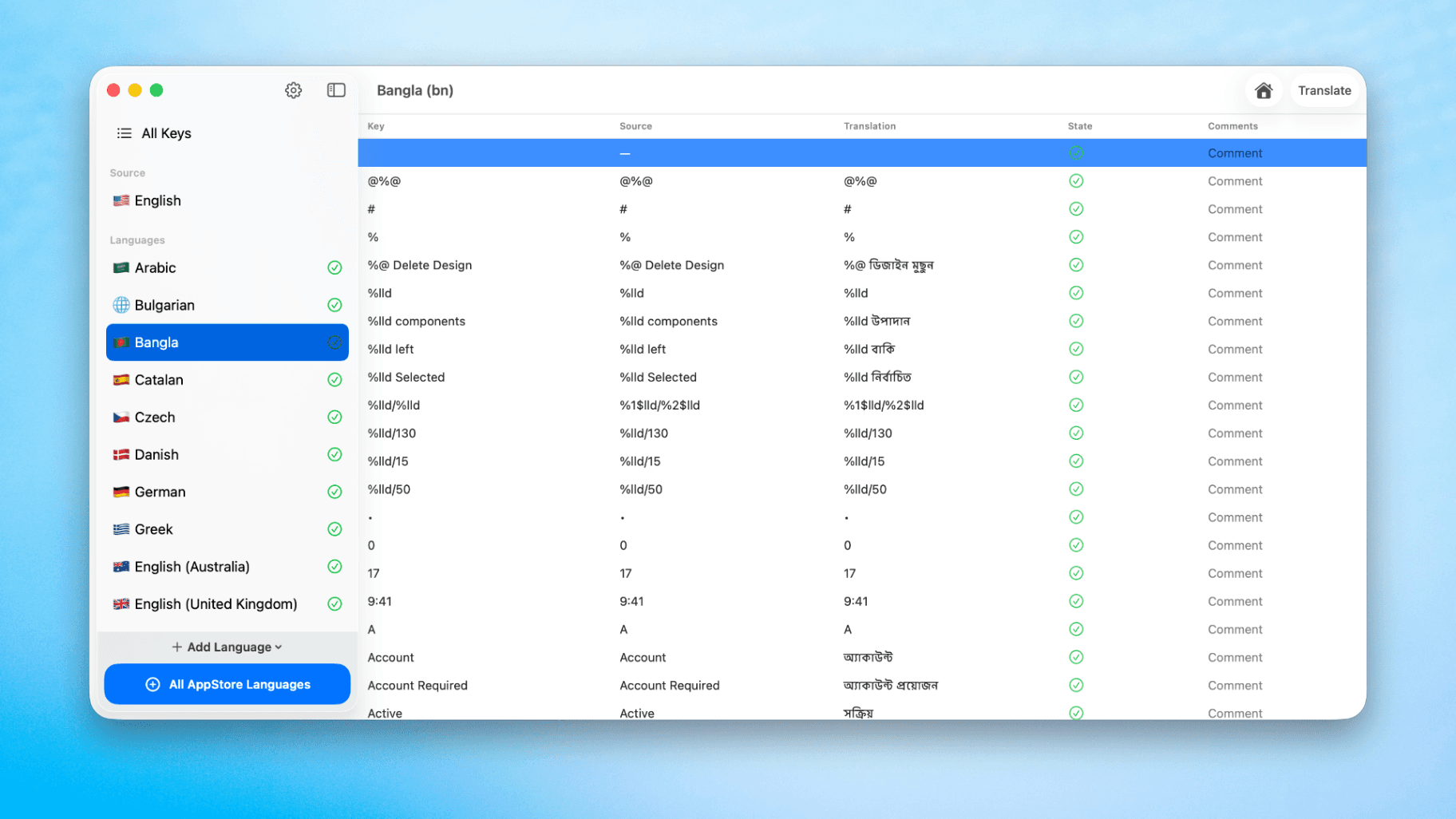
How to Translate Xcode String Catalogs with AI
Learn how to efficiently translate Xcode string catalogs using AI fast, streamlining localization for your iOS and SwiftUI applications.
How to optimize your SwiftUI app in 2026
Discover top strategies to optimize your SwiftUI app in 2026, enhancing performance, responsiveness, and maintainability with modern concurrency.

SwiftUI: iOS Confirmation Alert (Confirm + Cancel)
SwiftUI iOS confirmation alert with Confirm and Cancel buttons. Beginners guide to building safe actions, destructive deletes, and commit dialogs.
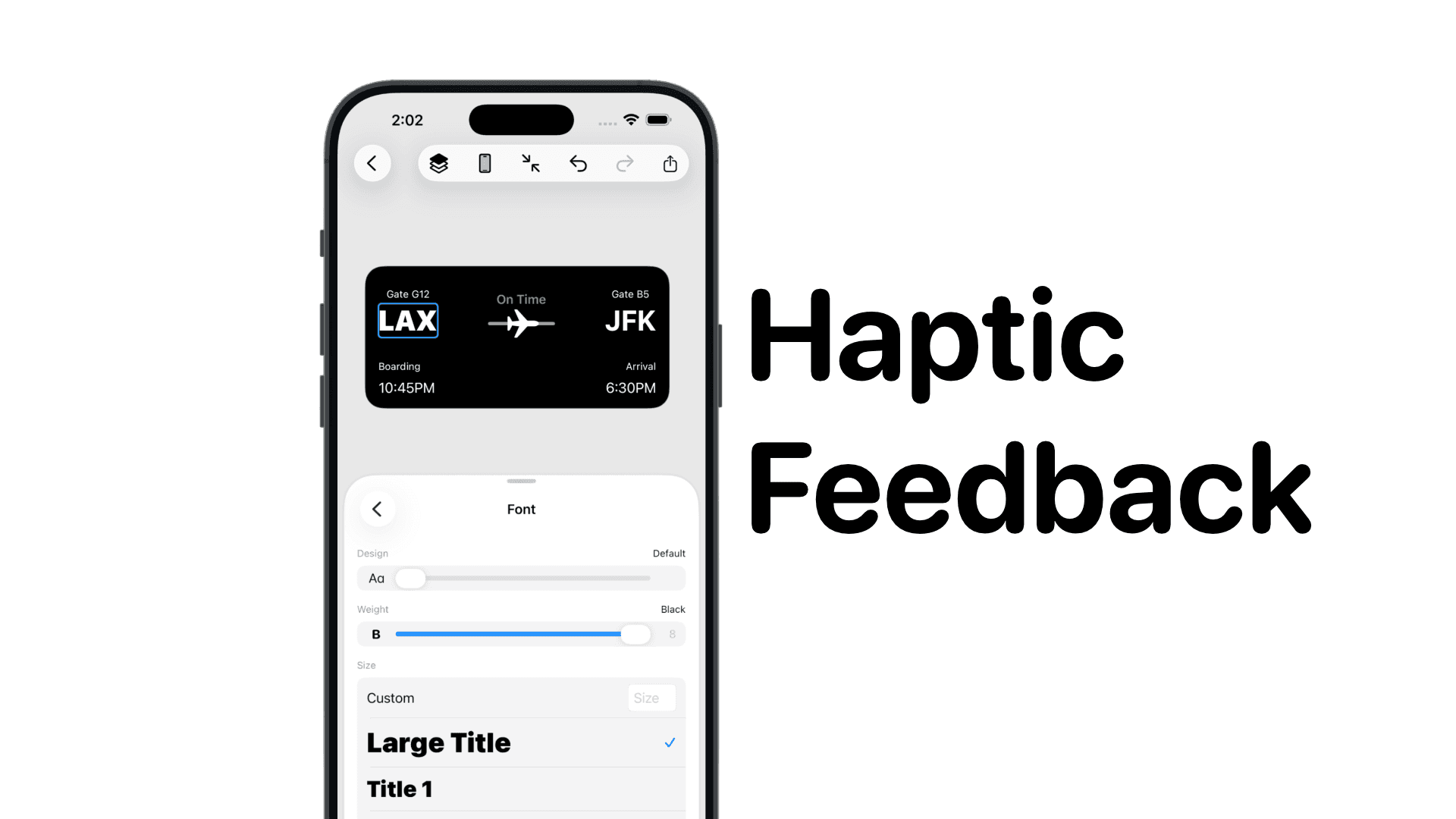
SwiftUI: IOS Haptic Feedback Guide 2026
Add click to vibrate haptic feedback in SwiftUI. Full guide to UIImpactFeedbackgenerator, success, error, selection, and tap vibration patterns with code.
Code copied to clipboard!