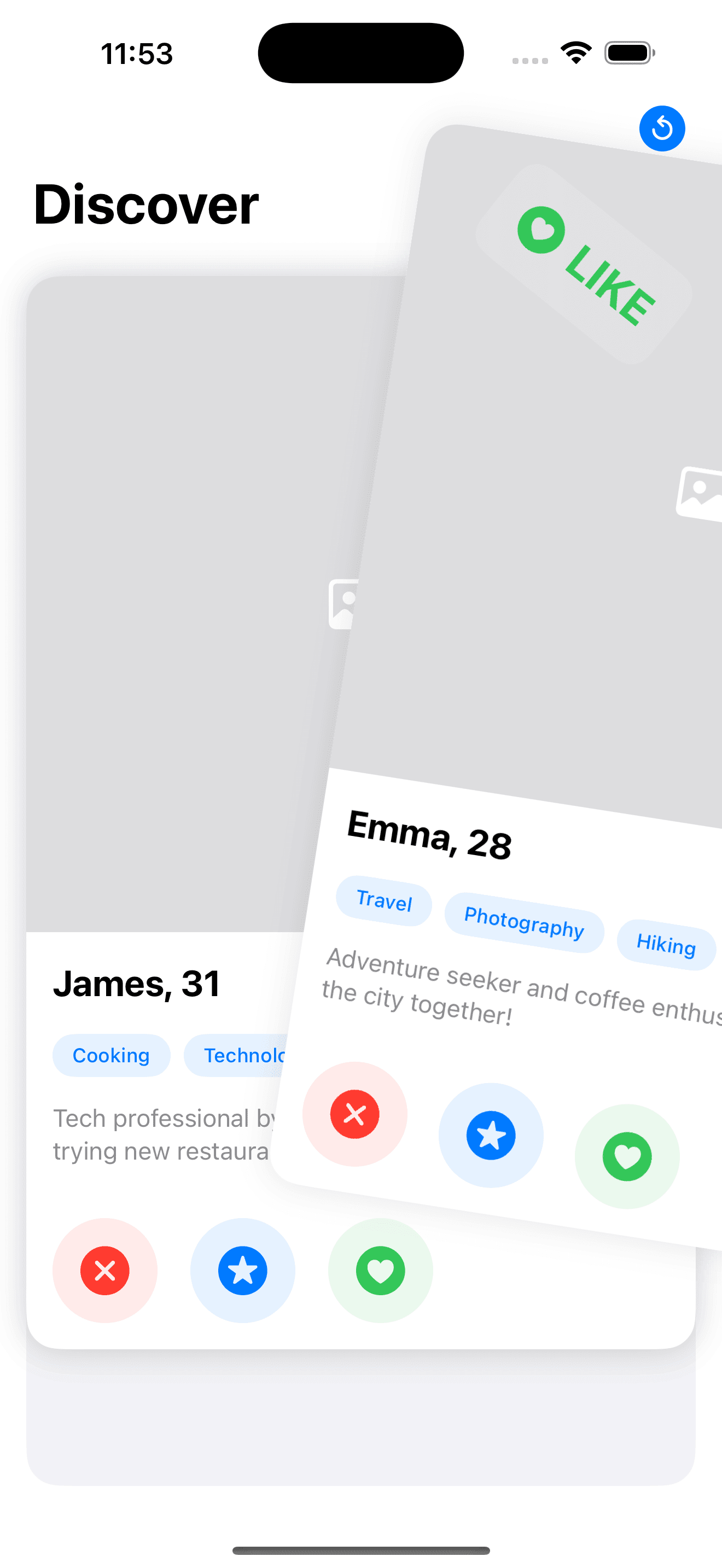
Tinder Card Swipe
by dockui
Tinder-style card swipe.Perfect for dating apps, recommendations, or content browsing with fluid animations and easy integration.
- Platform
- SwiftUI
- Code
- Native Swift
- Format
- Screen
- Access
- Free
Code Snippet
import SwiftUI

struct Profile: Identifiable {
    let id = UUID()
    let name: String
    let age: Int
    let image: String // Image name
    let bio: String
    let interests: [String]
    let location: String
    let distance: Int // In kilometers
}

enum SwipeDirection {
    case left, right, none
}

struct CardState: Identifiable {
    let id: UUID
    let profile: Profile
    var offset: CGSize

    init(profile: Profile) {
        self.id = profile.id
        self.profile = profile
        self.offset = .zero
    }
}

struct SwipeableCardsView: View {
    @State private var cardStates: [CardState] = [
        Profile(
            name: "Emma",
            age: 28,
            image: "profile1",
            bio: "Adventure seeker and coffee enthusiast. Let's explore the city together!",
            interests: ["Travel", "Photography", "Hiking", "Coffee"],
            location: "San Francisco",
            distance: 5
        ),
        Profile(
            name: "James",
            age: 31,
            image: "profile2",
            bio: "Tech professional by day, chef by night. Always up for trying new restaurants.",
            interests: ["Cooking", "Technology", "Fitness", "Food"],
            location: "San Francisco",
            distance: 3
        ),
        Profile(
            name: "Sofia",
            age: 26,
            image: "profile3",
            bio: "Art curator with a passion for indie music. Looking for concert buddies!",
            interests: ["Art", "Music", "Museums", "Concerts"],
            location: "San Francisco",
            distance: 7
        )
    ].map { CardState(profile: $0) }

    @State private var swipeDirection: SwipeDirection = .none

    var body: some View {
        NavigationStack {
            ZStack {
                backgroundLayer

                // Reverse the array to show first card on top
                ForEach(cardStates.reversed()) { cardState in
                    cardLayer(for: cardState)
                }

                if cardStates.isEmpty {
                    noMoreCardsView
                }
            }
            .padding()
            .navigationTitle("Discover")
            .toolbar {
                ToolbarItem(placement: .topBarTrailing) {
                    Button(action: resetCards) {
                        Image(systemName: "arrow.counterclockwise.circle.fill")
                            .font(.title2)
                            .foregroundStyle(.blue)
                    }
                }
            }
        }
    }

    private var backgroundLayer: some View {
        RoundedRectangle(cornerRadius: 20)
            .fill(Color(.systemGroupedBackground))
            .ignoresSafeArea()
    }

    private func cardLayer(for cardState: CardState) -> some View {
        GeometryReader { geometry in
            ProfileCard(profile: cardState.profile, swipeDirection: getDirection(for: cardState))
                .offset(cardState.offset)
                .rotationEffect(.degrees(Double(cardState.offset.width / geometry.size.width) * 20))
                .gesture(
                    DragGesture()
                        .onChanged { value in
                            if let index = cardStates.firstIndex(where: { $0.id == cardState.id }) {
                                cardStates[index].offset = value.translation
                                updateSwipeDirection(for: value.translation)
                            }
                        }
                        .onEnded { value in
                            handleSwipe(cardState: cardState, translation: value.translation, geometry: geometry.size)
                        }
                )
                .animation(.interactiveSpring(), value: cardState.offset)
        }
    }

    private func getDirection(for cardState: CardState) -> SwipeDirection {
        if cardState.offset.width > 0 {
            return .right
        } else if cardState.offset.width < 0 {
            return .left
        }
        return .none
    }

    private func updateSwipeDirection(for translation: CGSize) {
        if translation.width > 0 {
            swipeDirection = .right
        } else if translation.width < 0 {
            swipeDirection = .left
        } else {
            swipeDirection = .none
        }
    }

    private func handleSwipe(cardState: CardState, translation: CGSize, geometry: CGSize) {
        let threshold = geometry.width * 0.5

        if let index = cardStates.firstIndex(where: { $0.id == cardState.id }) {
            if abs(translation.width) > threshold {
                // Remove the card
                withAnimation {
                    let direction: CGFloat = translation.width > 0 ? 1 : -1
                    cardStates[index].offset.width = direction * geometry.width * 2
                }

                // Delay removal to allow animation to complete
                DispatchQueue.main.asyncAfter(deadline: .now() + 0.3) {
                    cardStates.remove(at: index)
                }
            } else {
                // Reset card position
                withAnimation {
                    cardStates[index].offset = .zero
                }
            }
        }
        swipeDirection = .none
    }

    private func resetCards() {
        // Reset to initial state with CardStates
        cardStates = [
            Profile(
                name: "Emma",
                age: 28,
                image: "profile1",
                bio: "Adventure seeker and coffee enthusiast. Let's explore the city together!",
                interests: ["Travel", "Photography", "Hiking", "Coffee"],
                location: "San Francisco",
                distance: 5
            ),
            Profile(
                name: "James",
                age: 31,
                image: "profile2",
                bio: "Tech professional by day, chef by night. Always up for trying new restaurants.",
                interests: ["Cooking", "Technology", "Fitness", "Food"],
                location: "San Francisco",
                distance: 3
            ),
            Profile(
                name: "Sofia",
                age: 26,
                image: "profile3",
                bio: "Art curator with a passion for indie music. Looking for concert buddies!",
                interests: ["Art", "Music", "Museums", "Concerts"],
                location: "San Francisco",
                distance: 7
            )
        ].map { CardState(profile: $0) }
    }

    private var noMoreCardsView: some View {
        VStack(spacing: 20) {
            Image(systemName: "heart.circle.fill")
                .font(.system(size: 80))
                .foregroundStyle(.blue)

            Text("No More Profiles")
                .font(.title2)
                .fontWeight(.bold)

            Text("Come back later for more matches!")
                .font(.subheadline)
                .foregroundStyle(.secondary)
                .multilineTextAlignment(.center)

            Button(action: resetCards) {
                Label("Reset Cards", systemImage: "arrow.counterclockwise")
                    .font(.headline)
                    .foregroundStyle(.white)
                    .frame(maxWidth: .infinity)
                    .padding()
                    .background(Color.blue)
                    .clipShape(RoundedRectangle(cornerRadius: 15))
            }
            .padding(.top)
        }
        .padding()
    }
}

struct ProfileCard: View {
    let profile: Profile
    let swipeDirection: SwipeDirection

    var body: some View {
        ZStack(alignment: .topLeading) {
            // Main Card Content
            VStack(spacing: 0) {
                Rectangle()
                    .fill(Color.gray.opacity(0.3))
                    .overlay {
                        Image(systemName: "photo")
                            .font(.largeTitle)
                            .foregroundStyle(.white)
                    }
                    .frame(height: 400)

                // Profile Info
                VStack(alignment: .leading, spacing: 16) {
                    // Name and Age
                    HStack {
                        Text("\(profile.name), \(profile.age)")
                            .font(.title2)
                            .fontWeight(.bold)

                        Spacer()

                        LocationBadge(distance: profile.distance)
                    }

                    // Interests
                    ScrollView(.horizontal, showsIndicators: false) {
                        HStack(spacing: 8) {
                            ForEach(profile.interests, id: \.self) { interest in
                                InterestTag(text: interest)
                            }
                        }
                    }

                    // Bio
                    Text(profile.bio)
                        .font(.subheadline)
                        .foregroundStyle(.secondary)
                        .lineLimit(3)

                    // Action Buttons
                    HStack(spacing: 20) {
                        ActionButton(
                            icon: "xmark.circle.fill",
                            color: .red,
                            action: {}
                        )

                        ActionButton(
                            icon: "star.circle.fill",
                            color: .blue,
                            action: {}
                        )

                        ActionButton(
                            icon: "heart.circle.fill",
                            color: .green,
                            action: {}
                        )
                    }
                    .padding(.top)
                }
                .padding()
            }

            // Swipe Indicators
            SwipeIndicator(direction: swipeDirection)
        }
        .background(Color(.systemBackground))
        .clipShape(RoundedRectangle(cornerRadius: 20))
        .shadow(color: .black.opacity(0.1), radius: 10)
    }
}

struct LocationBadge: View {
    let distance: Int

    var body: some View {
        HStack(spacing: 4) {
            Image(systemName: "location.fill")
                .font(.caption)
            Text("\(distance) km")
                .font(.subheadline)
        }
        .foregroundStyle(.secondary)
        .padding(.horizontal, 12)
        .padding(.vertical, 6)
        .background(Color(.systemGray6))
        .clipShape(Capsule())
    }
}

struct InterestTag: View {
    let text: String

    var body: some View {
        Text(text)
            .font(.caption)
            .fontWeight(.medium)
            .padding(.horizontal, 12)
            .padding(.vertical, 6)
            .background(Color.blue.opacity(0.1))
            .foregroundStyle(.blue)
            .clipShape(Capsule())
    }
}

struct ActionButton: View {
    let icon: String
    let color: Color
    let action: () -> Void

    var body: some View {
        Button(action: action) {
            Image(systemName: icon)
                .font(.system(size: 30))
                .foregroundStyle(color)
                .frame(width: 64, height: 64)
                .background(color.opacity(0.1))
                .clipShape(Circle())
        }
    }
}

struct SwipeIndicator: View {
    let direction: SwipeDirection

    var body: some View {
        ZStack {
            if direction != .none {
                Group {
                    if direction == .left {
                        Label("NOPE", systemImage: "xmark.circle.fill")
                            .foregroundStyle(.red)
                    } else {
                        Label("LIKE", systemImage: "heart.circle.fill")
                            .foregroundStyle(.green)
                    }
                }
                .font(.title.bold())
                .padding()
                .background(.ultraThinMaterial)
                .clipShape(RoundedRectangle(cornerRadius: 15))
                .rotationEffect(direction == .left ? .degrees(-30) : .degrees(30))
            }
        }
        .padding(40)
    }
}
More Templates
View All TemplatesSimilar Blogs
View All Articles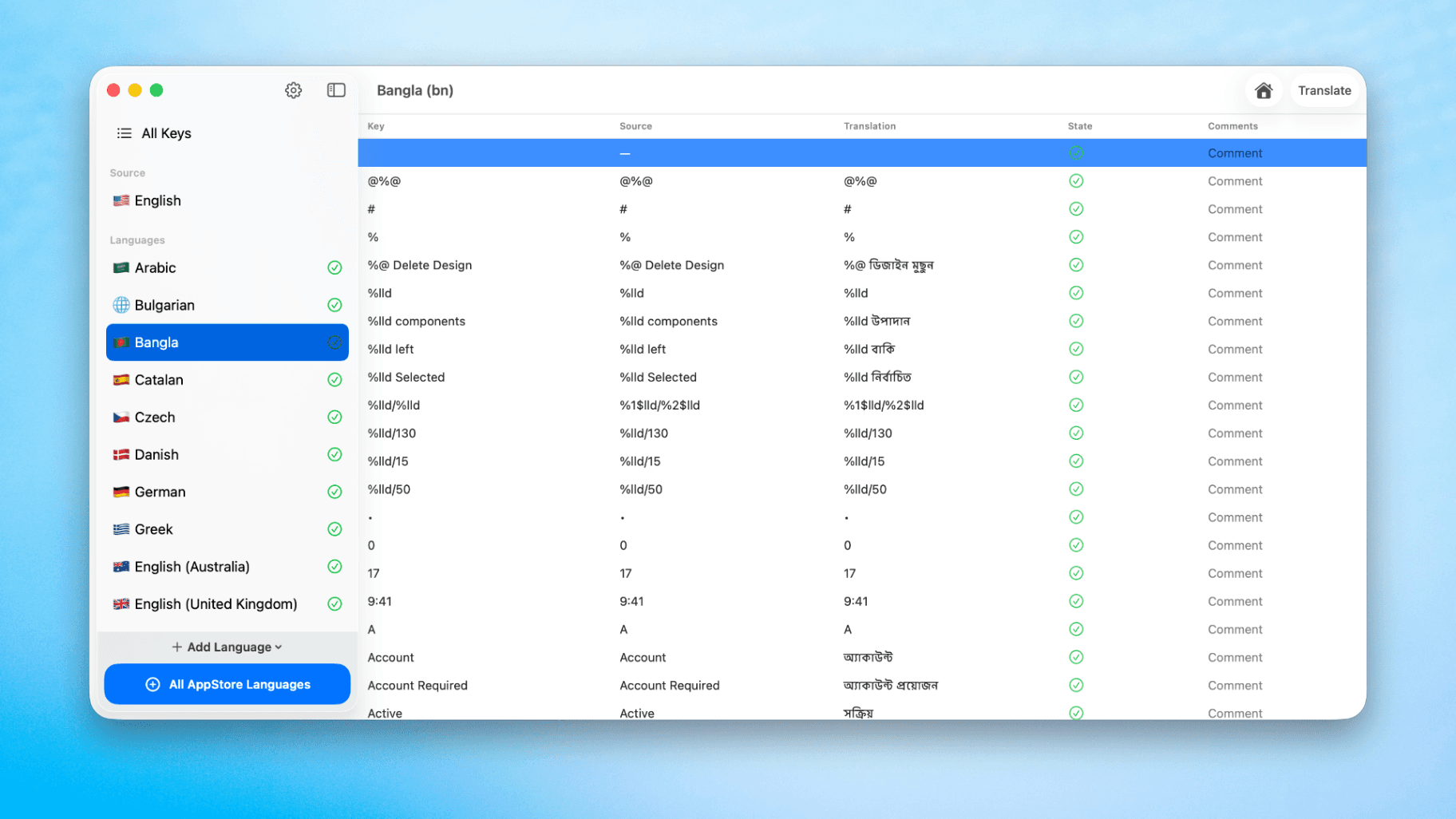
How to Translate Xcode String Catalogs with AI
Learn how to efficiently translate Xcode string catalogs using AI fast, streamlining localization for your iOS and SwiftUI applications.
by dockui
May 4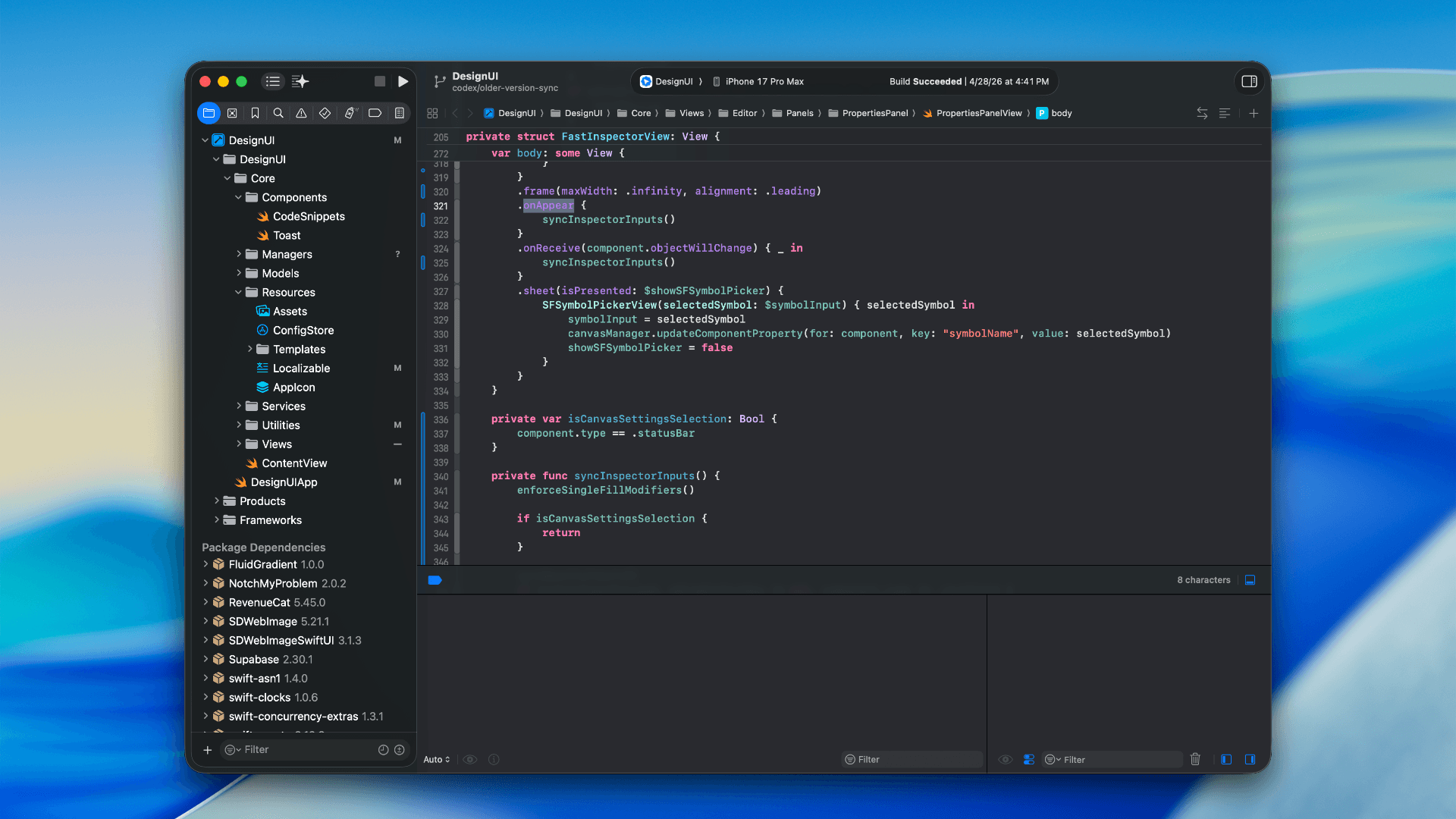
How to optimize your SwiftUI app in 2026
Discover top strategies to optimize your SwiftUI app in 2026, enhancing performance, responsiveness, and maintainability with modern concurrency.
by dockui
Apr 29
SwiftUI: iOS Confirmation Alert (Confirm + Cancel)
SwiftUI iOS confirmation alert with Confirm and Cancel buttons. Beginners guide to building safe actions, destructive deletes, and commit dialogs.
by dockui
Nov 11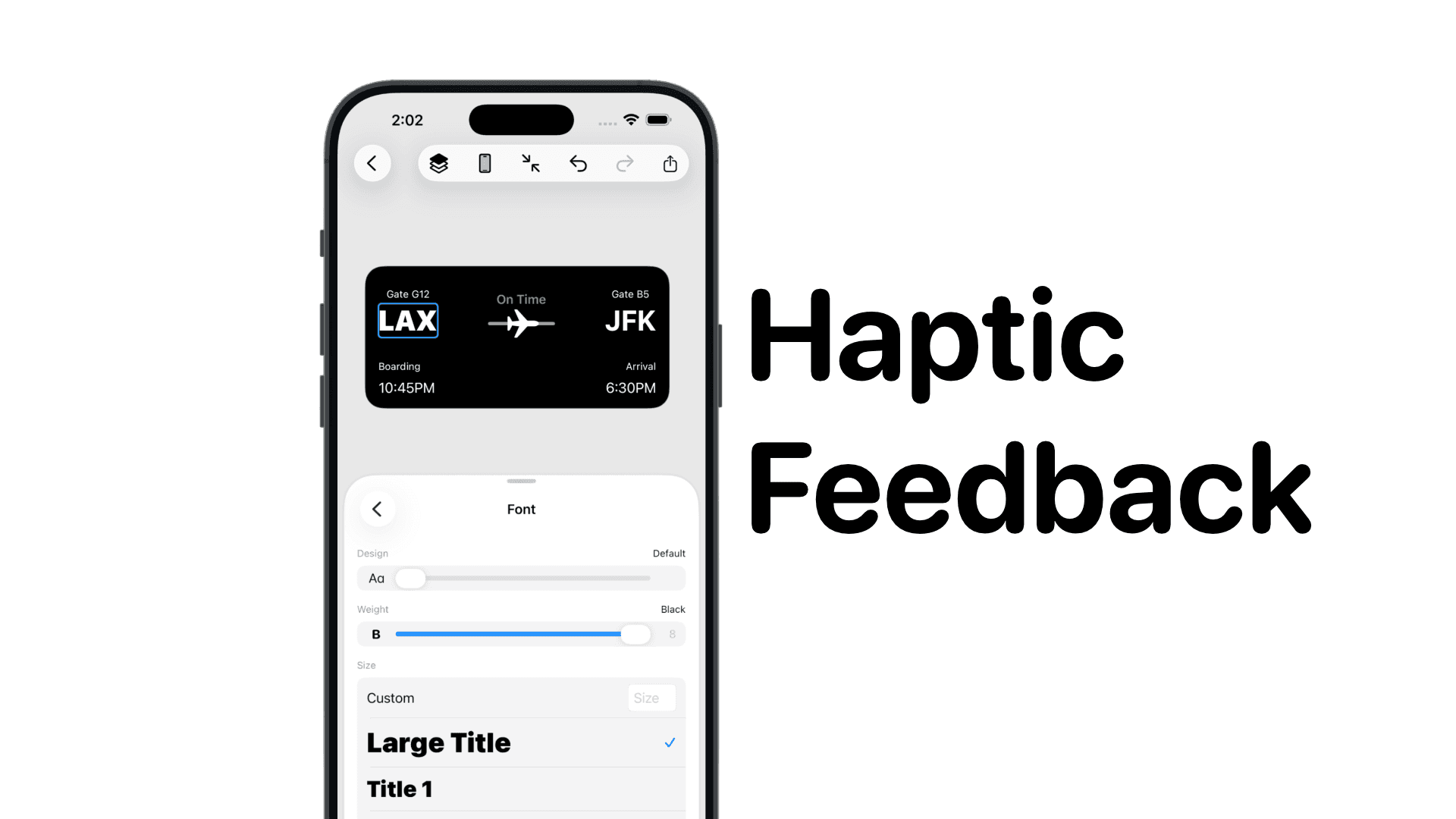
SwiftUI: IOS Haptic Feedback Guide 2026
Add click to vibrate haptic feedback in SwiftUI. Full guide to UIImpactFeedbackgenerator, success, error, selection, and tap vibration patterns with code.
by dockui
Nov 11Code copied to clipboard!