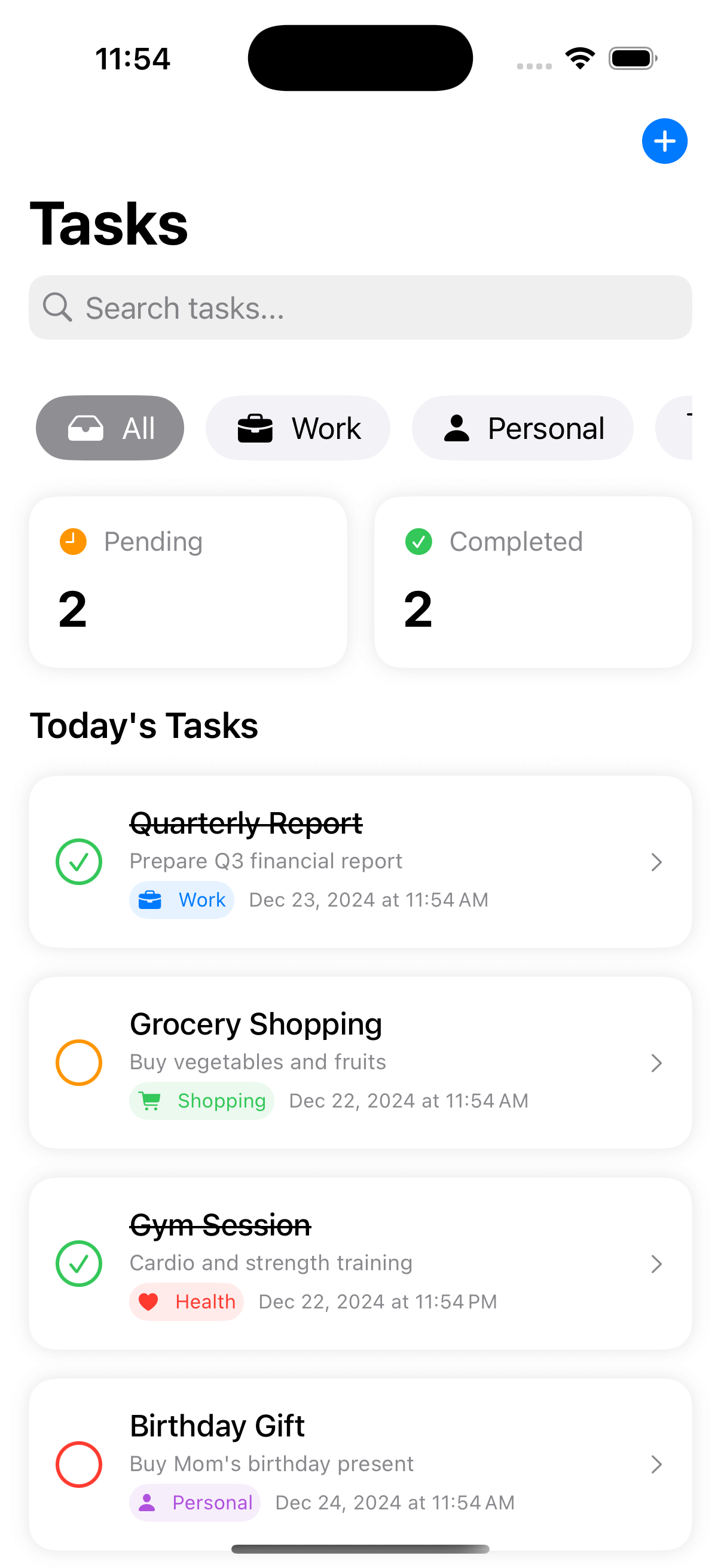
To Do List
by dockui
Task management app UI, with features like task categorization, progress tracking, and a search bar.
- Platform
- SwiftUI
- Code
- Native Swift
- Format
- Screen
- Access
- Free
Code Snippet
import SwiftUI

struct Task: Identifiable {
    let id = UUID()
    let title: String
    let description: String
    let dueDate: Date
    let category: TaskCategory
    let priority: Priority
    var isCompleted: Bool
}

enum TaskCategory: String, CaseIterable {
    case work = "Work"
    case personal = "Personal"
    case shopping = "Shopping"
    case health = "Health"

    var icon: String {
        switch self {
        case .work: "briefcase.fill"
        case .personal: "person.fill"
        case .shopping: "cart.fill"
        case .health: "heart.fill"
        }
    }

    var color: Color {
        switch self {
        case .work: .blue
        case .personal: .purple
        case .shopping: .green
        case .health: .red
        }
    }
}

enum Priority: String, CaseIterable {
    case high = "High"
    case medium = "Medium"
    case low = "Low"

    var color: Color {
        switch self {
        case .high: .red
        case .medium: .orange
        case .low: .blue
        }
    }
}

struct NewTaskSheet: View {
    @Environment(\.dismiss) private var dismiss
    @Binding var tasks: [Task]
    @State private var title = ""
    @State private var description = ""
    @State private var category: TaskCategory = .personal
    @State private var priority: Priority = .medium
    @State private var dueDate = Date()

    var body: some View {
        NavigationStack {
            Form {
                Section("Task Details") {
                    TextField("Title", text: $title)
                    TextField("Description", text: $description)
                }

                Section("Category") {
                    Picker("Category", selection: $category) {
                        ForEach(TaskCategory.allCases, id: \.self) { category in
                            Label(category.rawValue, systemImage: category.icon)
                                .tag(category)
                        }
                    }
                }

                Section("Priority") {
                    Picker("Priority", selection: $priority) {
                        ForEach(Priority.allCases, id: \.self) { priority in
                            Text(priority.rawValue)
                                .tag(priority)
                        }
                    }
                    .pickerStyle(.segmented)
                }

                Section("Due Date") {
                    DatePicker("Due Date", selection: $dueDate, displayedComponents: [.date, .hourAndMinute])
                }
            }
            .navigationTitle("New Task")
            .navigationBarTitleDisplayMode(.inline)
            .toolbar {
                ToolbarItem(placement: .cancellationAction) {
                    Button("Cancel") { dismiss() }
                }
                ToolbarItem(placement: .confirmationAction) {
                    Button("Add") {
                        let task = Task(
                            title: title,
                            description: description,
                            dueDate: dueDate,
                            category: category,
                            priority: priority,
                            isCompleted: false
                        )
                        tasks.append(task)
                        dismiss()
                    }
                    .disabled(title.isEmpty)
                }
            }
        }
    }
}

struct TaskManagementView: View {
    @State private var selectedCategory: TaskCategory? = nil
    @State private var searchText = ""
    @State private var showingAddTask = false
    @State private var tasks: [Task] = [
        Task(title: "Quarterly Report", description: "Prepare Q3 financial report", dueDate: Date().addingTimeInterval(86400), category: .work, priority: .high, isCompleted: false),
        Task(title: "Grocery Shopping", description: "Buy vegetables and fruits", dueDate: Date(), category: .shopping, priority: .medium, isCompleted: false),
        Task(title: "Gym Session", description: "Cardio and strength training", dueDate: Date().addingTimeInterval(43200), category: .health, priority: .medium, isCompleted: true),
        Task(title: "Birthday Gift", description: "Buy Mom's birthday present", dueDate: Date().addingTimeInterval(172800), category: .personal, priority: .high, isCompleted: false)
    ]

    var filteredTasks: [Task] {
        tasks.filter { task in
            let categoryMatch = selectedCategory == nil || task.category == selectedCategory
            let searchMatch = searchText.isEmpty ||
                task.title.localizedCaseInsensitiveContains(searchText) ||
                task.description.localizedCaseInsensitiveContains(searchText)
            return categoryMatch && searchMatch
        }
    }

    var body: some View {
        NavigationStack {
            ScrollView {
                VStack(spacing: 20) {
                    categoryScrollView
                    taskMetrics
                    tasksList
                }
                .padding()
            }
            .navigationTitle("Tasks")
            .searchable(text: $searchText, prompt: "Search tasks...")
            .toolbar {
                ToolbarItem(placement: .topBarTrailing) {
                    Button(action: { showingAddTask = true }) {
                        Image(systemName: "plus.circle.fill")
                            .foregroundStyle(.blue)
                            .font(.title3)
                    }
                }
            }
            .sheet(isPresented: $showingAddTask) {
                NewTaskSheet(tasks: $tasks)
            }
        }
    }

    private var categoryScrollView: some View {
        ScrollView(.horizontal, showsIndicators: false) {
            HStack(spacing: 12) {
                CategoryPillrecipe(
                    category: nil,
                    isSelected: selectedCategory == nil,
                    action: { selectedCategory = nil }
                )

                ForEach(TaskCategory.allCases, id: \.self) { category in
                    CategoryPillrecipe(
                        category: category,
                        isSelected: selectedCategory == category,
                        action: { selectedCategory = category }
                    )
                }
            }
            .padding(.horizontal, 4)
        }
    }

    private var taskMetrics: some View {
        HStack(spacing: 15) {
            MetricCard(
                title: "Pending",
                value: "\(filteredTasks.filter { !$0.isCompleted }.count)",
                icon: "clock.fill",
                color: .orange
            )
            MetricCard(
                title: "Completed",
                value: "\(filteredTasks.filter { $0.isCompleted }.count)",
                icon: "checkmark.circle.fill",
                color: .green
            )
        }
    }

    private var tasksList: some View {
        VStack(alignment: .leading, spacing: 16) {
            Text("Today's Tasks")
                .font(.title3)
                .fontWeight(.semibold)

            ForEach(filteredTasks) { task in
                TaskRow(task: task) {
                    if let index = tasks.firstIndex(where: { $0.id == task.id }) {
                        tasks[index].isCompleted.toggle()
                    }
                }
            }
        }
    }
}

struct CategoryPillrecipe: View {
    let category: TaskCategory?
    let isSelected: Bool
    let action: () -> Void

    var body: some View {
        Button(action: action) {
            HStack {
                if let category = category {
                    Image(systemName: category.icon)
                    Text(category.rawValue)
                } else {
                    Image(systemName: "tray.fill")
                    Text("All")
                }
            }
            .padding(.horizontal, 16)
            .padding(.vertical, 8)
            .background(
                Capsule()
                    .fill(isSelected ?
                          (category?.color ?? .gray) :
                          Color(.systemGray6))
            )
            .foregroundStyle(isSelected ? .white : .primary)
        }
    }
}

struct MetricCard: View {
    let title: String
    let value: String
    let icon: String
    let color: Color

    var body: some View {
        VStack(alignment: .leading, spacing: 12) {
            HStack {
                Image(systemName: icon)
                    .foregroundStyle(color)
                Text(title)
                    .foregroundStyle(.secondary)
            }
            .font(.subheadline)

            Text(value)
                .font(.title)
                .fontWeight(.bold)
        }
        .frame(maxWidth: .infinity, alignment: .leading)
        .padding()
        .background(Color(.systemBackground))
        .clipShape(RoundedRectangle(cornerRadius: 15))
        .shadow(color: .black.opacity(0.1), radius: 5)
    }
}

struct TaskRow: View {
    let task: Task
    let onComplete: () -> Void

    var body: some View {
        HStack(spacing: 16) {
            Button(action: onComplete) {
                Circle()
                    .stroke(task.isCompleted ? Color.green : task.priority.color, lineWidth: 2)
                    .frame(width: 24, height: 24)
                    .overlay {
                        if task.isCompleted {
                            Image(systemName: "checkmark")
                                .font(.caption.bold())
                                .foregroundStyle(.green)
                        }
                    }
            }

            VStack(alignment: .leading, spacing: 4) {
                Text(task.title)
                    .fontWeight(.medium)
                    .strikethrough(task.isCompleted)

                Text(task.description)
                    .font(.caption)
                    .foregroundStyle(.secondary)

                HStack {
                    Label(task.category.rawValue, systemImage: task.category.icon)
                        .font(.caption2)
                        .padding(4)
                        .background(task.category.color.opacity(0.1))
                        .foregroundStyle(task.category.color)
                        .clipShape(Capsule())

                    Text(task.dueDate.formatted(date: .abbreviated, time: .shortened))
                        .font(.caption2)
                        .foregroundStyle(.secondary)
                }
            }

            Spacer()

            Image(systemName: "chevron.right")
                .font(.caption)
                .foregroundStyle(.secondary)
        }
        .padding()
        .background(Color(.systemBackground))
        .clipShape(RoundedRectangle(cornerRadius: 15))
        .shadow(color: .black.opacity(0.1), radius: 5)
    }
}
More Templates
View All TemplatesSimilar Blogs
View All Articles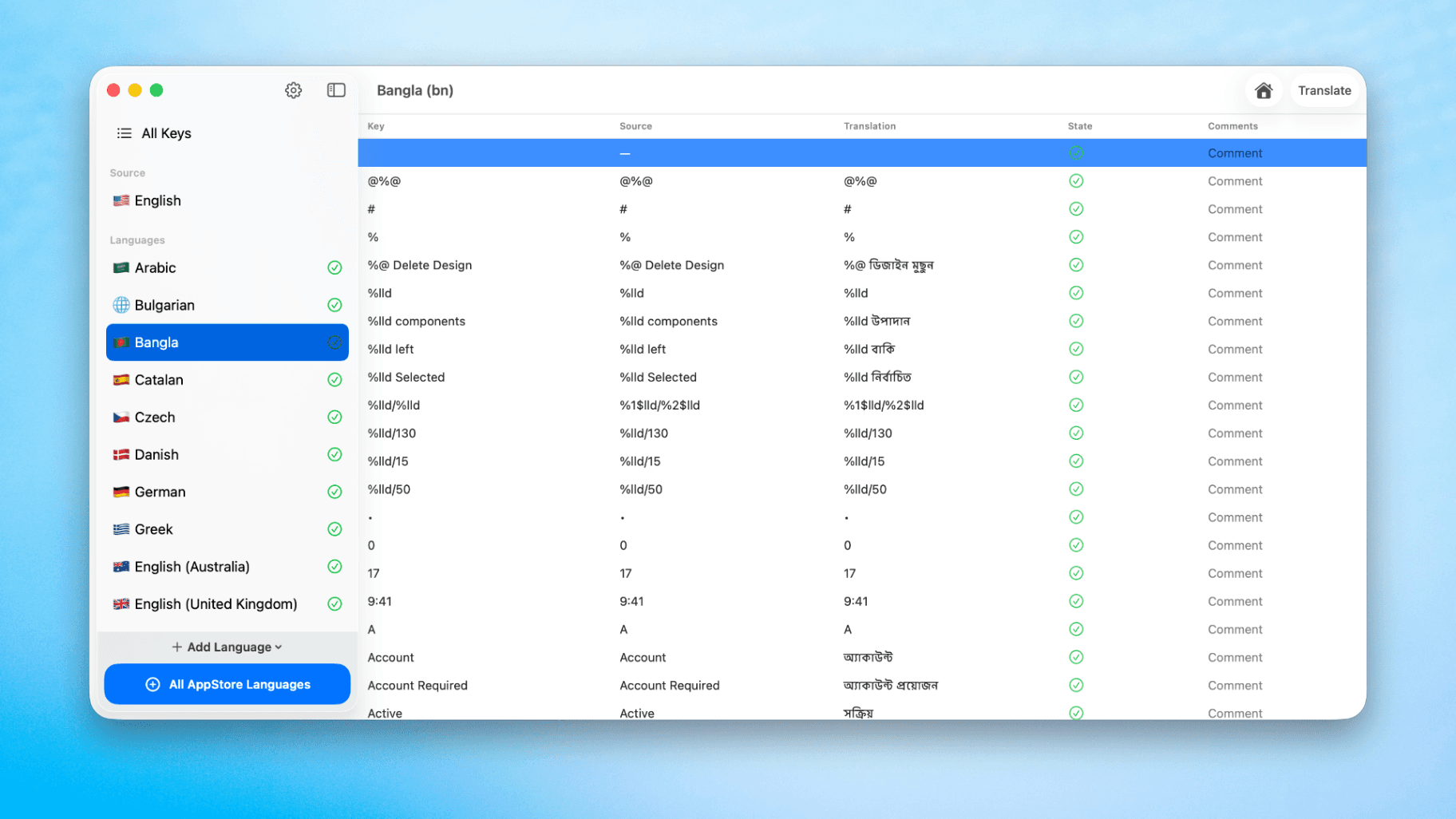
How to Translate Xcode String Catalogs with AI
Learn how to efficiently translate Xcode string catalogs using AI fast, streamlining localization for your iOS and SwiftUI applications.
by dockui
May 4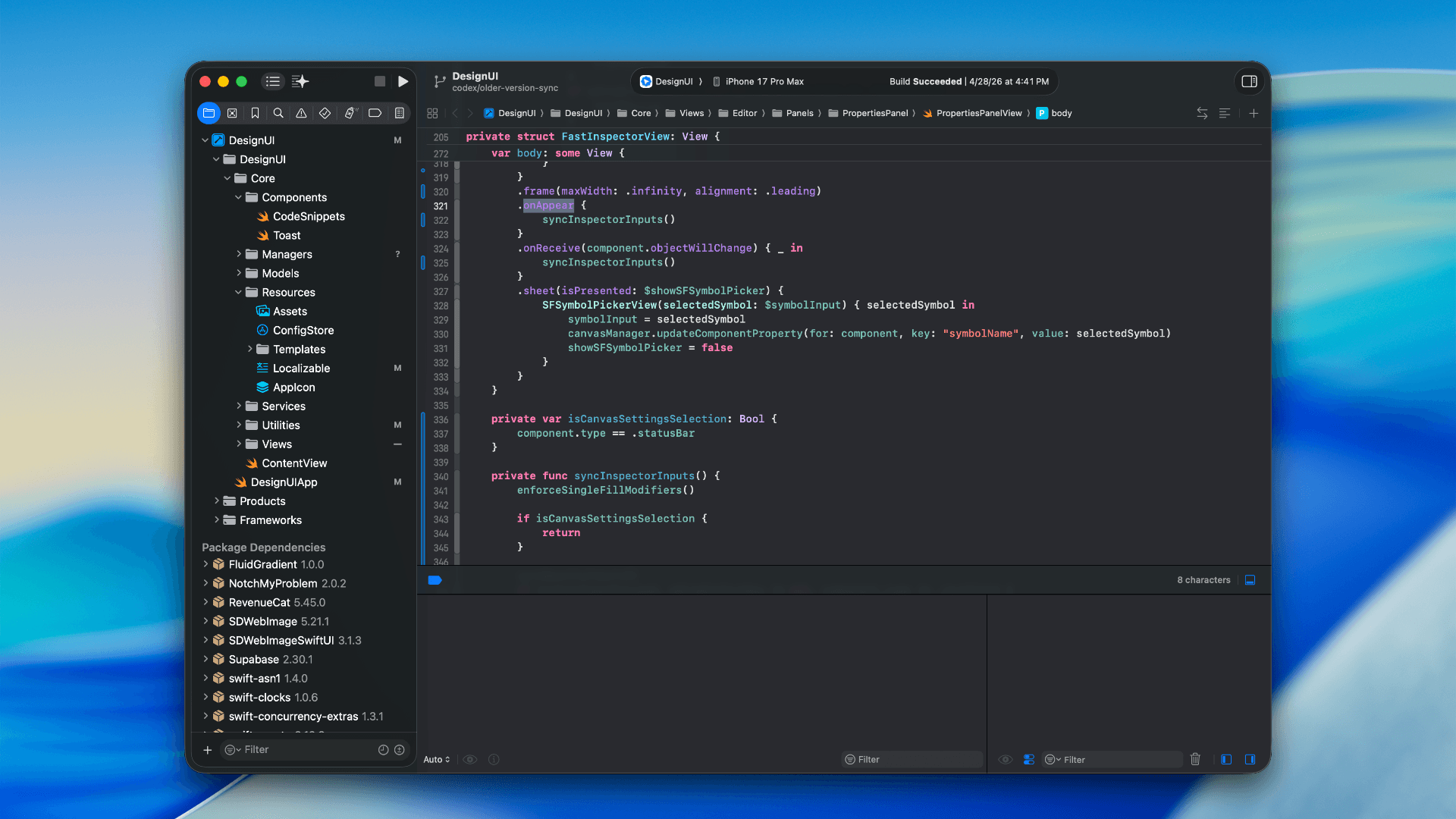
How to optimize your SwiftUI app in 2026
Discover top strategies to optimize your SwiftUI app in 2026, enhancing performance, responsiveness, and maintainability with modern concurrency.
by dockui
Apr 29
SwiftUI: iOS Confirmation Alert (Confirm + Cancel)
SwiftUI iOS confirmation alert with Confirm and Cancel buttons. Beginners guide to building safe actions, destructive deletes, and commit dialogs.
by dockui
Nov 11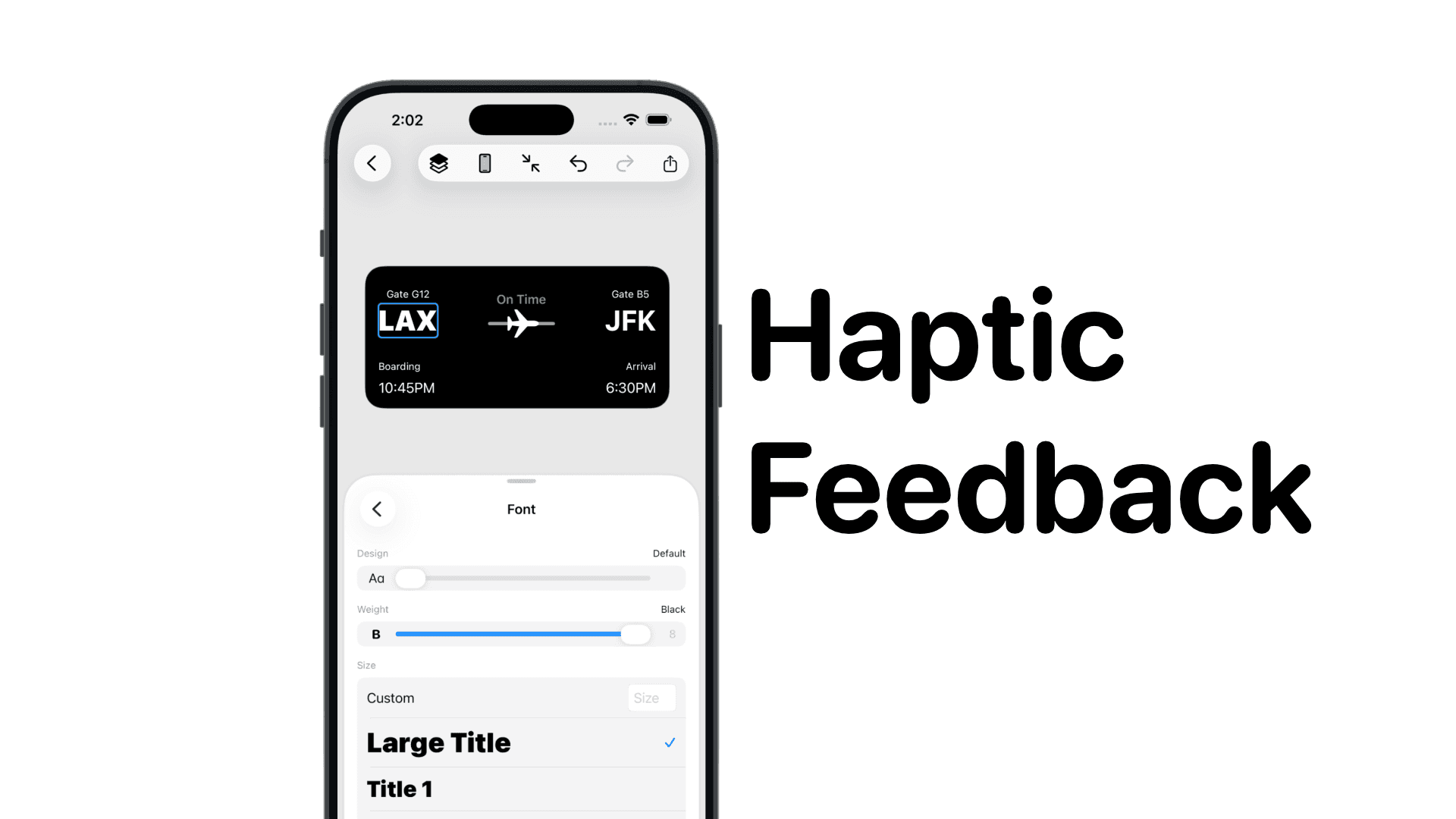
SwiftUI: IOS Haptic Feedback Guide 2026
Add click to vibrate haptic feedback in SwiftUI. Full guide to UIImpactFeedbackgenerator, success, error, selection, and tap vibration patterns with code.
by dockui
Nov 11Code copied to clipboard!