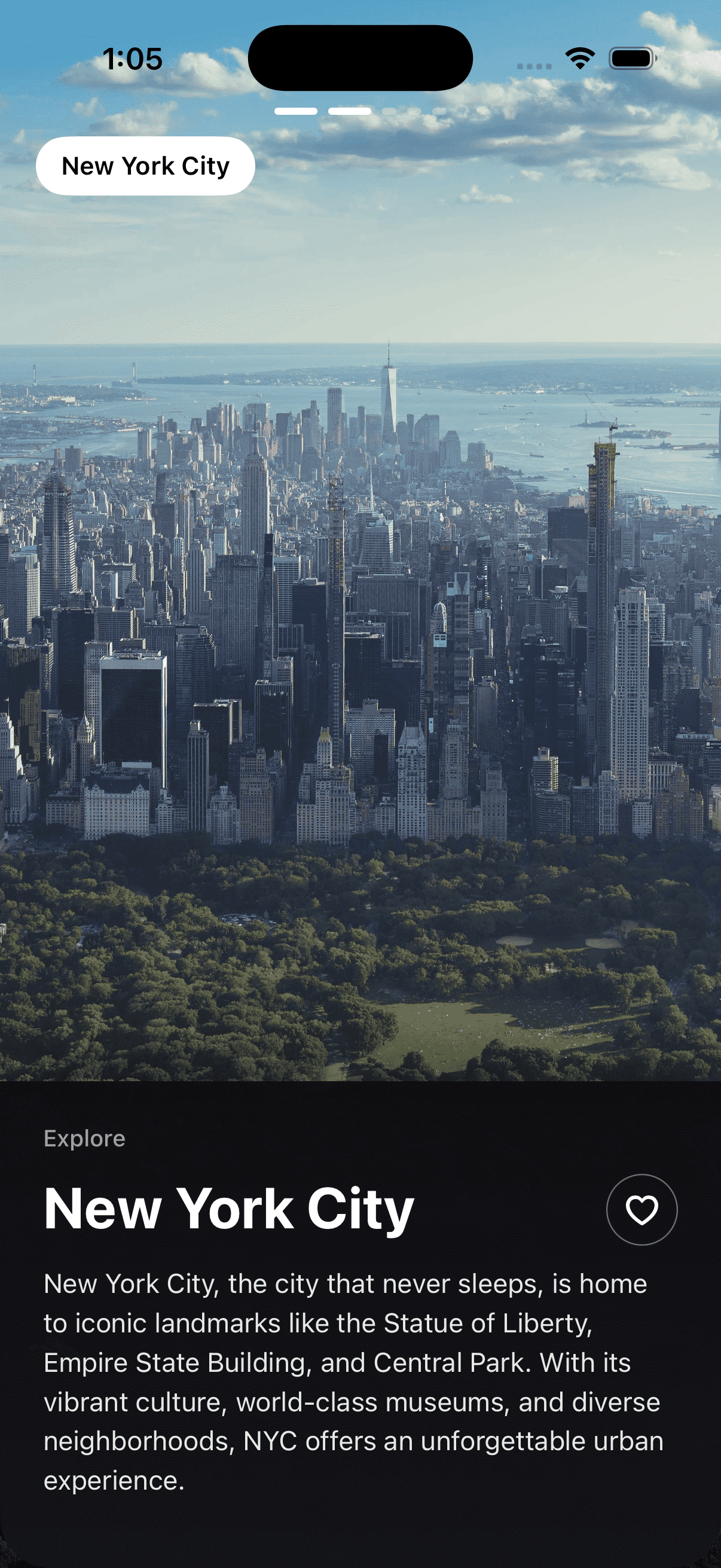
Travel Destination View
by dockui
Immersive travel destination UI with full-screen imagery, favorite action, and elegant city detail card for iOS apps
- Platform
- SwiftUI
- Code
- Native Swift
- Format
- Screen
- Access
- Free
Code Snippet
import SwiftUI

struct CityTravelView: View {
    @State private var isFavorited = false

    var body: some View {
        ZStack {
            // Background image
            Image("profile1")
                .resizable()
                .scaledToFill()
                .frame(minWidth: 0, maxWidth: .infinity, minHeight: 0, maxHeight: .infinity)
                .clipped()
                .ignoresSafeArea()

            // Bottom fade gradient for smooth transition to card
            VStack {
                Spacer()
                LinearGradient(
                    colors: [
                        Color.clear,
                        Color.black.opacity(0.6)
                    ],
                    startPoint: .top,
                    endPoint: .bottom
                )
                .frame(height: 200)
            }

            VStack(spacing: 0) {
                // Top section with status bar and location tag
                VStack(spacing: 0) {
                    // Pagination indicators
                    HStack(spacing: 6) {
                        ForEach(0..<5) { index in
                            Capsule()
                                .fill(index < 2 ? Color.white : Color.white.opacity(0.3))
                                .frame(width: index < 2 ? 24 : 8, height: 4)
                        }
                    }
                    .padding(.bottom, 12)

                    // Location tag
                    HStack {
                        Button(action: {}) {
                            Text("New York City")
                                .font(.system(size: 14, weight: .semibold))
                        }
                        .foregroundColor(.black)
                        .padding(.horizontal, 14)
                        .padding(.vertical, 8)
                        .background(Color.white)
                        .clipShape(Capsule())

                        Spacer()
                    }
                    .padding(.horizontal, 20)
                }
                .padding(.top, 60)

                Spacer()

                // Bottom information card
                informationCard
            }
        }
        .ignoresSafeArea()
    }

    private var informationCard: some View {
        VStack(alignment: .leading, spacing: 0) {
            // Card content
            VStack(alignment: .leading, spacing: 12) {
                // Explore label
                Text("Explore")
                    .font(.system(size: 13, weight: .medium))
                    .foregroundColor(.white.opacity(0.6))

                // Title and favorite button
                HStack(alignment: .top, spacing: 12) {
                    Text("New York City")
                        .font(.system(size: 32, weight: .bold))
                        .foregroundColor(.white)
                        .frame(maxWidth: .infinity, alignment: .leading)

                    // Favorite button
                    Button(action: {
                        withAnimation(.spring(response: 0.3)) {
                            isFavorited.toggle()
                        }
                    }) {
                        Image(systemName: isFavorited ? "heart.fill" : "heart")
                            .font(.system(size: 18, weight: .semibold))
                            .foregroundColor(.white)
                            .frame(width: 40, height: 40)
                            .overlay(
                                Circle()
                                    .stroke(Color.white.opacity(0.4), lineWidth: 1.5)
                            )
                            .clipShape(Circle())
                    }
                }

                // Description
                Text("New York City, the city that never sleeps, is home to iconic landmarks like the Statue of Liberty, Empire State Building, and Central Park. With its vibrant culture, world-class museums, and diverse neighborhoods, NYC offers an unforgettable urban experience.")
                    .font(.system(size: 15))
                    .foregroundColor(.white.opacity(0.9))
                    .lineSpacing(4)
                    .fixedSize(horizontal: false, vertical: true)
            }
            .padding(.horizontal, 24)
            .padding(.top, 24)
            .padding(.bottom, 40)
        }
        .frame(minWidth: 0, maxWidth: .infinity)
        .background(
            // Dark semi-transparent background with gradient
            ZStack {
                // Main dark background
                Color(red: 0.08, green: 0.08, blue: 0.1)
                    .opacity(0.95)

                // Subtle gradient overlay
                LinearGradient(
                    colors: [
                        Color.black.opacity(0.3),
                        Color.clear
                    ],
                    startPoint: .top,
                    endPoint: .bottom
                )
            }
        )
        .clipShape(
            UnevenRoundedRectangle(
                cornerRadii: .init(
                    topLeading: 0,
                    bottomLeading: 28,
                    bottomTrailing: 28,
                    topTrailing: 0
                )
            )
        )
        .shadow(color: Color.black.opacity(0.4), radius: 20, x: 0, y: -8)
        .padding(.top, -20)
    }
}
More Templates
More Templates
View All TemplatesSimilar Blogs
View All Articles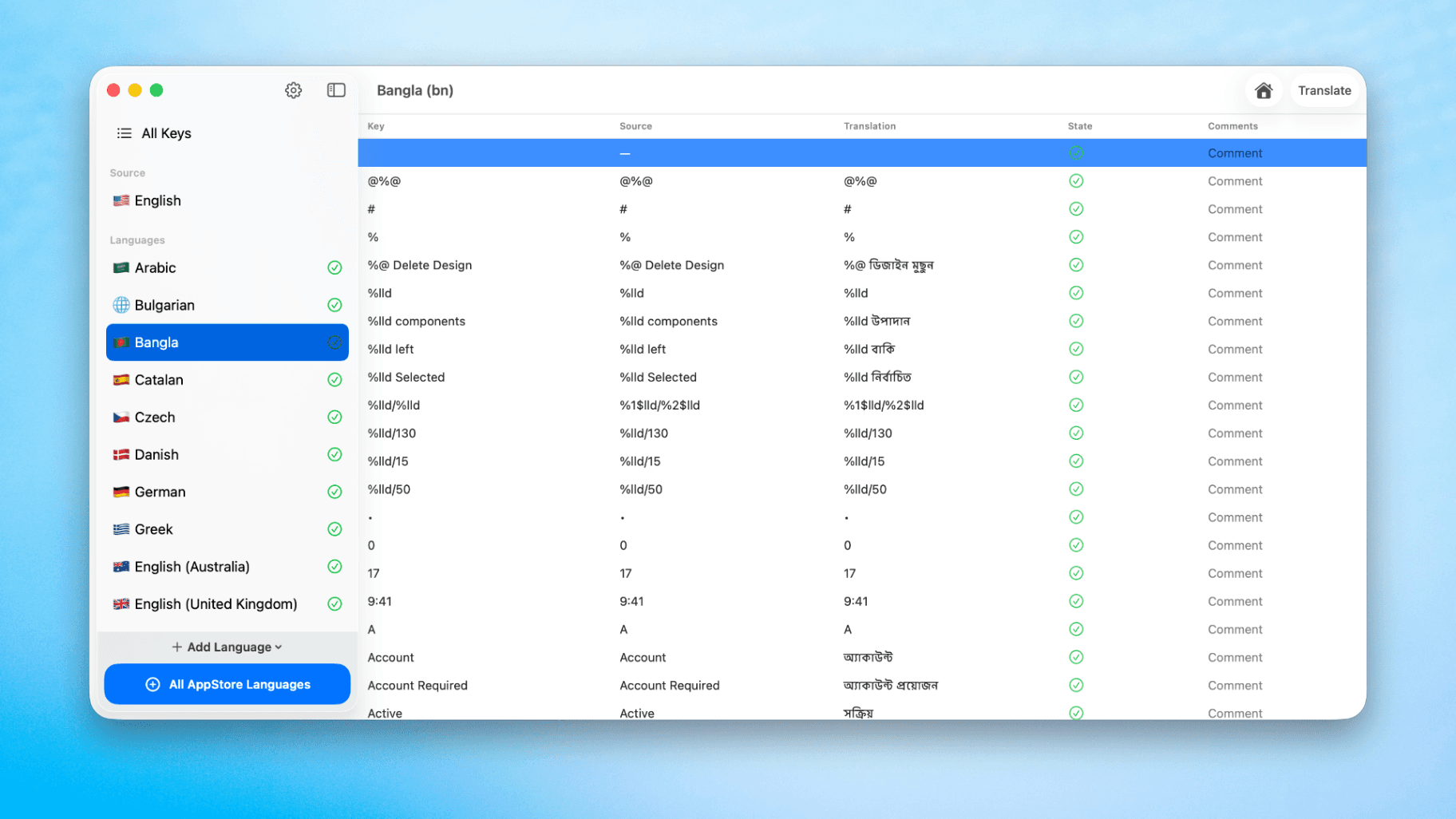
How to Translate Xcode String Catalogs with AI
Learn how to efficiently translate Xcode string catalogs using AI fast, streamlining localization for your iOS and SwiftUI applications.
by dockui
May 4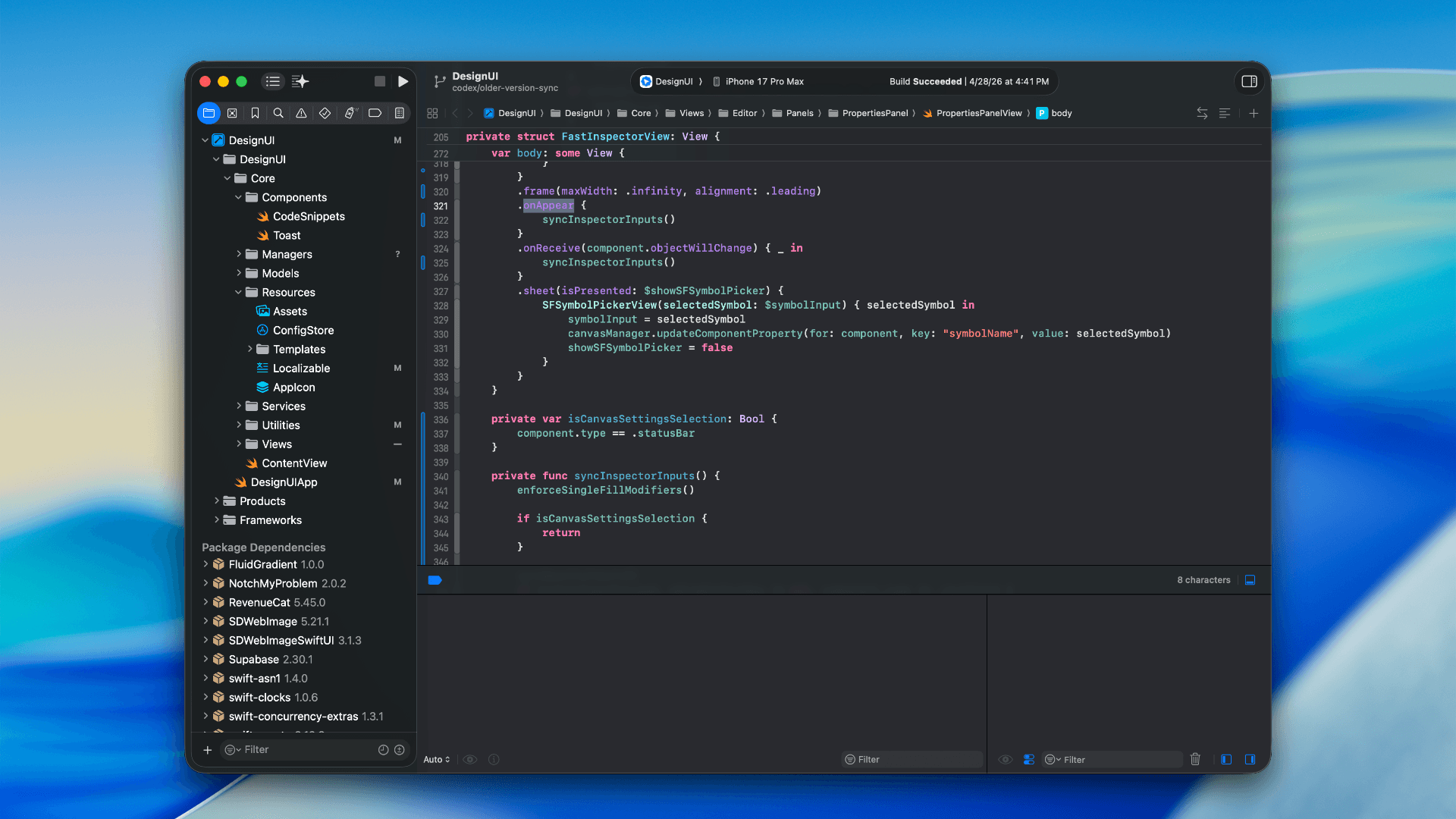
How to optimize your SwiftUI app in 2026
Discover top strategies to optimize your SwiftUI app in 2026, enhancing performance, responsiveness, and maintainability with modern concurrency.
by dockui
Apr 29
SwiftUI: iOS Confirmation Alert (Confirm + Cancel)
SwiftUI iOS confirmation alert with Confirm and Cancel buttons. Beginners guide to building safe actions, destructive deletes, and commit dialogs.
by dockui
Nov 11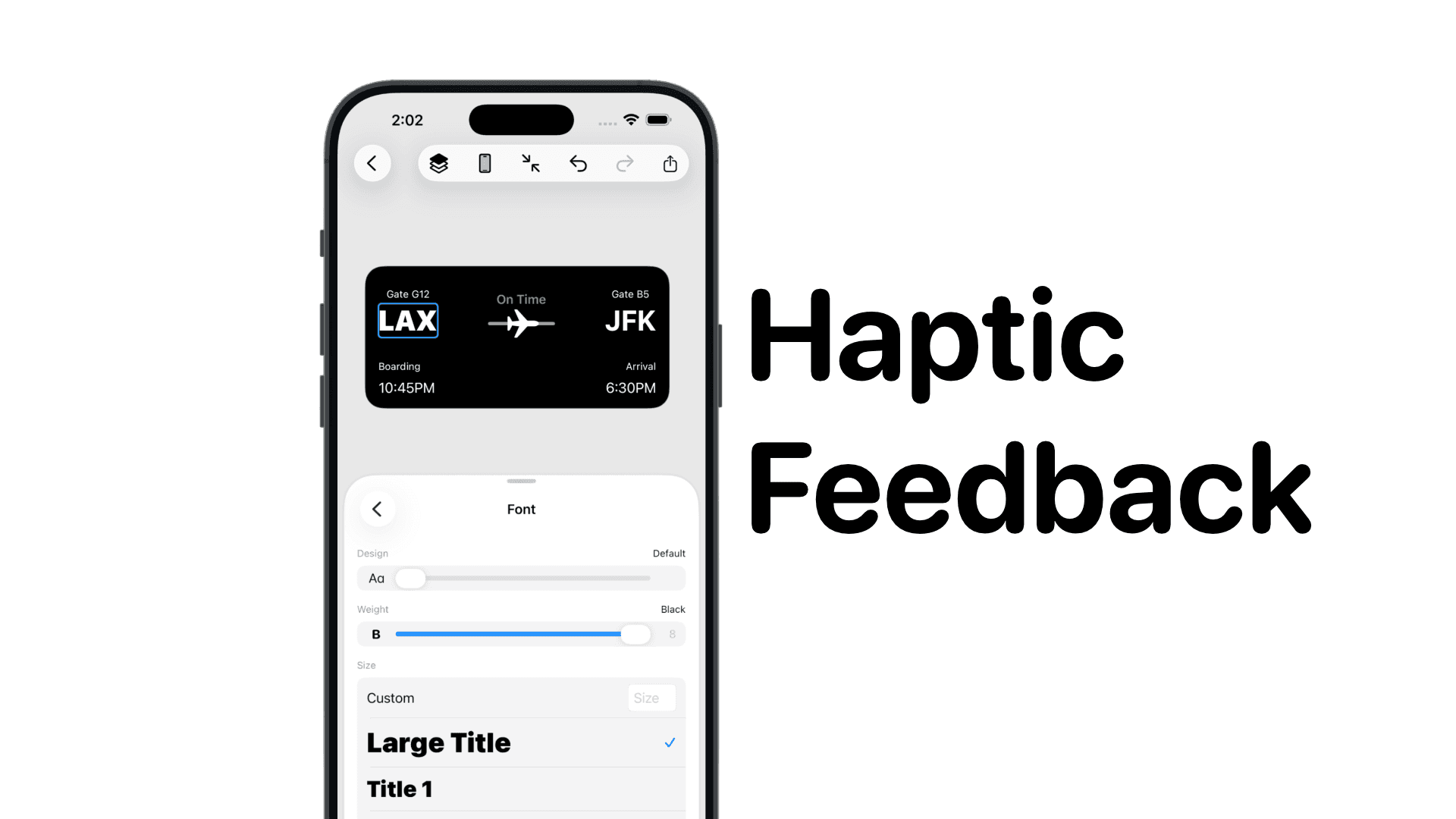
SwiftUI: IOS Haptic Feedback Guide 2026
Add click to vibrate haptic feedback in SwiftUI. Full guide to UIImpactFeedbackgenerator, success, error, selection, and tap vibration patterns with code.
by dockui
Nov 11Code copied to clipboard!