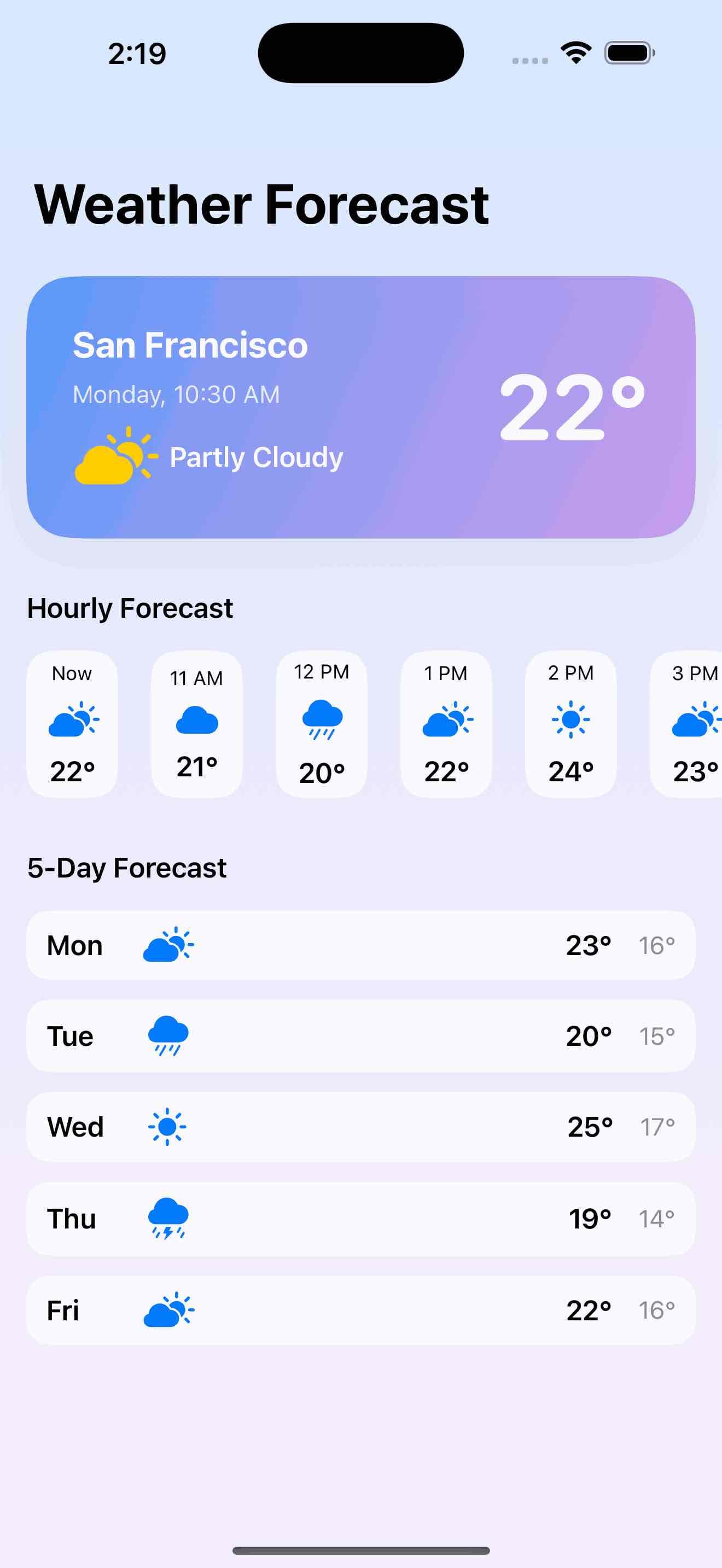
Weather App Forecast
by dockui
A beautiful weather forecast template. It includes a vibrant current weather card, a horizontally scrollable hourly forecast, and a 5-day forecast.
- Platform
- SwiftUI
- Code
- Native Swift
- Format
- Screen
- Access
- Free
Code Snippet
import SwiftUI

struct WeatherForecastTemplate: View {
    var body: some View {
        NavigationView {
            ScrollView {
                VStack(spacing: 32) {
                    // Current Weather Card
                    CurrentWeatherCard()
                        .padding(.horizontal)
                        .padding(.top, 16)

                    // Hourly Forecast
                    VStack(alignment: .leading, spacing: 16) {
                        Text("Hourly Forecast")
                            .font(.headline)
                            .padding(.horizontal)
                        ScrollView(.horizontal, showsIndicators: false) {
                            HStack(spacing: 20) {
                                ForEach(hourlyData) { hour in
                                    HourlyForecastView(hour: hour)
                                }
                            }
                            .padding(.horizontal)
                        }
                    }

                    // 5-Day Forecast
                    VStack(alignment: .leading, spacing: 16) {
                        Text("5-Day Forecast")
                            .font(.headline)
                            .padding(.horizontal)
                        VStack(spacing: 12) {
                            ForEach(dailyData) { day in
                                DailyForecastView(day: day)
                            }
                        }
                        .padding(.horizontal)
                    }
                }
                .padding(.bottom, 32)
            }
            .navigationTitle("Weather Forecast")
            .background(
                LinearGradient(gradient: Gradient(colors: [Color.blue.opacity(0.18), Color.purple.opacity(0.10)]), startPoint: .top, endPoint: .bottom)
                    .ignoresSafeArea()
            )
        }
    }
}

// MARK: - Current Weather Card
struct CurrentWeatherCard: View {
    var body: some View {
        ZStack {
            RoundedRectangle(cornerRadius: 28, style: .continuous)
                .fill(
                    LinearGradient(gradient: Gradient(colors: [Color.blue.opacity(0.7), Color.purple.opacity(0.5)]), startPoint: .topLeading, endPoint: .bottomTrailing)
                )
                .shadow(color: Color.black.opacity(0.08), radius: 12, x: 0, y: 8)
            HStack(spacing: 24) {
                VStack(alignment: .leading, spacing: 8) {
                    Text("San Francisco")
                        .font(.title2)
                        .fontWeight(.bold)
                        .foregroundColor(.white)
                    Text("Monday, 10:30 AM")
                        .font(.subheadline)
                        .foregroundColor(.white.opacity(0.8))
                    HStack(spacing: 8) {
                        Image(systemName: "cloud.sun.fill")
                            .font(.system(size: 36))
                            .foregroundColor(.yellow)
                        Text("Partly Cloudy")
                            .font(.headline)
                            .foregroundColor(.white)
                    }
                }
                Spacer()
                Text("22°")
                    .font(.system(size: 56, weight: .bold, design: .rounded))
                    .foregroundColor(.white)
            }
            .padding(28)
        }
        .frame(height: 160)
    }
}

// MARK: - Hourly Forecast
struct HourlyForecast: Identifiable {
    let id = UUID()
    let hour: String
    let icon: String
    let temp: String
}

let hourlyData: [HourlyForecast] = [
    .init(hour: "Now", icon: "cloud.sun.fill", temp: "22°"),
    .init(hour: "11 AM", icon: "cloud.fill", temp: "21°"),
    .init(hour: "12 PM", icon: "cloud.rain.fill", temp: "20°"),
    .init(hour: "1 PM", icon: "cloud.sun.fill", temp: "22°"),
    .init(hour: "2 PM", icon: "sun.max.fill", temp: "24°"),
    .init(hour: "3 PM", icon: "cloud.sun.fill", temp: "23°"),
    .init(hour: "4 PM", icon: "cloud.bolt.rain.fill", temp: "19°")
]

struct HourlyForecastView: View {
    let hour: HourlyForecast
    var body: some View {
        VStack(spacing: 8) {
            Text(hour.hour)
                .font(.caption)
                .foregroundColor(.primary)
            Image(systemName: hour.icon)
                .font(.title2)
                .foregroundColor(.blue)
            Text(hour.temp)
                .font(.headline)
                .foregroundColor(.primary)
        }
        .frame(width: 56, height: 90)
        .background(
            RoundedRectangle(cornerRadius: 16, style: .continuous)
                .fill(Color(.systemBackground).opacity(0.7))
        )
    }
}

// MARK: - Daily Forecast
struct DailyForecast: Identifiable {
    let id = UUID()
    let day: String
    let icon: String
    let high: String
    let low: String
}

let dailyData: [DailyForecast] = [
    .init(day: "Mon", icon: "cloud.sun.fill", high: "23°", low: "16°"),
    .init(day: "Tue", icon: "cloud.rain.fill", high: "20°", low: "15°"),
    .init(day: "Wed", icon: "sun.max.fill", high: "25°", low: "17°"),
    .init(day: "Thu", icon: "cloud.bolt.rain.fill", high: "19°", low: "14°"),
    .init(day: "Fri", icon: "cloud.sun.fill", high: "22°", low: "16°")
]

struct DailyForecastView: View {
    let day: DailyForecast
    var body: some View {
        HStack(spacing: 16) {
            Text(day.day)
                .font(.headline)
                .frame(width: 40, alignment: .leading)
            Image(systemName: day.icon)
                .font(.title2)
                .foregroundColor(.blue)
                .frame(width: 36)
            Spacer()
            Text(day.high)
                .font(.headline)
                .foregroundColor(.primary)
            Text(day.low)
                .font(.subheadline)
                .foregroundColor(.secondary)
        }
        .padding(.vertical, 8)
        .padding(.horizontal, 12)
        .background(
            RoundedRectangle(cornerRadius: 14, style: .continuous)
                .fill(Color(.systemBackground).opacity(0.7))
        )
    }
}

#Preview {
    WeatherForecastTemplate()
}
More Templates
View All TemplatesSimilar Blogs
View All Articles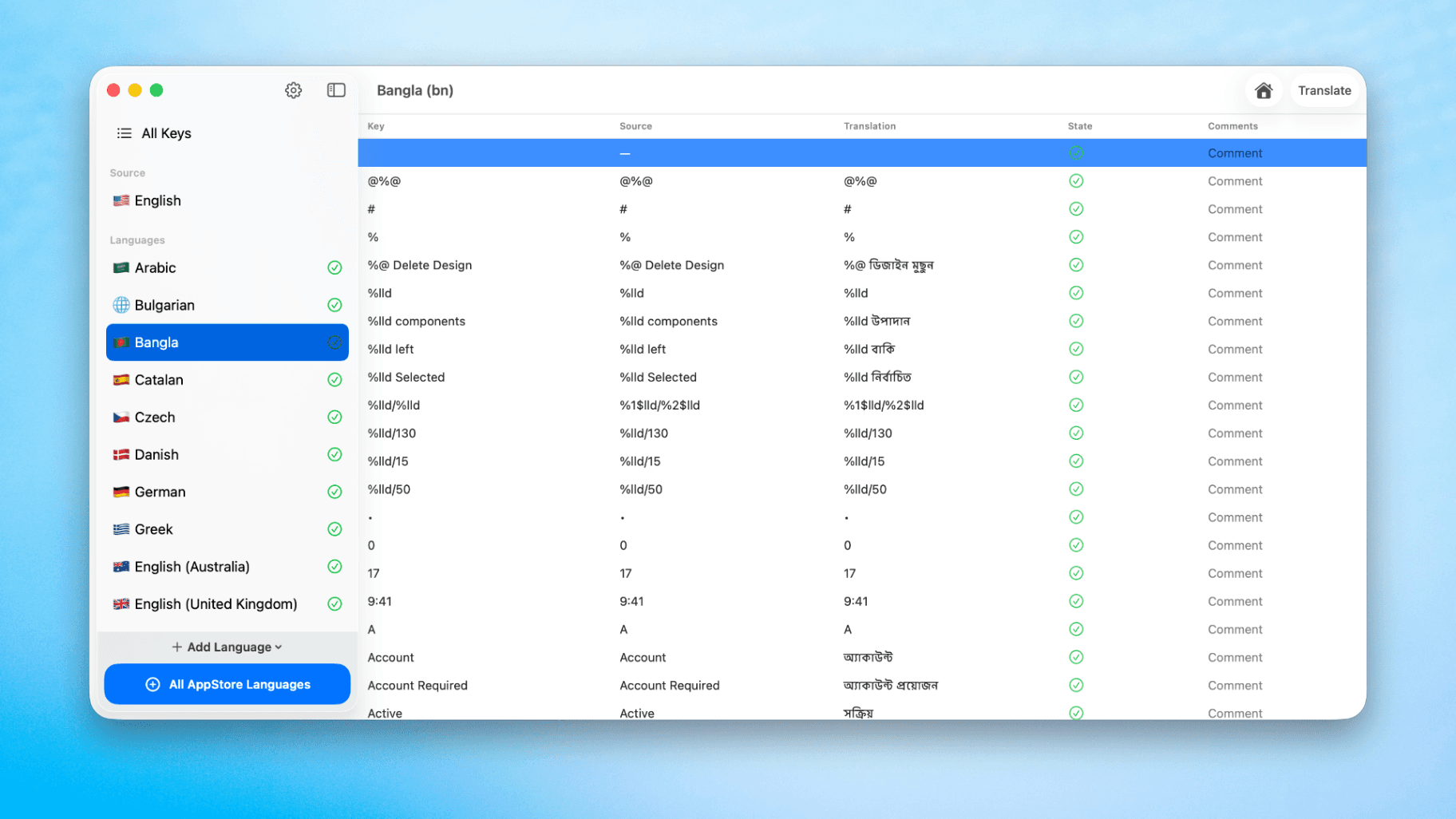
How to Translate Xcode String Catalogs with AI
Learn how to efficiently translate Xcode string catalogs using AI fast, streamlining localization for your iOS and SwiftUI applications.
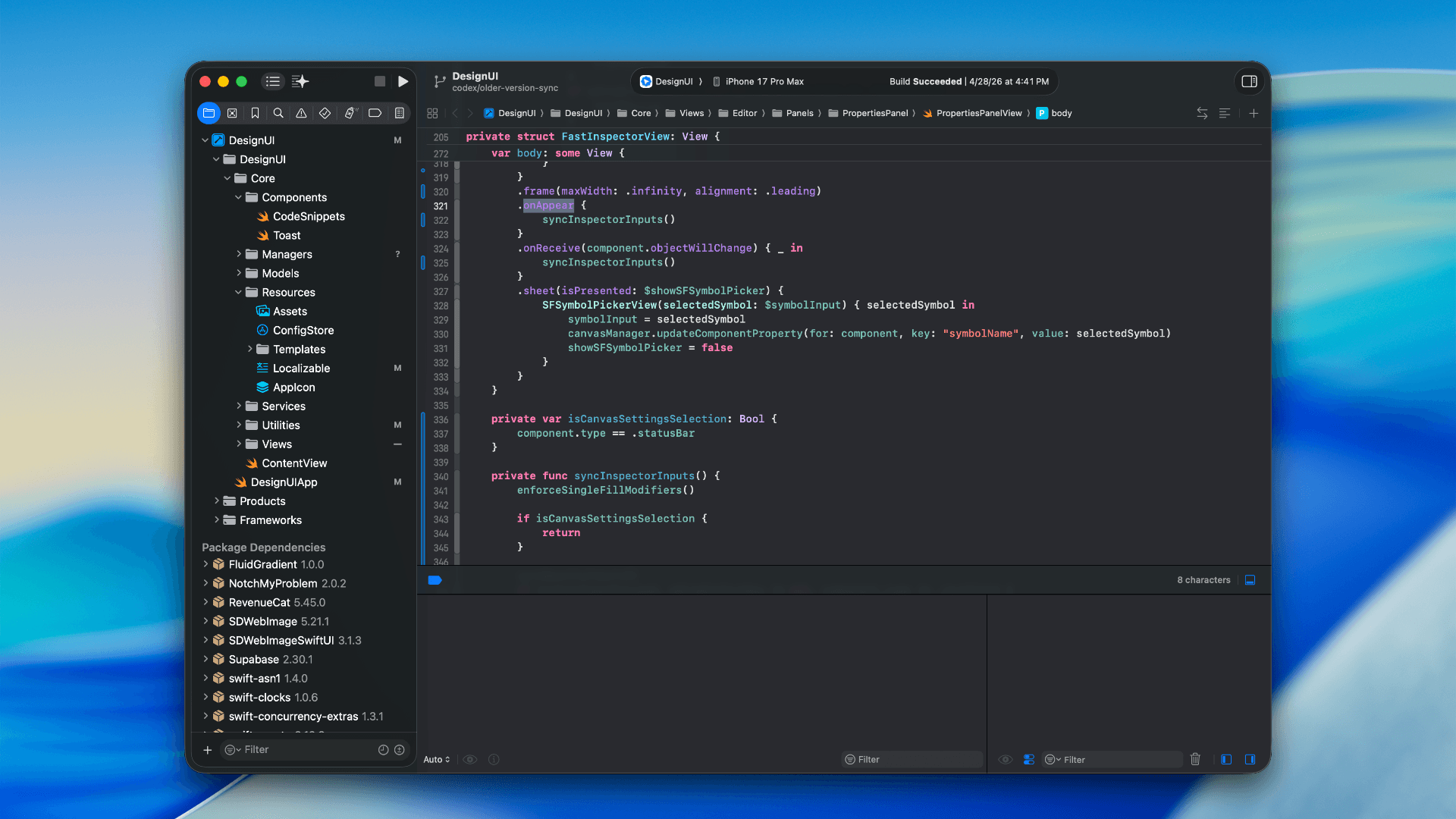
How to optimize your SwiftUI app in 2026
Discover top strategies to optimize your SwiftUI app in 2026, enhancing performance, responsiveness, and maintainability with modern concurrency.

SwiftUI: iOS Confirmation Alert (Confirm + Cancel)
SwiftUI iOS confirmation alert with Confirm and Cancel buttons. Beginners guide to building safe actions, destructive deletes, and commit dialogs.
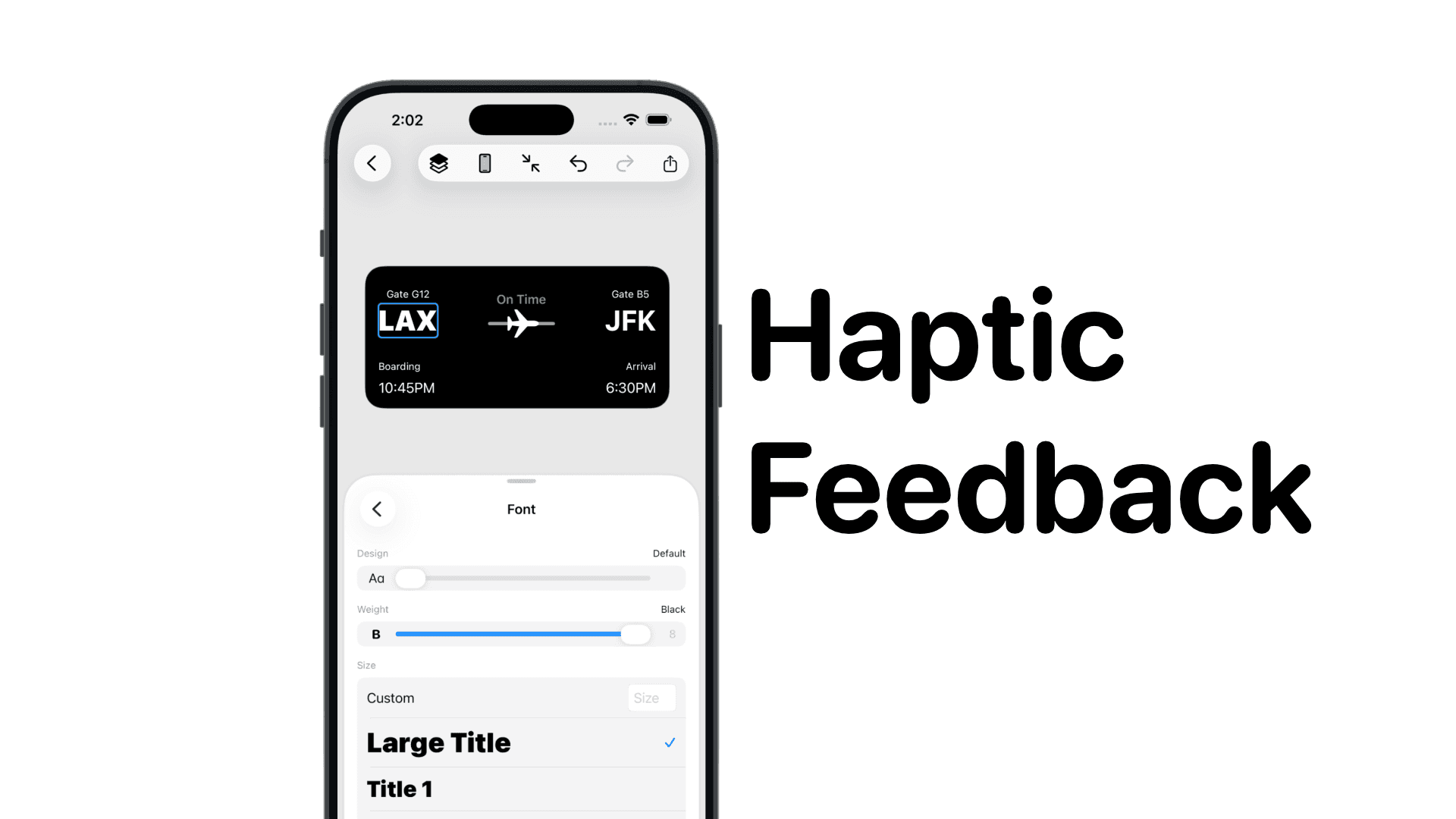
SwiftUI: IOS Haptic Feedback Guide 2026
Add click to vibrate haptic feedback in SwiftUI. Full guide to UIImpactFeedbackgenerator, success, error, selection, and tap vibration patterns with code.
Code copied to clipboard!